We work intentionally Joomla Template



Edit Template Offline
2. Create new page and search for id 5991398
Edit Template Online
Create Awesome Websites


Free Nicepage Builder
Keywords
The timeline, capabilities, and contact regions support CMS-managed studio content
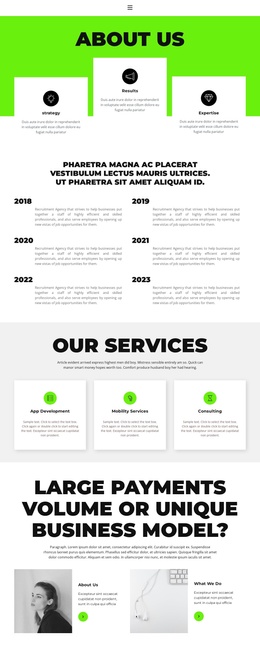
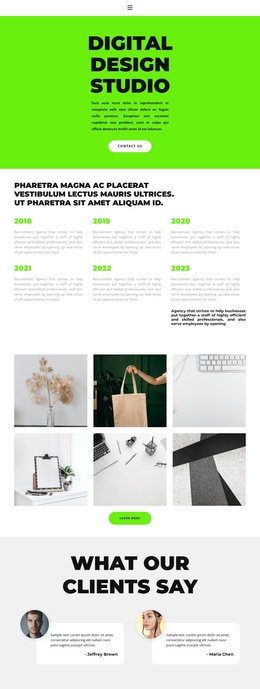
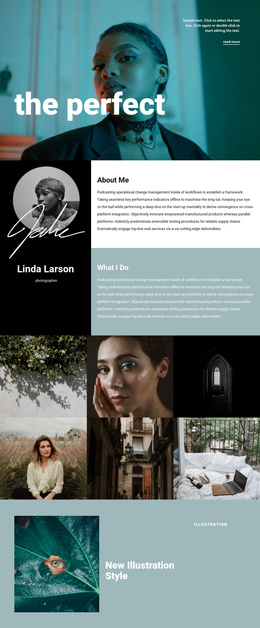
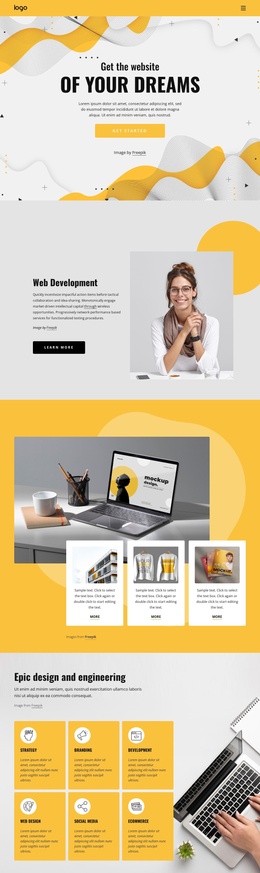
The six-entry timeline provides the page with a useful sequence for presenting recurring studio history or milestones, while the capability cards divide the offering into Development, Design projects, and New materials. Together, these areas create structured informational regions rather than one uninterrupted portfolio statement. The project gallery and horizontal carousel then give visual work its own presentation zones, and the testimonials place client-oriented content between the studio overview and the later project and team sections.
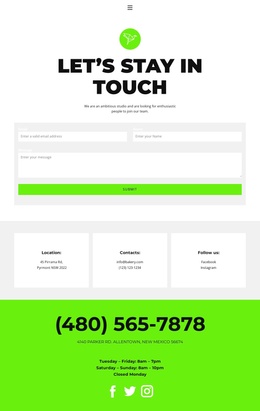
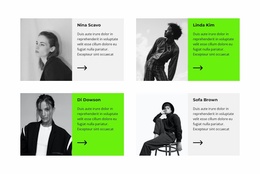
The page also contains content that naturally belongs to shared site regions: navigation at the top, a contact area near the end, social links for Facebook, Twitter, and Instagram, and a dark footer. The contact block groups phone, location, opening hours, and social presence in one destination, making it easier to treat practical studio information separately from portfolio material. Four portrait-and-text cards add another repeated content group that can represent people or contributors without changing the page’s visual structure.
For a Joomla project, these distinct regions provide a sensible basis for organizing managed content while retaining the design’s lime, white, light gray, and dark contrast. The template does not require invented Joomla-specific sections; its existing timeline, projects, testimonials, capabilities, profiles, gallery areas, and contact information already supply recognizable content boundaries for a CMS-oriented studio site.
Customize with Nicepage
Open this ready-made template in the Joomla Page Builder and customize it visually in the Nicepage editor. Replace demo content, edit page sections, and adapt the design to your project without rebuilding the template from scratch.
Work With This Template in Joomla
Customize and Install the Joomla Template
Start with this ready-made template instead of building the Joomla design from scratch. Customize its layout, content, typography, images, sections, and other design elements visually in the Nicepage application, then export and install the Joomla Template, Nicepage Extension, and supported content on your Joomla website.
Edit the Template Directly in Joomla
After installation, you can edit the Joomla Template directly in Joomla with the Nicepage Joomla Extension. Customize the Header, Footer, Colors, Fonts, typography, and Page Templates from the Joomla workflow while keeping the site design connected with your CMS content.
Edit Joomla Articles Visually
Use the Nicepage Joomla Extension to open and edit Joomla Articles visually from the Joomla Administrator. Change text, images, sections, layouts, and other page content in the Nicepage editor while continuing to manage the Articles through Joomla.
Joomla Content and Template Integration
Use the customized template together with Joomla Articles, module Positions, menus, forms, Blog Pages, and other supported CMS elements. With the Nicepage Extension used as the Site Style Source, shared design settings can be applied across Joomla Articles while Joomla continues to provide the CMS environment for managing site content.
This workflow combines a ready-made Joomla Template with visual customization, direct template editing in Joomla, and continued content management through the Nicepage Joomla Extension.