About Joomla Template


Edit Template Offline
2. Create new page and search for id 1665387
Edit Template Online
Create Awesome Websites


Free Nicepage Builder
Keywords
A Dated Story With Services, Tabs, and Shared Site Regions
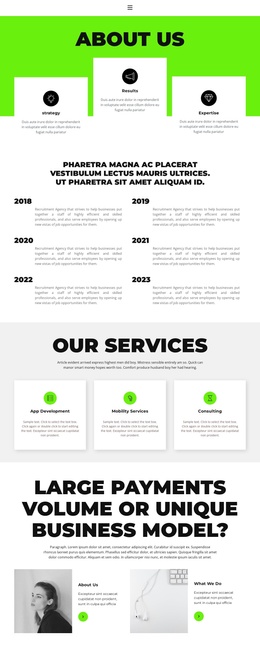
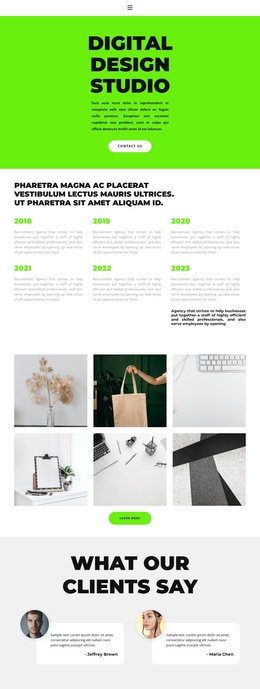
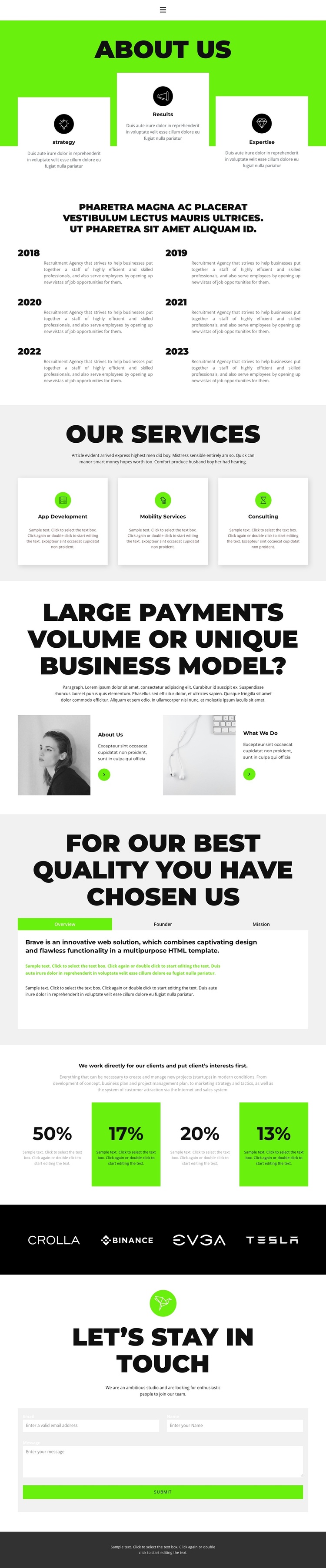
The six dated entries from 2018 through 2023 give this design a structured information sequence that can suit CMS-managed organizational content. They follow the opening Strategy, Results, and Expertise cards, creating a clear movement from capability highlights to background information. The repeated card pattern makes each dated item a separate content area while keeping the history visually connected. Navigation and the dark footer also frame the page as part of a larger site rather than an isolated information block.
The three service cards divide the organization’s offering into App Development, Mobility Services, and Consulting. That separation is useful when recurring service information needs to remain easy to identify and update within a Joomla site. The alternating image and text panels add broader About Us and What We Do regions, while the Overview, Founder, and Mission tabs group related organizational details into one compact area. These sections create several distinct content roles without changing the shared visual direction.
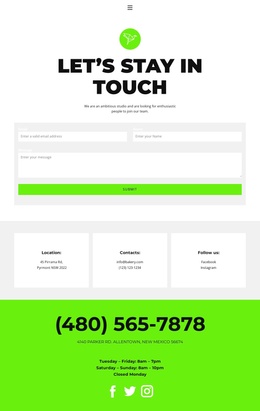
The four partner logos in the dark horizontal strip provide a reusable brand or client-reference region before the final contact area. The contact form contains name, email, and message inputs, so inquiries have a clearly defined destination after visitors review the organization’s capabilities and history. In a Joomla implementation, these service, history, information, partner, and contact regions can be treated as coordinated CMS content areas rather than unrelated page fragments.
Customize with Nicepage
Open this ready-made template in the Joomla Page Builder and customize it visually in the Nicepage editor. Replace demo content, edit page sections, and adapt the design to your project without rebuilding the template from scratch.
Work With This Template in Joomla
Customize and Install the Joomla Template
Start with this ready-made template instead of building the Joomla design from scratch. Customize its layout, content, typography, images, sections, and other design elements visually in the Nicepage application, then export and install the Joomla Template, Nicepage Extension, and supported content on your Joomla website.
Edit the Template Directly in Joomla
After installation, you can edit the Joomla Template directly in Joomla with the Nicepage Joomla Extension. Customize the Header, Footer, Colors, Fonts, typography, and Page Templates from the Joomla workflow while keeping the site design connected with your CMS content.
Edit Joomla Articles Visually
Use the Nicepage Joomla Extension to open and edit Joomla Articles visually from the Joomla Administrator. Change text, images, sections, layouts, and other page content in the Nicepage editor while continuing to manage the Articles through Joomla.
Joomla Content and Template Integration
Use the customized template together with Joomla Articles, module Positions, menus, forms, Blog Pages, and other supported CMS elements. With the Nicepage Extension used as the Site Style Source, shared design settings can be applied across Joomla Articles while Joomla continues to provide the CMS environment for managing site content.
This workflow combines a ready-made Joomla Template with visual customization, direct template editing in Joomla, and continued content management through the Nicepage Joomla Extension.