Photography travel tours Joomla Template


Paired Destination Images Create a Clear Content Region
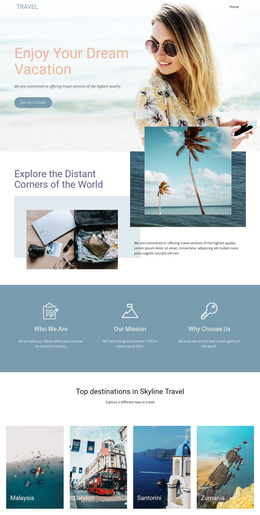
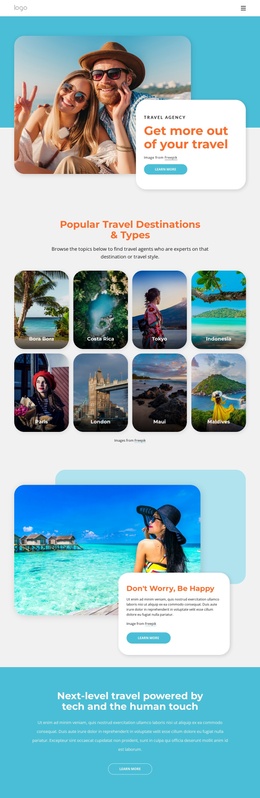
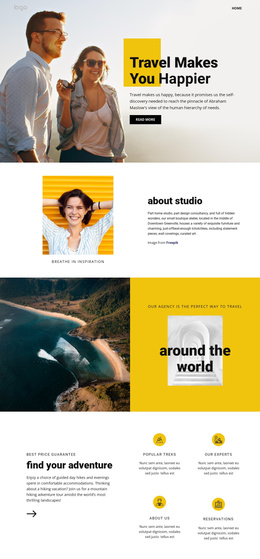
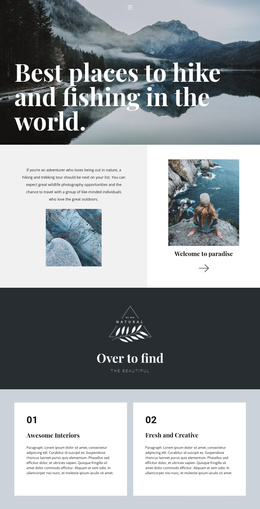
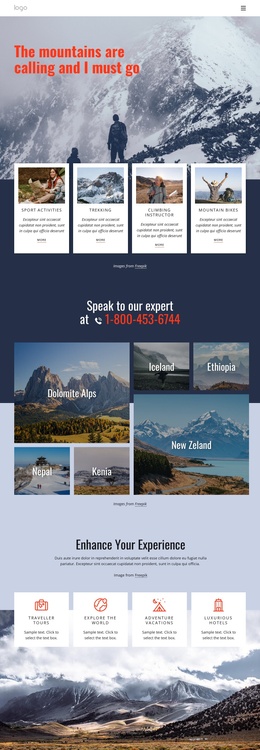
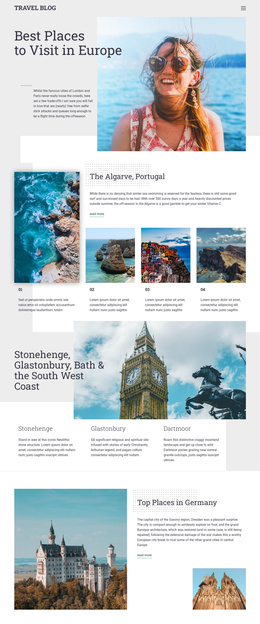
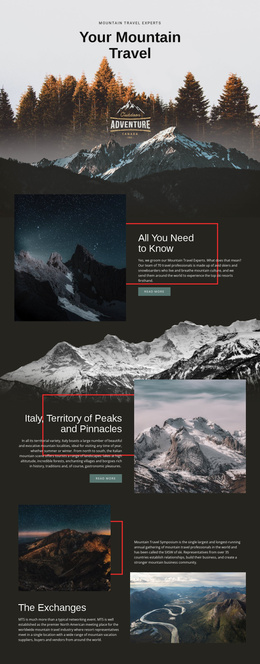
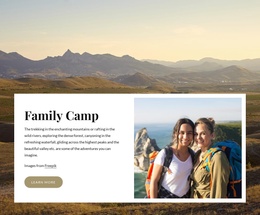
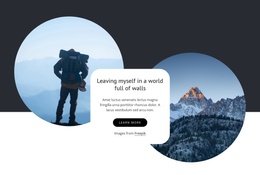
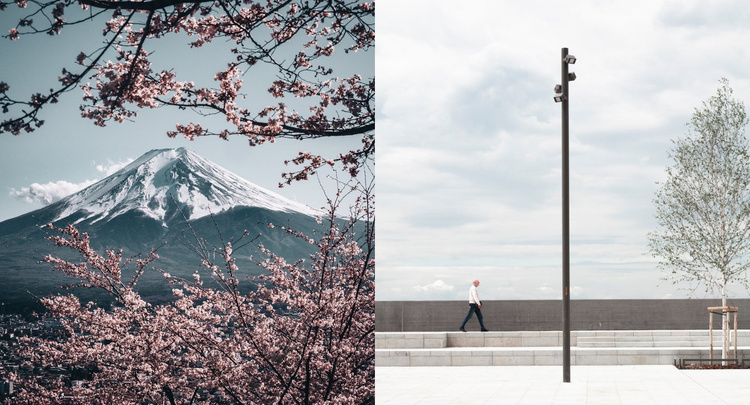
The block is organized as two stable visual content units: a mountain landscape on the left and a waterfront promenade on the right. Both panels have equal width and full-height image treatment, while the central vertical division keeps the relationship between them precise. The mountain image uses snow-capped peaks and flowering branches; the promenade image adds a pedestrian, trees, and a tall pole. Together, these details establish a destination-focused gallery through imagery alone.
Within a Joomla-managed page, this arrangement can function as a reusable visual content region accompanying structured travel information elsewhere in the site. The section does not depend on a heading, paragraph, button, or visible text, so editorial copy can remain in neighboring content areas while this block supplies visual destination context. That separation is useful when a page needs imagery to support, rather than duplicate, its written information.
The muted blue, gray, green, and pink tones give the two images a related visual range even though their scenes differ. The static interaction keeps the region straightforward: visitors see both destination views at once instead of moving through a carousel or expanding a hidden panel. As a Joomla-oriented section, its value lies in preserving this recognizable two-image content area within a broader CMS-managed page while other regions handle navigation and detailed travel copy.
Customize with Nicepage
Open this ready-made template in the Joomla Page Builder and customize it visually in the Nicepage editor. Replace demo content, edit page sections, and adapt the design to your project without rebuilding the template from scratch.
Edit Template Offline
2. Create a new page or select existing
3. Click Add new block, search for id 56543 and click enter
Edit Template Online
Create Awesome Websites


Free Nicepage Builder
Keywords
Work With This Template in Joomla
Customize and Install the Joomla Template
Start with this ready-made template instead of building the Joomla design from scratch. Customize its layout, content, typography, images, sections, and other design elements visually in the Nicepage application, then export and install the Joomla Template, Nicepage Extension, and supported content on your Joomla website.
Edit the Template Directly in Joomla
After installation, you can edit the Joomla Template directly in Joomla with the Nicepage Joomla Extension. Customize the Header, Footer, Colors, Fonts, typography, and Page Templates from the Joomla workflow while keeping the site design connected with your CMS content.
Edit Joomla Articles Visually
Use the Nicepage Joomla Extension to open and edit Joomla Articles visually from the Joomla Administrator. Change text, images, sections, layouts, and other page content in the Nicepage editor while continuing to manage the Articles through Joomla.
Joomla Content and Template Integration
Use the customized template together with Joomla Articles, module Positions, menus, forms, Blog Pages, and other supported CMS elements. With the Nicepage Extension used as the Site Style Source, shared design settings can be applied across Joomla Articles while Joomla continues to provide the CMS environment for managing site content.
This workflow combines a ready-made Joomla Template with visual customization, direct template editing in Joomla, and continued content management through the Nicepage Joomla Extension.