Nutrition consultations Joomla Template


Edit Template Offline
2. Create new page and search for id 6435258
Edit Template Online
Create Awesome Websites


Free Nicepage Builder
Keywords
Consultation Questions and Service Links Create Structured CMS Regions
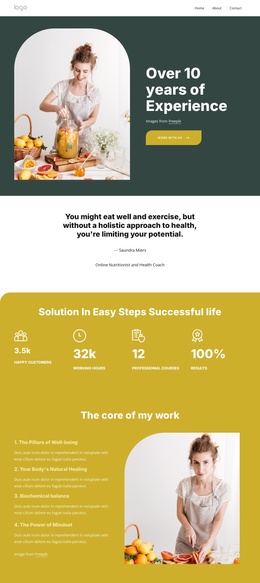
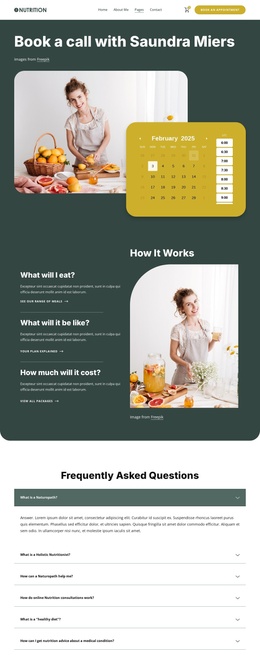
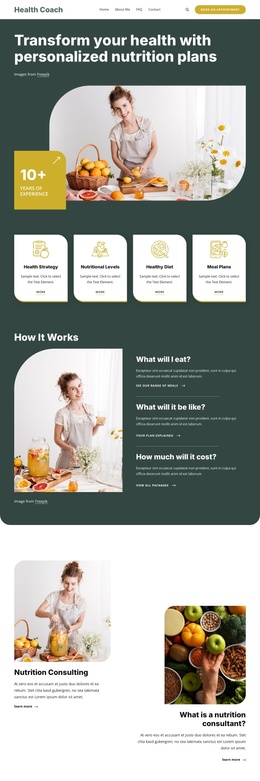
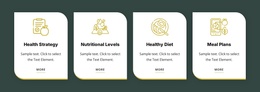
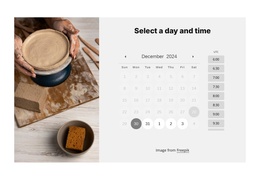
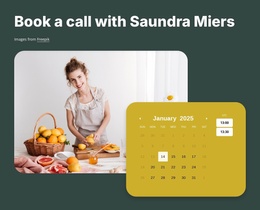
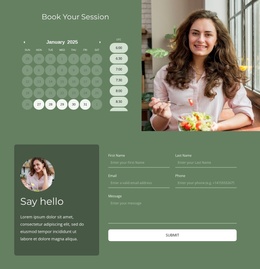
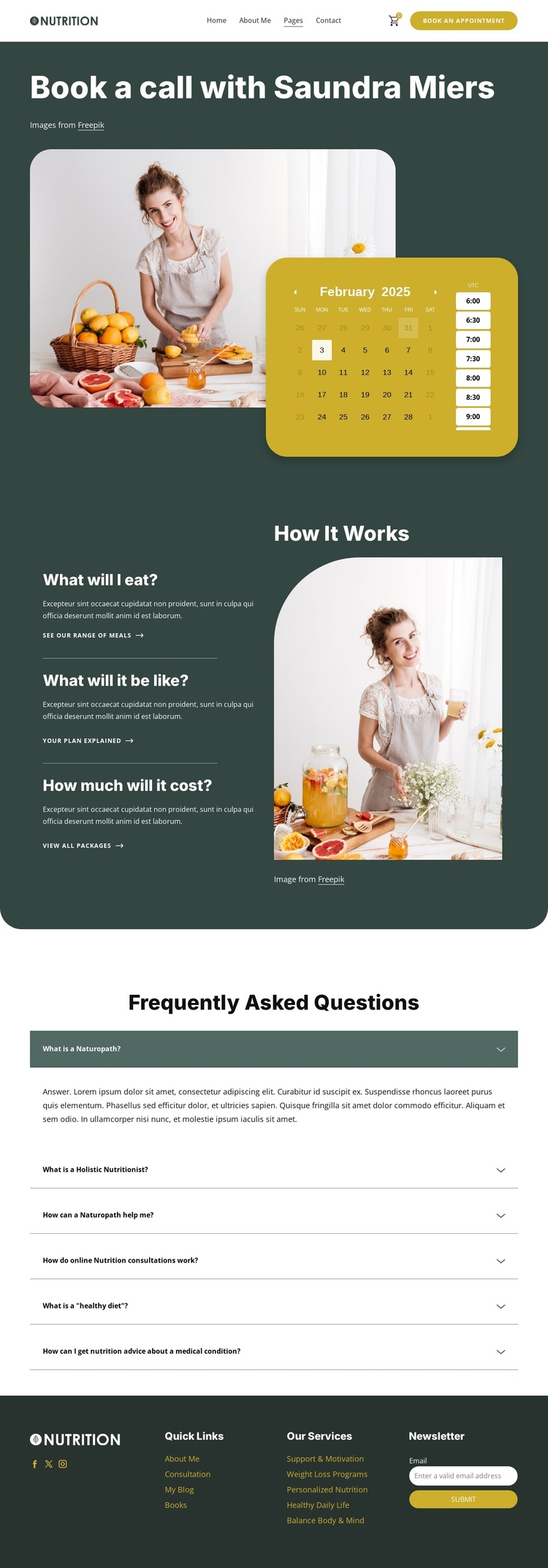
The page’s content areas map naturally to a structured Joomla-oriented site without requiring the design to be treated as a generic CMS shell. The opening block joins the appointment purpose with a date-and-time calendar, creating a clearly defined booking region. The following “How It Works” section adds three focused information items about meals, the consultation experience, and cost. Together, these areas separate the immediate appointment action from the explanatory content that supports it.
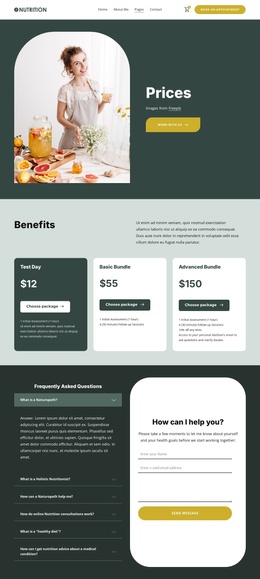
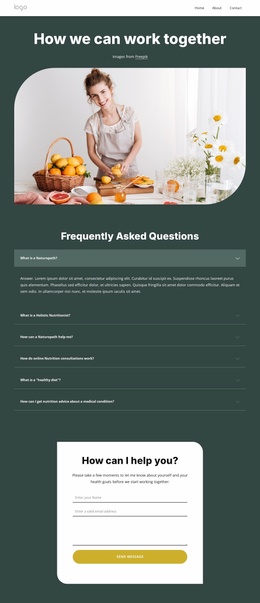
The six-item FAQ accordion provides another distinct region for organized nutrition information. Its questions address naturopathy, holistic nutrition, consultations, healthy diets, and advice connected with medical conditions. Because the items repeat a clear question pattern, they can be understood as a coherent informational group rather than unrelated text. The page therefore has visible divisions for booking, service explanation, and frequently requested answers.
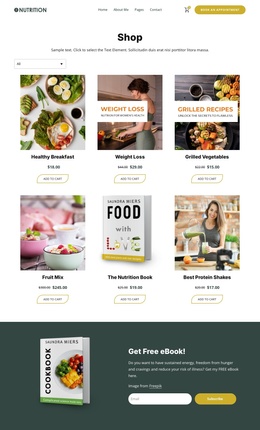
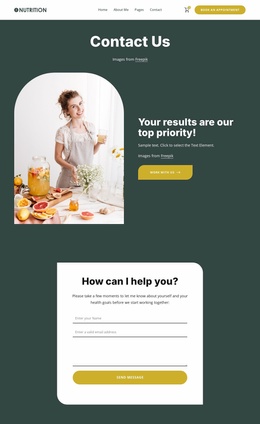
The footer extends that structure through Quick Links, Our Services, social destinations, and a newsletter subscription form. These shared site regions give navigation and recurring communication a separate place from the consultation content. In a Joomla project, the design can consequently support CMS-managed organization around menus, service information, FAQ content, and contact-oriented areas while preserving the dark green and cream visual direction. The important point is the relationship between the template’s real content regions and the CMS environment, not an assumption that Joomla Articles or module positions already exist in the template.
Customize with Nicepage
Open this ready-made template in the Joomla Page Builder and customize it visually in the Nicepage editor. Replace demo content, edit page sections, and adapt the design to your project without rebuilding the template from scratch.
Work With This Template in Joomla
Customize and Install the Joomla Template
Start with this ready-made template instead of building the Joomla design from scratch. Customize its layout, content, typography, images, sections, and other design elements visually in the Nicepage application, then export and install the Joomla Template, Nicepage Extension, and supported content on your Joomla website.
Edit the Template Directly in Joomla
After installation, you can edit the Joomla Template directly in Joomla with the Nicepage Joomla Extension. Customize the Header, Footer, Colors, Fonts, typography, and Page Templates from the Joomla workflow while keeping the site design connected with your CMS content.
Edit Joomla Articles Visually
Use the Nicepage Joomla Extension to open and edit Joomla Articles visually from the Joomla Administrator. Change text, images, sections, layouts, and other page content in the Nicepage editor while continuing to manage the Articles through Joomla.
Joomla Content and Template Integration
Use the customized template together with Joomla Articles, module Positions, menus, forms, Blog Pages, and other supported CMS elements. With the Nicepage Extension used as the Site Style Source, shared design settings can be applied across Joomla Articles while Joomla continues to provide the CMS environment for managing site content.
This workflow combines a ready-made Joomla Template with visual customization, direct template editing in Joomla, and continued content management through the Nicepage Joomla Extension.