Get dreadlocks done near you Joomla Template



Edit Template Offline
2. Create new page and search for id 5146086
Edit Template Online
Create Awesome Websites


Free Nicepage Builder
Keywords
Service groups and salon regions suit structured CMS content
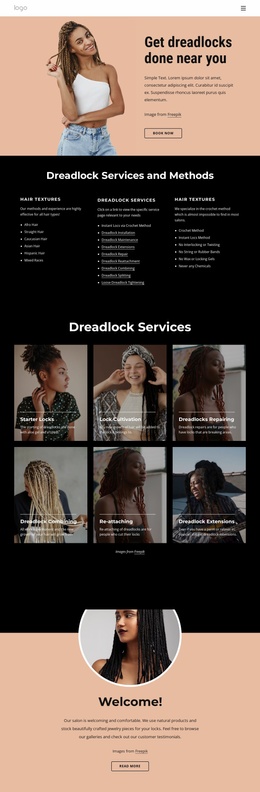
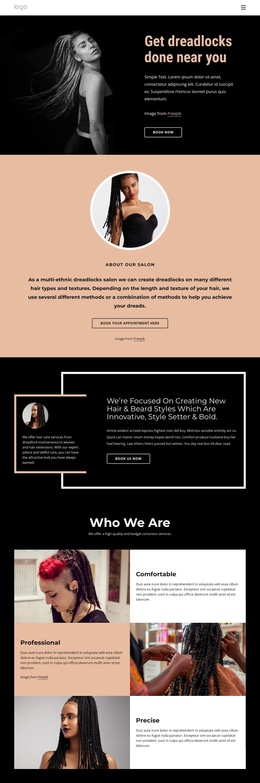
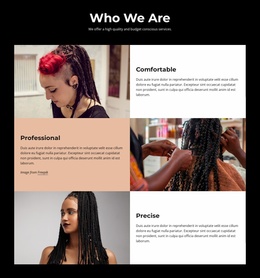
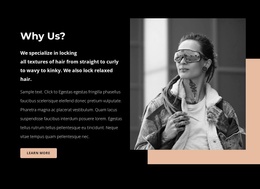
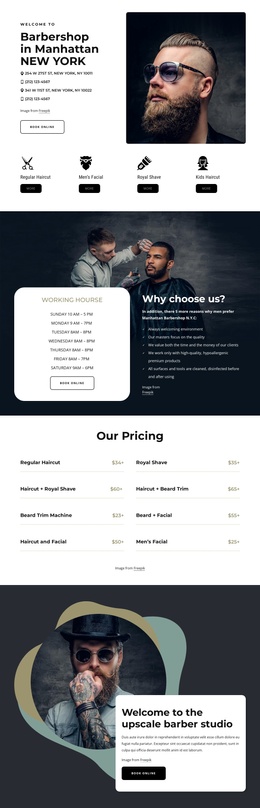
The page divides the salon presentation into recognizable content areas: an introductory hero, an About section, a positioning statement, quality features, Hair Services, a guarantee message, Our Masters, and Contact Us. That division is useful for a Joomla-oriented project because recurring informational regions can remain visually coordinated while their text, images, service details, and contact content are managed as separate site content.
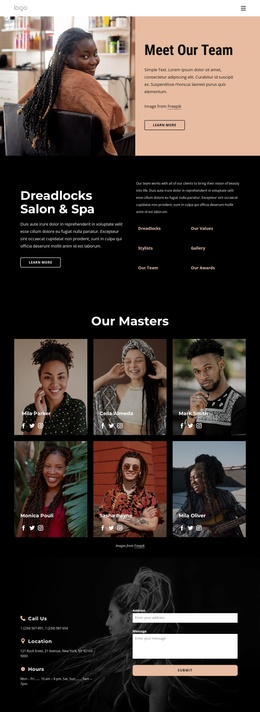
The eight service cards are particularly suitable for structured maintenance. They share a common pattern of title, image, duration, price, and description, covering color, washing and retwisting, treatments, braids, loc repair, and extensions. This repeated arrangement gives the service catalog a stable visual role without requiring unsupported assumptions about specific Joomla Articles, categories, or module positions. The three team profiles create a separate people-focused region, with Robin Atkins identified as Owner and DaNa Villegas and Mary Lane as Barbers.
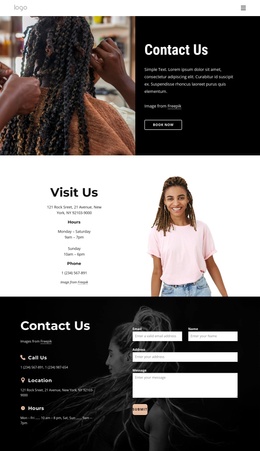
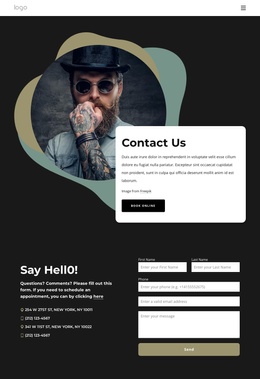
Navigation, mobile navigation, social links, and the final contact region provide shared site areas around that content. The contact section combines call details, New York, NY contact information, hours, and an inquiry form, making it a natural destination for appointment-related communication. In a Joomla implementation, the important advantage is the clear relationship between reusable site regions and organized salon information, not a claim that CMS objects already exist in the source design.
Customize with Nicepage
Open this ready-made template in the Joomla Page Builder and customize it visually in the Nicepage editor. Replace demo content, edit page sections, and adapt the design to your project without rebuilding the template from scratch.
Work With This Template in Joomla
Customize and Install the Joomla Template
Start with this ready-made template instead of building the Joomla design from scratch. Customize its layout, content, typography, images, sections, and other design elements visually in the Nicepage application, then export and install the Joomla Template, Nicepage Extension, and supported content on your Joomla website.
Edit the Template Directly in Joomla
After installation, you can edit the Joomla Template directly in Joomla with the Nicepage Joomla Extension. Customize the Header, Footer, Colors, Fonts, typography, and Page Templates from the Joomla workflow while keeping the site design connected with your CMS content.
Edit Joomla Articles Visually
Use the Nicepage Joomla Extension to open and edit Joomla Articles visually from the Joomla Administrator. Change text, images, sections, layouts, and other page content in the Nicepage editor while continuing to manage the Articles through Joomla.
Joomla Content and Template Integration
Use the customized template together with Joomla Articles, module Positions, menus, forms, Blog Pages, and other supported CMS elements. With the Nicepage Extension used as the Site Style Source, shared design settings can be applied across Joomla Articles while Joomla continues to provide the CMS environment for managing site content.
This workflow combines a ready-made Joomla Template with visual customization, direct template editing in Joomla, and continued content management through the Nicepage Joomla Extension.