Find your forever stylist Joomla Template


Edit Template Offline
2. Create new page and search for id 6159834
Edit Template Online
Create Awesome Websites


Free Nicepage Builder
Keywords
Navigation, Styling Content, and Contact Regions for Joomla
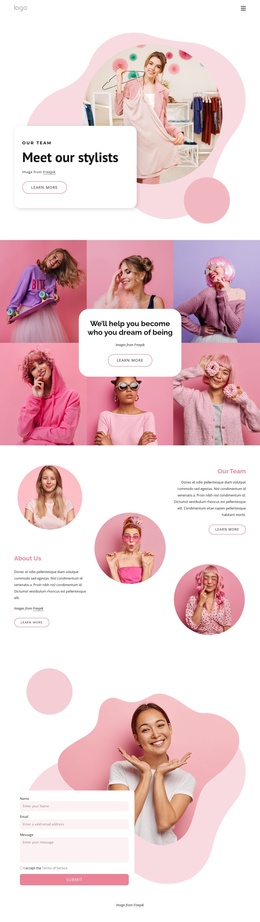
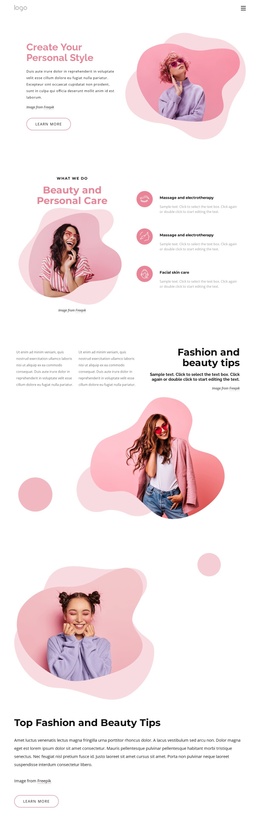
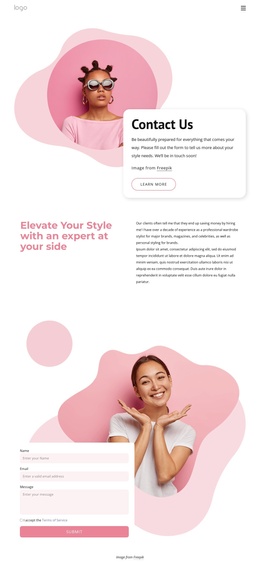
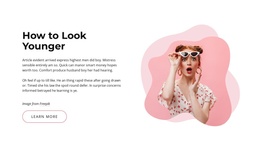
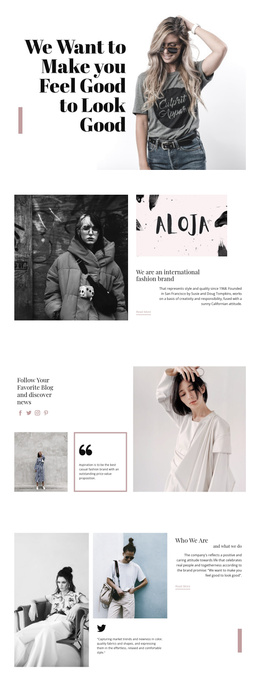
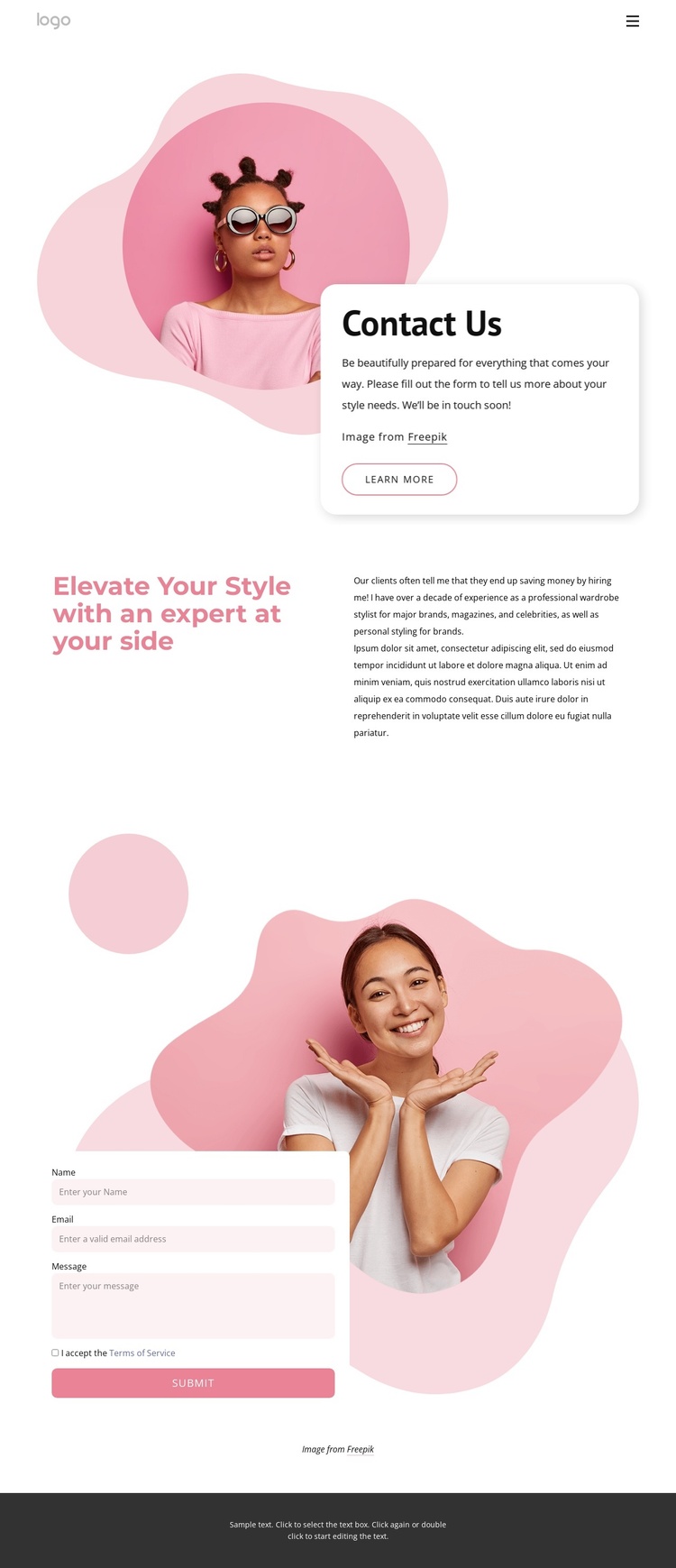
The page divides its information into several structured regions that can map naturally to a CMS-managed Joomla site. The compact header establishes navigation through Home Page, About, and Contacts, while the Contact Us area introduces the subject through text, a Learn more link, and a circular fashion portrait. These elements form a recognizable entry region before visitors reach the more detailed styling statement.
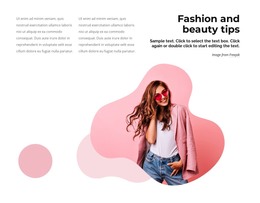
The split section headed “Elevate Your Style with an expert at your side” gives personal and wardrobe styling their own informational space. Its large left-hand statement and supporting copy on the right create a useful separation between positioning and explanation. In a Joomla project, that distinction can help keep recurring service information organized while the overall presentation remains visually coordinated. The page does not need to be treated as an undifferentiated text area.
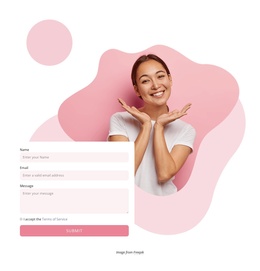
The lower contact region supplies a separate response area, with the form placed over a large fashion portrait and supported by layered organic shapes. Its Terms of Service agreement and Submit control identify the area as an inquiry destination, while the dark footer closes the page with a shared site region. Together, the navigation, service-oriented content, imagery, form, and footer provide clear content regions for a Joomla implementation without claiming that specific CMS articles or modules already exist.
Customize with Nicepage
Open this ready-made template in the Joomla Page Builder and customize it visually in the Nicepage editor. Replace demo content, edit page sections, and adapt the design to your project without rebuilding the template from scratch.
Work With This Template in Joomla
Customize and Install the Joomla Template
Start with this ready-made template instead of building the Joomla design from scratch. Customize its layout, content, typography, images, sections, and other design elements visually in the Nicepage application, then export and install the Joomla Template, Nicepage Extension, and supported content on your Joomla website.
Edit the Template Directly in Joomla
After installation, you can edit the Joomla Template directly in Joomla with the Nicepage Joomla Extension. Customize the Header, Footer, Colors, Fonts, typography, and Page Templates from the Joomla workflow while keeping the site design connected with your CMS content.
Edit Joomla Articles Visually
Use the Nicepage Joomla Extension to open and edit Joomla Articles visually from the Joomla Administrator. Change text, images, sections, layouts, and other page content in the Nicepage editor while continuing to manage the Articles through Joomla.
Joomla Content and Template Integration
Use the customized template together with Joomla Articles, module Positions, menus, forms, Blog Pages, and other supported CMS elements. With the Nicepage Extension used as the Site Style Source, shared design settings can be applied across Joomla Articles while Joomla continues to provide the CMS environment for managing site content.
This workflow combines a ready-made Joomla Template with visual customization, direct template editing in Joomla, and continued content management through the Nicepage Joomla Extension.