New wellness experiences Joomla Template



Edit Template Offline
2. Create new page and search for id 6222525
Edit Template Online
Create Awesome Websites


Free Nicepage Builder
Keywords
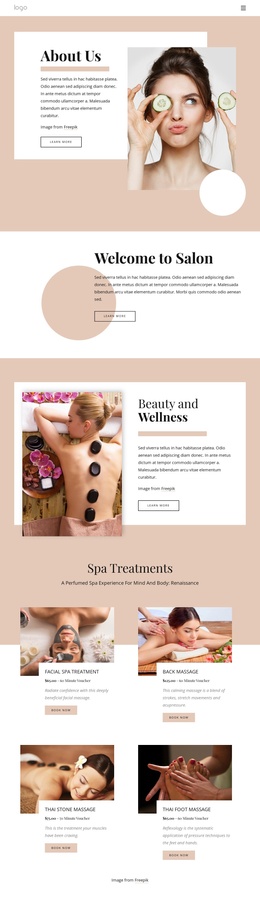
Service Regions and Contact Content Shape a Joomla Salon Layout
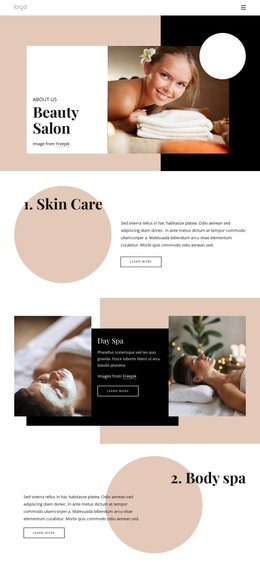
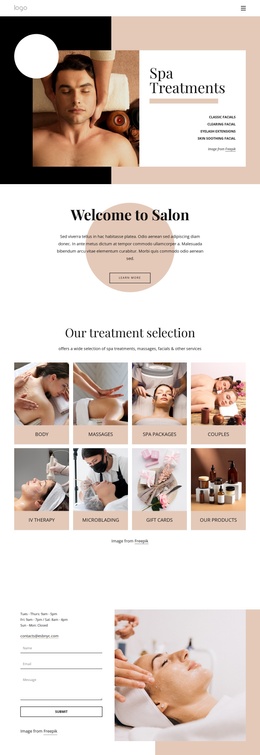
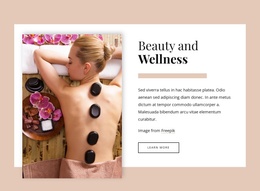
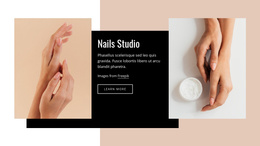
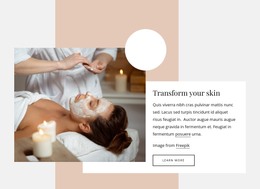
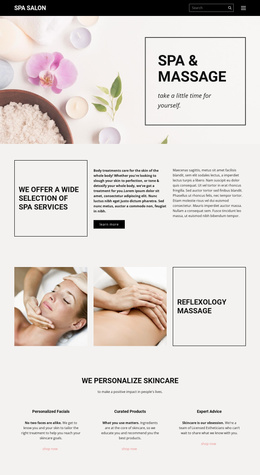
The service areas divide the design into recognizable content regions that can support a structured salon website. Skin Care, Day Spa, and Body spa are presented as separate feature sections rather than blended into one long description, while Body Treatment and the paired treatment photographs add a distinct visual showcase. The Organic & Natural Skin Care section contributes another focused information area, combining two photographs with descriptive copy and a service link.
Navigation is established before these regions through the compact header, which includes the brand mark and links for Home Page, About Us, and Services. That arrangement gives the site a straightforward route between core informational areas. Shared visual treatment can connect the sections, but each service group remains sufficiently distinct for its own content and imagery. The design therefore provides useful boundaries for a CMS-managed salon presentation without requiring claims about specific articles, categories, or modules already existing in the template.
The final contact region has a particularly practical role. Opening Hours, the Tuesday-through-Saturday schedule, the displayed email address, and a contact form appear beside a large treatment photograph. In a Joomla project, this combination can serve as a structured contact area where service information and visitor inquiries meet. The dark footer then closes the page as a shared terminal region, keeping the overall content path coherent from salon introduction through services and contact.
Customize with Nicepage
Open this ready-made template in the Joomla Page Builder and customize it visually in the Nicepage editor. Replace demo content, edit page sections, and adapt the design to your project without rebuilding the template from scratch.
Work With This Template in Joomla
Customize and Install the Joomla Template
Start with this ready-made template instead of building the Joomla design from scratch. Customize its layout, content, typography, images, sections, and other design elements visually in the Nicepage application, then export and install the Joomla Template, Nicepage Extension, and supported content on your Joomla website.
Edit the Template Directly in Joomla
After installation, you can edit the Joomla Template directly in Joomla with the Nicepage Joomla Extension. Customize the Header, Footer, Colors, Fonts, typography, and Page Templates from the Joomla workflow while keeping the site design connected with your CMS content.
Edit Joomla Articles Visually
Use the Nicepage Joomla Extension to open and edit Joomla Articles visually from the Joomla Administrator. Change text, images, sections, layouts, and other page content in the Nicepage editor while continuing to manage the Articles through Joomla.
Joomla Content and Template Integration
Use the customized template together with Joomla Articles, module Positions, menus, forms, Blog Pages, and other supported CMS elements. With the Nicepage Extension used as the Site Style Source, shared design settings can be applied across Joomla Articles while Joomla continues to provide the CMS environment for managing site content.
This workflow combines a ready-made Joomla Template with visual customization, direct template editing in Joomla, and continued content management through the Nicepage Joomla Extension.