Mussimo Dutti Joomla Template



Edit Template Offline
2. Create new page and search for id 17258
Edit Template Online
Create Awesome Websites


Free Nicepage Builder
Keywords
Handbags, shoes and shop content form clear Joomla site regions
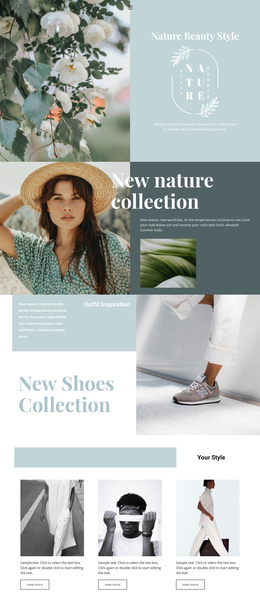
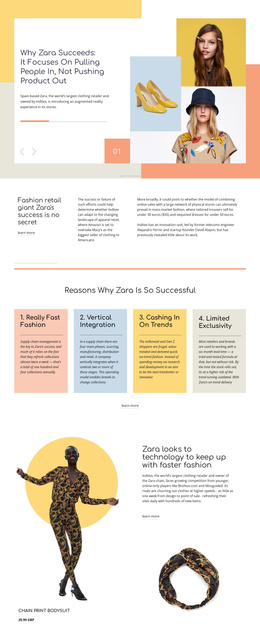
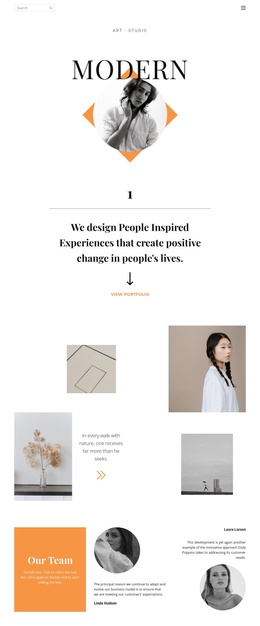
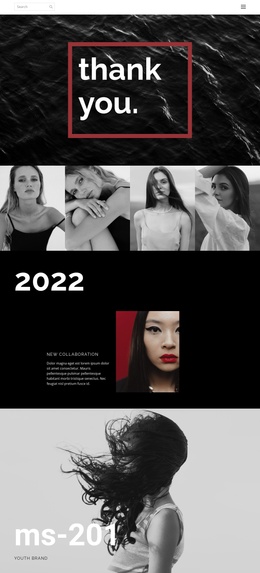
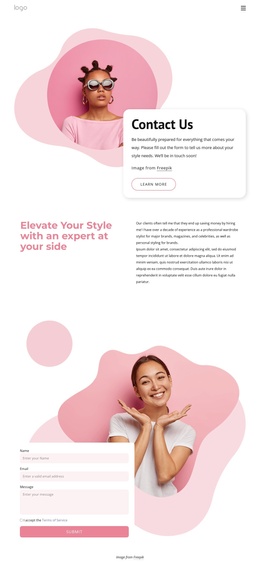
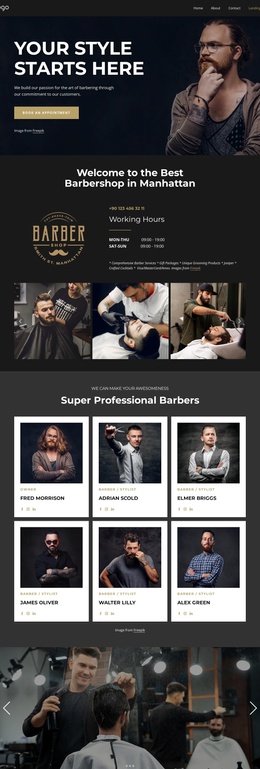
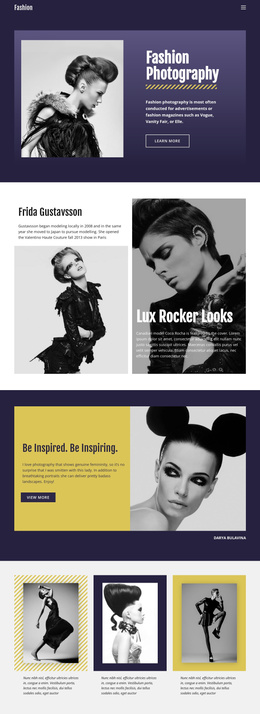
The paired handbags-and-shoes section gives the design a useful division between related product categories without breaking its editorial character. The costumes gallery adds a separate visual collection with three fashion photographs, while the men, boys and girls gallery broadens the page beyond a single audience. Together, these areas create structured content regions that can be interpreted as collection, category, and audience-focused sections within a Joomla-managed fashion site.
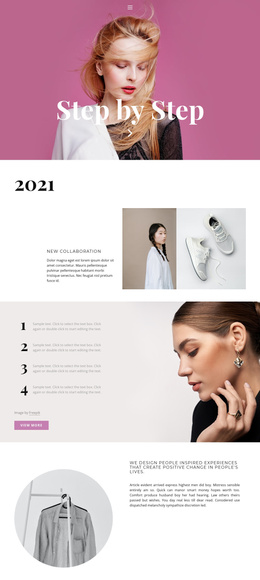
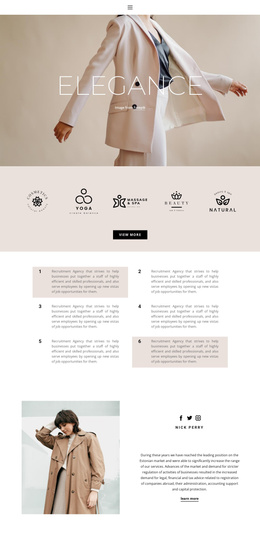
The seasonal label “autumn-winter, 2019” supplies a clear editorial frame, but it should be treated as sample campaign content rather than a current retail fact. The opening “new collection” section and the winter feature can therefore carry changeable seasonal information, while the muted neutral palette, blush accents, monochrome imagery, and serif display typography keep those updates visually connected. The “View more” link provides an additional route from editorial presentation to deeper collection content, although the analysis does not verify a specific destination.
The closing “our shop” block adds a location-oriented content region through its storefront photograph and “in your city” wording. In a Joomla project, that separation can support organized management of collection information, category features, and shop-related content while preserving the page’s magazine-style sequence. The design offers a coherent visual structure for structured retail content without claiming that Joomla articles or modules already exist in the template.
Customize with Nicepage
Open this ready-made template in the Joomla Page Builder and customize it visually in the Nicepage editor. Replace demo content, edit page sections, and adapt the design to your project without rebuilding the template from scratch.
Work With This Template in Joomla
Customize and Install the Joomla Template
Start with this ready-made template instead of building the Joomla design from scratch. Customize its layout, content, typography, images, sections, and other design elements visually in the Nicepage application, then export and install the Joomla Template, Nicepage Extension, and supported content on your Joomla website.
Edit the Template Directly in Joomla
After installation, you can edit the Joomla Template directly in Joomla with the Nicepage Joomla Extension. Customize the Header, Footer, Colors, Fonts, typography, and Page Templates from the Joomla workflow while keeping the site design connected with your CMS content.
Edit Joomla Articles Visually
Use the Nicepage Joomla Extension to open and edit Joomla Articles visually from the Joomla Administrator. Change text, images, sections, layouts, and other page content in the Nicepage editor while continuing to manage the Articles through Joomla.
Joomla Content and Template Integration
Use the customized template together with Joomla Articles, module Positions, menus, forms, Blog Pages, and other supported CMS elements. With the Nicepage Extension used as the Site Style Source, shared design settings can be applied across Joomla Articles while Joomla continues to provide the CMS environment for managing site content.
This workflow combines a ready-made Joomla Template with visual customization, direct template editing in Joomla, and continued content management through the Nicepage Joomla Extension.