Premium barber shop Joomla Template


Edit Template Offline
2. Create new page and search for id 4862978
Edit Template Online
Create Awesome Websites


Free Nicepage Builder
Keywords
Navigation and Contact Regions Form a Clear Joomla Content Foundation
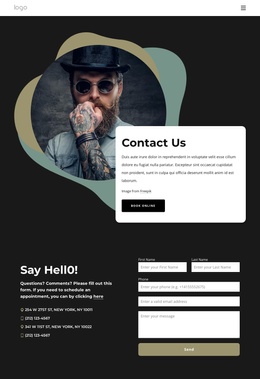
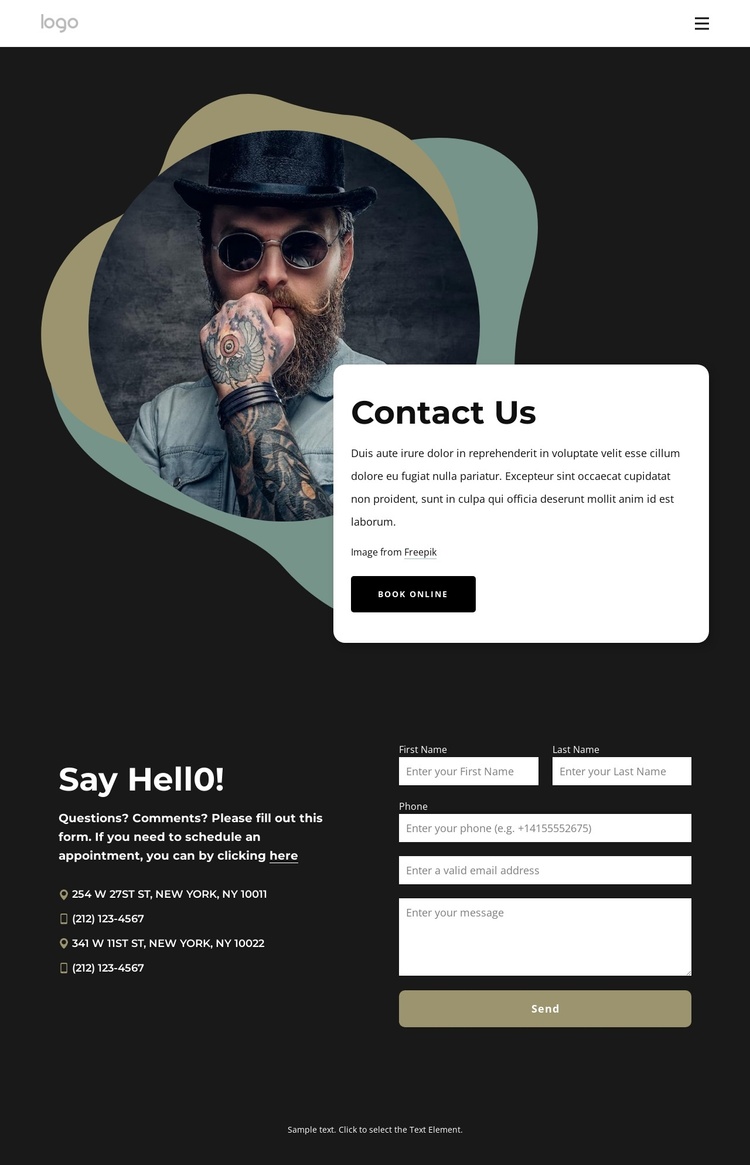
The navigation area divides the design into recognizable destinations: Home, Our Team, and Gallery. That distinction gives a Joomla project a clear top-level content map without requiring the page to be treated as a collection of unrelated visual elements. The mobile menu control belongs to the same navigation region, while the dark header treatment can remain visually connected to the rest of the page.
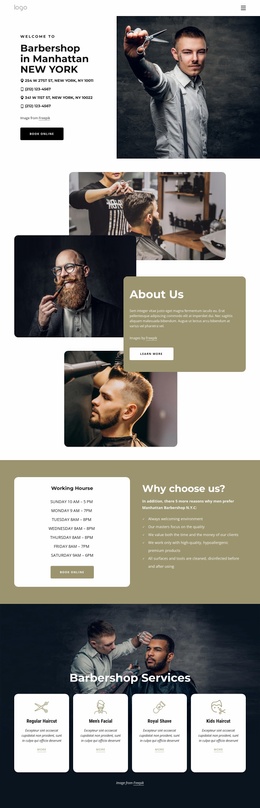
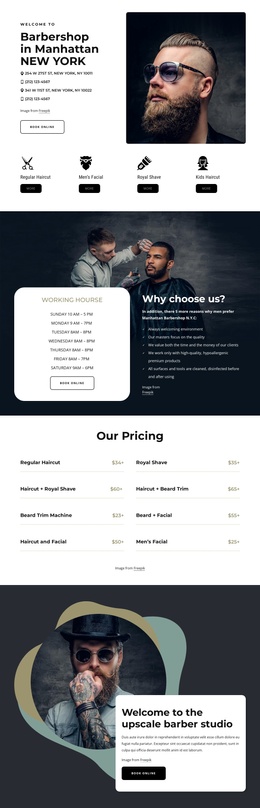
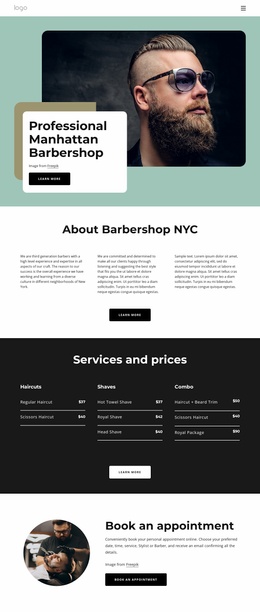
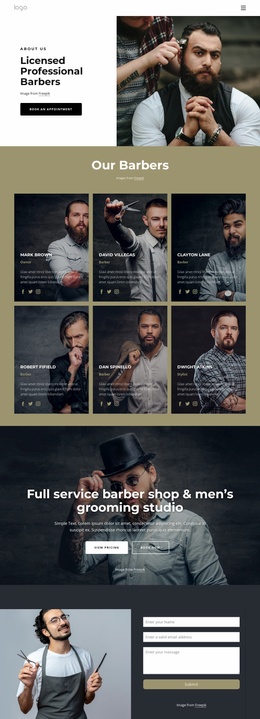
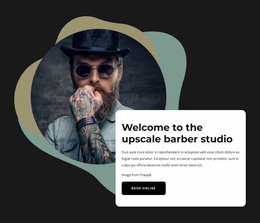
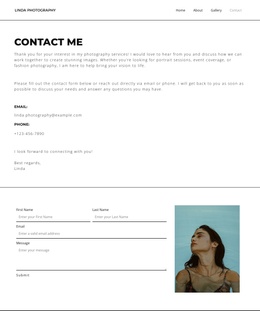
The Contact Us section then introduces the page’s immediate purpose through a portrait, a rounded light card, introductory copy, and the Book Online action. Lower down, Say Hello! provides another structured region where contact details sit beside the message form and Send button. These areas can be understood as separate content responsibilities: appointment-oriented information in the opening block, and direct contact communication in the lower block. The template does not prove any Joomla Articles or module positions already exist, but its visible regions offer a practical basis for organizing CMS-managed content.
The dark charcoal background, cream and muted gold accents, and consistent light card treatment help recurring navigation and contact content remain visually coordinated. In a Joomla implementation, the design can therefore support structured site sections while keeping the relationship between navigation, contact channels, booking intent, and form submission clear to visitors.
Customize with Nicepage
Open this ready-made template in the Joomla Page Builder and customize it visually in the Nicepage editor. Replace demo content, edit page sections, and adapt the design to your project without rebuilding the template from scratch.
Work With This Template in Joomla
Customize and Install the Joomla Template
Start with this ready-made template instead of building the Joomla design from scratch. Customize its layout, content, typography, images, sections, and other design elements visually in the Nicepage application, then export and install the Joomla Template, Nicepage Extension, and supported content on your Joomla website.
Edit the Template Directly in Joomla
After installation, you can edit the Joomla Template directly in Joomla with the Nicepage Joomla Extension. Customize the Header, Footer, Colors, Fonts, typography, and Page Templates from the Joomla workflow while keeping the site design connected with your CMS content.
Edit Joomla Articles Visually
Use the Nicepage Joomla Extension to open and edit Joomla Articles visually from the Joomla Administrator. Change text, images, sections, layouts, and other page content in the Nicepage editor while continuing to manage the Articles through Joomla.
Joomla Content and Template Integration
Use the customized template together with Joomla Articles, module Positions, menus, forms, Blog Pages, and other supported CMS elements. With the Nicepage Extension used as the Site Style Source, shared design settings can be applied across Joomla Articles while Joomla continues to provide the CMS environment for managing site content.
This workflow combines a ready-made Joomla Template with visual customization, direct template editing in Joomla, and continued content management through the Nicepage Joomla Extension.