First woman on Mars Joomla Template


The Headline and Excerpt Form a Structured Joomla Content Region
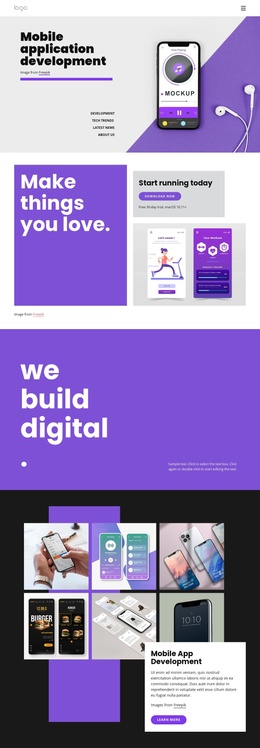
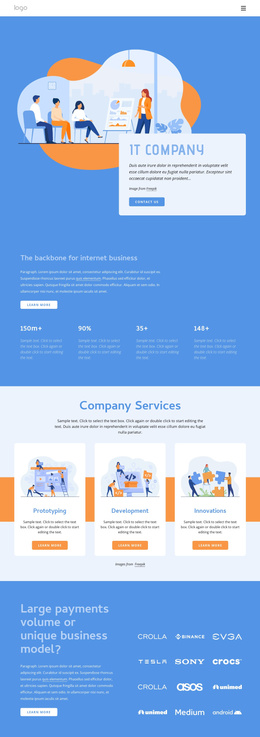
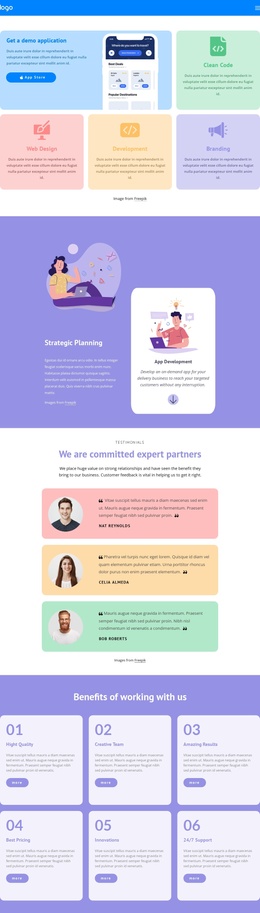
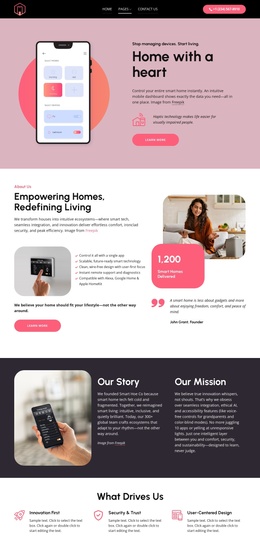
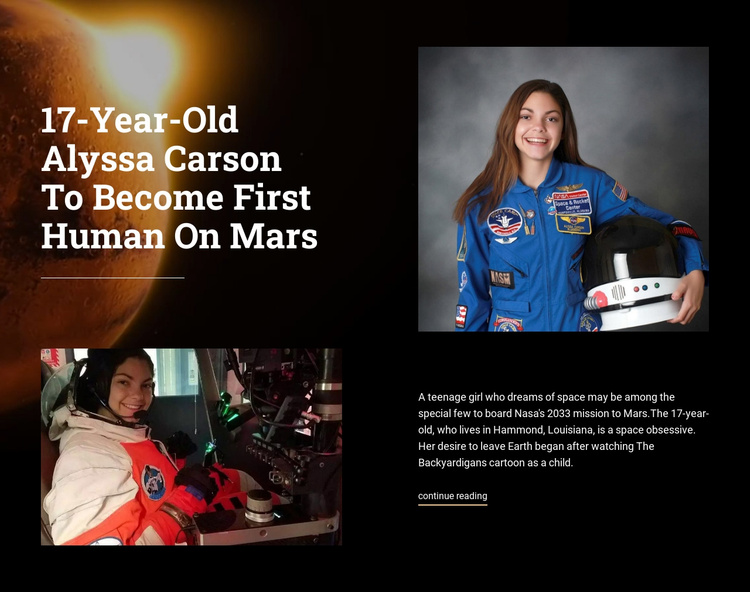
The headline establishes one clear editorial subject, while the excerpt and continue-reading link turn the block into a compact article-like content region. On the left, the large title and lower photograph create the visual entry point. On the right, the portrait sits above the supporting text, making the relationship between person, story, and reading action easy to follow. The three space-related images support the same narrative instead of dividing the section into separate topics.
Within a Joomla-managed page, this arrangement can serve as a reusable featured-story section for structured space or editorial content. The excerpt refers to a teenage girl aspiring to join NASA’s 2033 Mars mission and names Alyssa Carson and Hammond, Louisiana as part of the displayed story. Those details give the content region a recognizable subject while the continue-reading link can lead to the fuller article or another relevant destination in the surrounding site.
The black space-themed background and warm Mars image provide visual context, but the white heading and body text preserve readability. Generous black spacing separates the image areas from the text groups, and the thin divider adds a quiet boundary around the editorial composition. Joomla-managed pages can place other content regions around it without changing this block’s focused story structure.
Customize with Nicepage
Open this ready-made template in the Joomla Page Builder and customize it visually in the Nicepage editor. Replace demo content, edit page sections, and adapt the design to your project without rebuilding the template from scratch.
Edit Template Offline
2. Create a new page or select existing
3. Click Add new block, search for id 45837 and click enter
Edit Template Online
Create Awesome Websites


Free Nicepage Builder
Keywords
Work With This Template in Joomla
Customize and Install the Joomla Template
Start with this ready-made template instead of building the Joomla design from scratch. Customize its layout, content, typography, images, sections, and other design elements visually in the Nicepage application, then export and install the Joomla Template, Nicepage Extension, and supported content on your Joomla website.
Edit the Template Directly in Joomla
After installation, you can edit the Joomla Template directly in Joomla with the Nicepage Joomla Extension. Customize the Header, Footer, Colors, Fonts, typography, and Page Templates from the Joomla workflow while keeping the site design connected with your CMS content.
Edit Joomla Articles Visually
Use the Nicepage Joomla Extension to open and edit Joomla Articles visually from the Joomla Administrator. Change text, images, sections, layouts, and other page content in the Nicepage editor while continuing to manage the Articles through Joomla.
Joomla Content and Template Integration
Use the customized template together with Joomla Articles, module Positions, menus, forms, Blog Pages, and other supported CMS elements. With the Nicepage Extension used as the Site Style Source, shared design settings can be applied across Joomla Articles while Joomla continues to provide the CMS environment for managing site content.
This workflow combines a ready-made Joomla Template with visual customization, direct template editing in Joomla, and continued content management through the Nicepage Joomla Extension.