Crypto Investment Platform Joomla Template



Edit Template Offline
2. Create new page and search for id 6631663
Edit Template Online
Create Awesome Websites


Free Nicepage Builder
Keywords
Service regions and contact content suit a structured Joomla site
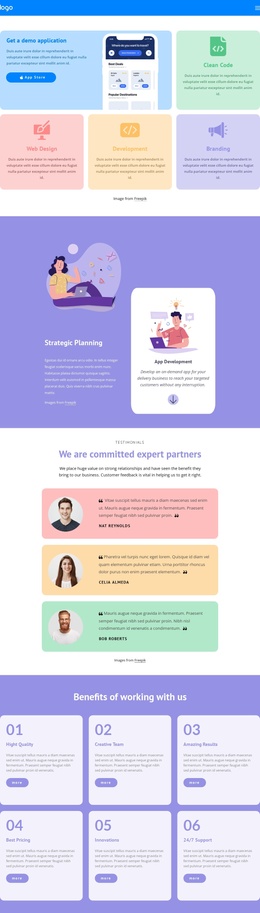
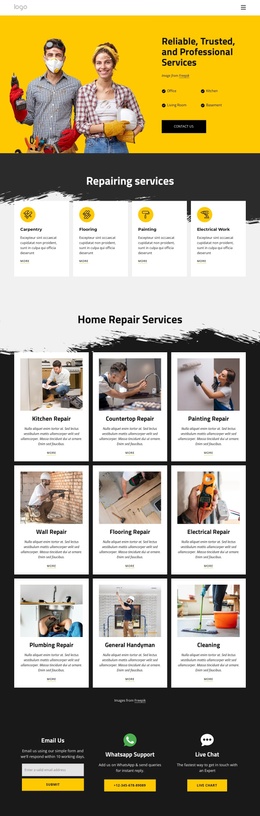
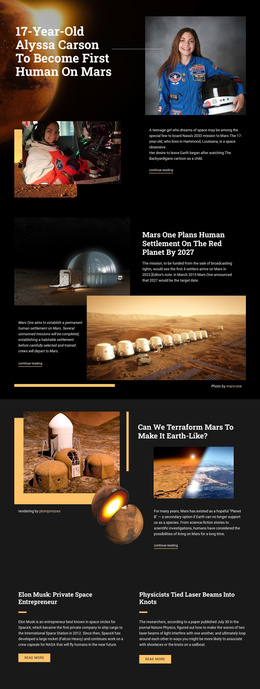
The three named service areas give this design a useful content division for a Joomla-oriented project. Portfolio Management, Algorithmic Trading, and Staking Programs are presented as separate investment categories, allowing each informational region to remain distinct while sharing the same dark cosmic visual direction. The four-step process adds a second structured group, moving from Create an Account to Deposit Funds, Select Strategy, and Monitor Growth.
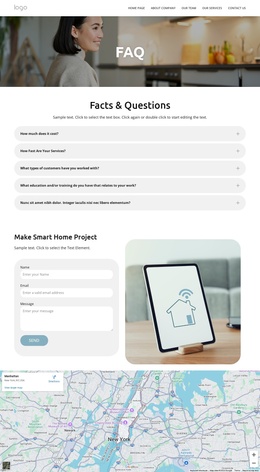
That separation matters for a CMS-managed website because the page is not built around one uninterrupted paragraph of promotional copy. It contains an introductory hero, an explanatory blockchain section, a process area, a service list, testimonials, and a closing contact region. Navigation can therefore connect visitors to meaningful content areas, while recurring sections remain visually coordinated. The three testimonial entries also provide a separate experience-focused region that can be kept apart from service descriptions.
The final contact block gives the structure a practical endpoint. It combines address and phone details with Get Started and Explore Markets buttons, while the branded footer provides a compact shared closing area. Demo contact values and testimonial text should be replaced with verified project content, but their presence confirms the intended structure. In a Joomla implementation, this organization can support clearly managed information regions without claiming that specific Articles, categories, or modules already exist in the template.
Customize with Nicepage
Open this ready-made template in the Joomla Page Builder and customize it visually in the Nicepage editor. Replace demo content, edit page sections, and adapt the design to your project without rebuilding the template from scratch.
Work With This Template in Joomla
Customize and Install the Joomla Template
Start with this ready-made template instead of building the Joomla design from scratch. Customize its layout, content, typography, images, sections, and other design elements visually in the Nicepage application, then export and install the Joomla Template, Nicepage Extension, and supported content on your Joomla website.
Edit the Template Directly in Joomla
After installation, you can edit the Joomla Template directly in Joomla with the Nicepage Joomla Extension. Customize the Header, Footer, Colors, Fonts, typography, and Page Templates from the Joomla workflow while keeping the site design connected with your CMS content.
Edit Joomla Articles Visually
Use the Nicepage Joomla Extension to open and edit Joomla Articles visually from the Joomla Administrator. Change text, images, sections, layouts, and other page content in the Nicepage editor while continuing to manage the Articles through Joomla.
Joomla Content and Template Integration
Use the customized template together with Joomla Articles, module Positions, menus, forms, Blog Pages, and other supported CMS elements. With the Nicepage Extension used as the Site Style Source, shared design settings can be applied across Joomla Articles while Joomla continues to provide the CMS environment for managing site content.
This workflow combines a ready-made Joomla Template with visual customization, direct template editing in Joomla, and continued content management through the Nicepage Joomla Extension.