Property Management Joomla Template


Edit Template Offline
2. Create new page and search for id 4460252
Edit Template Online
Create Awesome Websites


Free Nicepage Builder
Keywords
Rental Listings and Service Regions Fit a Structured CMS Layout
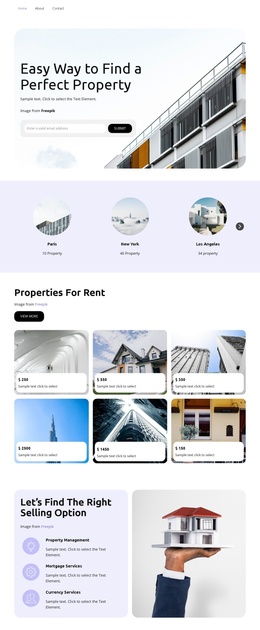
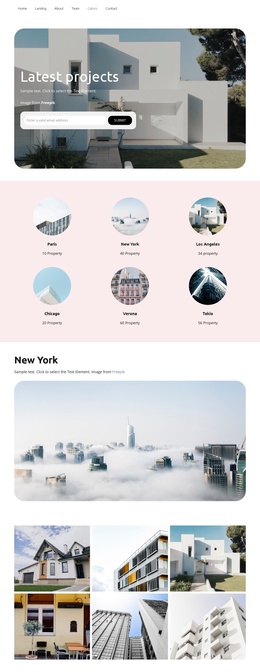
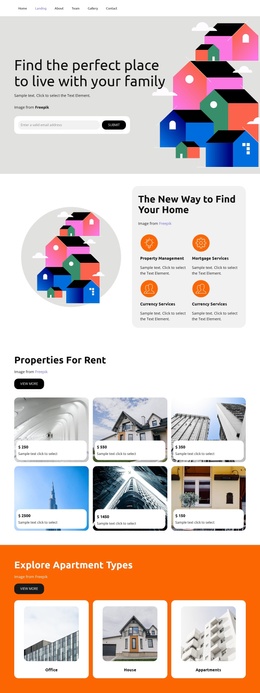
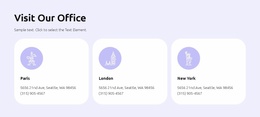
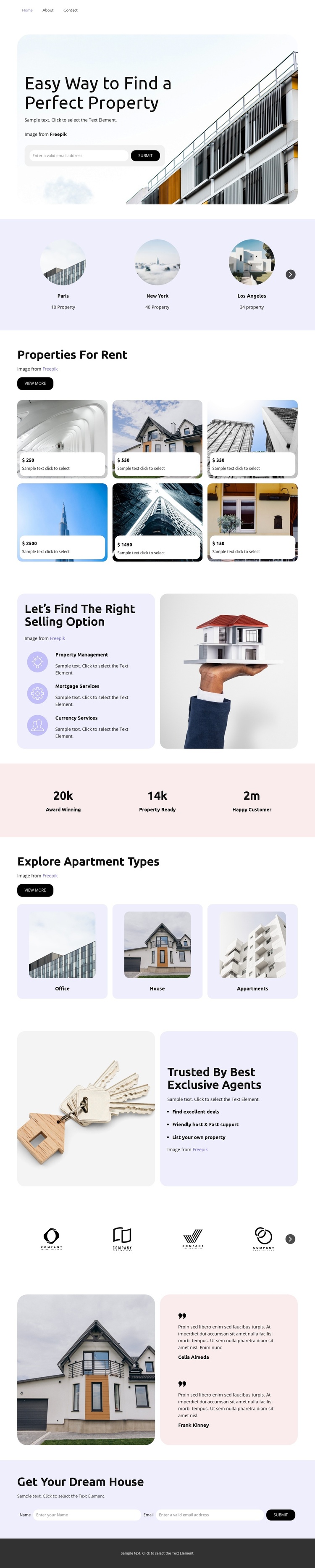
The three featured location cards and six rental property cards divide the design into recurring content areas that can be understood as structured property information. Locations provide one organizing layer, while the “Properties For Rent” section provides another, with image-led cards and price labels giving each item a consistent presentation. This separation is useful for a Joomla-oriented project because navigation and informational regions remain visibly distinct instead of being combined into one undifferentiated block.
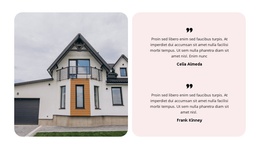
The split panel for Property Management, Rental Services, and Currency Services adds a second content relationship. These options explain supporting services beside a real-estate image, while the Office, House, and Apartments cards classify another part of the property offer. Agent benefits, the partner-logo row, and the testimonial provide reusable supporting regions that can sit within the same visual system as the listings and service content.
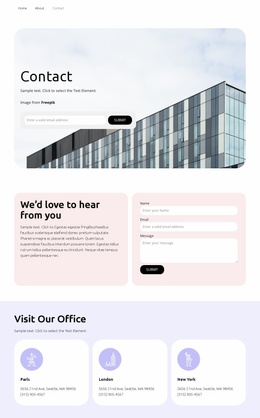
The compact navigation at the top and the dark footer at the bottom frame the page as a coordinated site region rather than an isolated card collection. The closing inquiry form gives the content sequence a clear contact area for housing questions. A Joomla implementation can therefore preserve the design’s division between navigation, structured property information, service explanations, trust content, and contact without turning this description into an installation or editing tutorial.
Customize with Nicepage
Open this ready-made template in the Joomla Page Builder and customize it visually in the Nicepage editor. Replace demo content, edit page sections, and adapt the design to your project without rebuilding the template from scratch.
Work With This Template in Joomla
Customize and Install the Joomla Template
Start with this ready-made template instead of building the Joomla design from scratch. Customize its layout, content, typography, images, sections, and other design elements visually in the Nicepage application, then export and install the Joomla Template, Nicepage Extension, and supported content on your Joomla website.
Edit the Template Directly in Joomla
After installation, you can edit the Joomla Template directly in Joomla with the Nicepage Joomla Extension. Customize the Header, Footer, Colors, Fonts, typography, and Page Templates from the Joomla workflow while keeping the site design connected with your CMS content.
Edit Joomla Articles Visually
Use the Nicepage Joomla Extension to open and edit Joomla Articles visually from the Joomla Administrator. Change text, images, sections, layouts, and other page content in the Nicepage editor while continuing to manage the Articles through Joomla.
Joomla Content and Template Integration
Use the customized template together with Joomla Articles, module Positions, menus, forms, Blog Pages, and other supported CMS elements. With the Nicepage Extension used as the Site Style Source, shared design settings can be applied across Joomla Articles while Joomla continues to provide the CMS environment for managing site content.
This workflow combines a ready-made Joomla Template with visual customization, direct template editing in Joomla, and continued content management through the Nicepage Joomla Extension.