Exclusive apartments Joomla Template


Edit Template Offline
2. Create new page and search for id 4491331
Edit Template Online
Create Awesome Websites


Free Nicepage Builder
Keywords
Location Groups and Contact Areas Divide the CMS Content
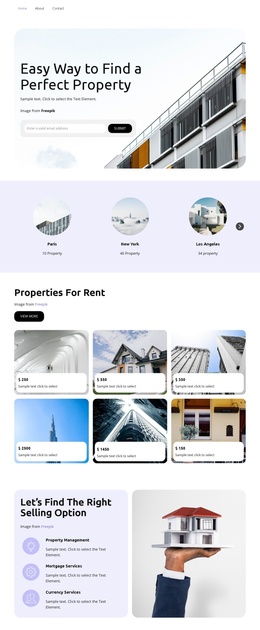
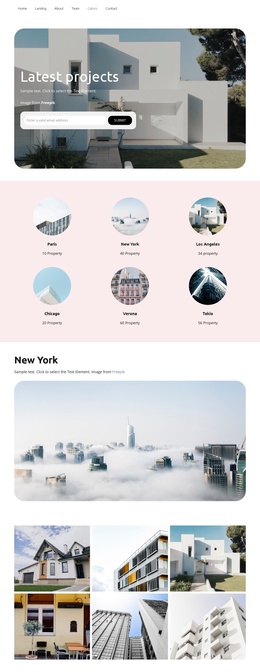
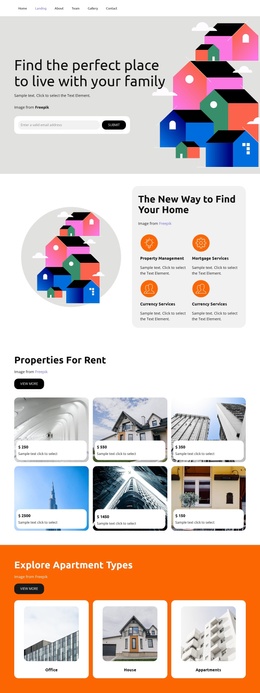
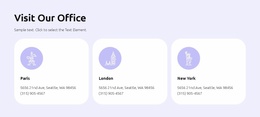
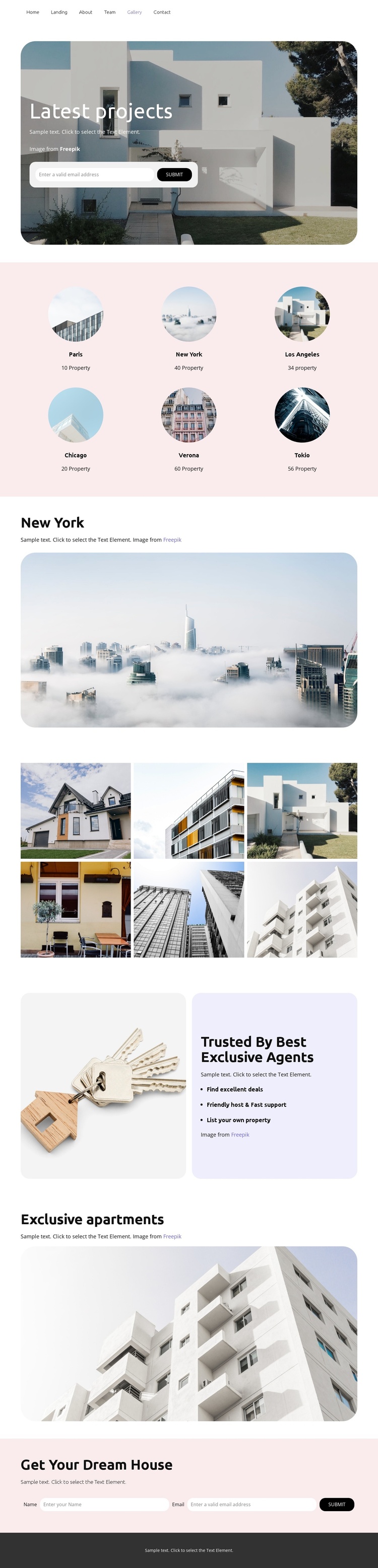
The six named location items give this design a useful set of structured real estate content areas. Paris, New York, Los Angeles, Chicago, Verona, and Tokio are presented in a regular two-row grid, so a Joomla project can preserve a clear geographic grouping rather than mixing every property image into one undifferentiated stream. The dedicated New York section then provides a separate area for supporting copy and a wide property image, demonstrating how a selected location can receive more visual emphasis within the same design.
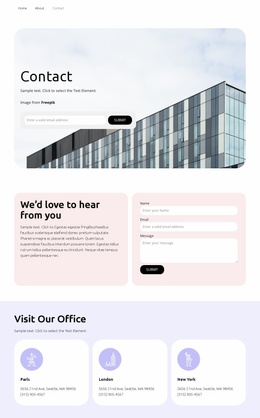
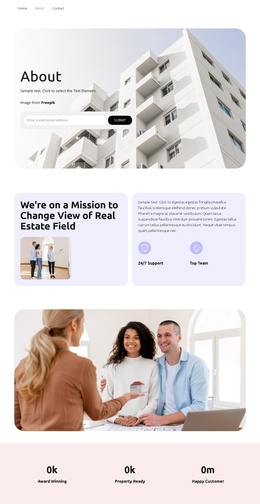
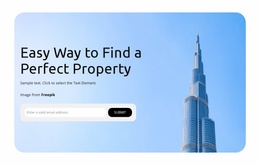
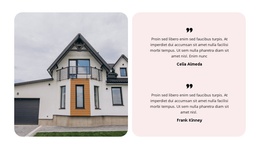
The page also separates visual evidence from service-oriented information. A six-photo gallery supplies a concentrated property image collection, while the Trusted By Best Exclusive Agents block places an image beside statements about excellent deals, friendly host and fast support, and listing one's own property. Those statements can function as distinct informational content alongside the location material. At the end, the Get Your Dream House block gives the page a defined contact region with a name-and-email inquiry form, while the earlier email capture form creates another response area near the introduction. This division between navigation, location content, gallery material, benefits, and contact content makes the design suitable for a Joomla-managed real estate presentation without claiming that specific Joomla articles or modules already exist.
Customize with Nicepage
Open this ready-made template in the Joomla Page Builder and customize it visually in the Nicepage editor. Replace demo content, edit page sections, and adapt the design to your project without rebuilding the template from scratch.
Work With This Template in Joomla
Customize and Install the Joomla Template
Start with this ready-made template instead of building the Joomla design from scratch. Customize its layout, content, typography, images, sections, and other design elements visually in the Nicepage application, then export and install the Joomla Template, Nicepage Extension, and supported content on your Joomla website.
Edit the Template Directly in Joomla
After installation, you can edit the Joomla Template directly in Joomla with the Nicepage Joomla Extension. Customize the Header, Footer, Colors, Fonts, typography, and Page Templates from the Joomla workflow while keeping the site design connected with your CMS content.
Edit Joomla Articles Visually
Use the Nicepage Joomla Extension to open and edit Joomla Articles visually from the Joomla Administrator. Change text, images, sections, layouts, and other page content in the Nicepage editor while continuing to manage the Articles through Joomla.
Joomla Content and Template Integration
Use the customized template together with Joomla Articles, module Positions, menus, forms, Blog Pages, and other supported CMS elements. With the Nicepage Extension used as the Site Style Source, shared design settings can be applied across Joomla Articles while Joomla continues to provide the CMS environment for managing site content.
This workflow combines a ready-made Joomla Template with visual customization, direct template editing in Joomla, and continued content management through the Nicepage Joomla Extension.