Adult Basketball Training Joomla Template


Edit Template Offline
2. Create new page and search for id 6641393
Edit Template Online
Create Awesome Websites


Free Nicepage Builder
Keywords
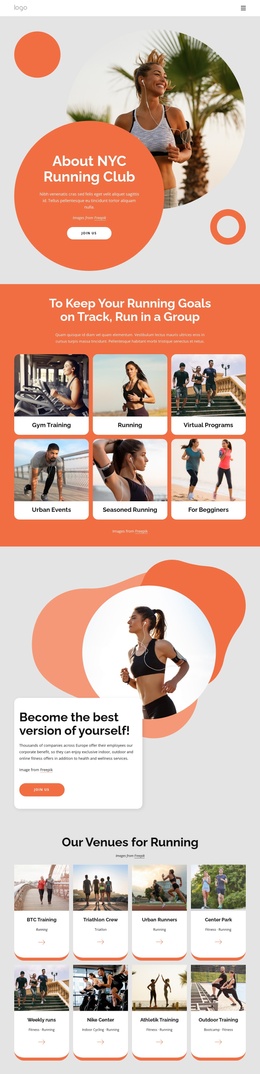
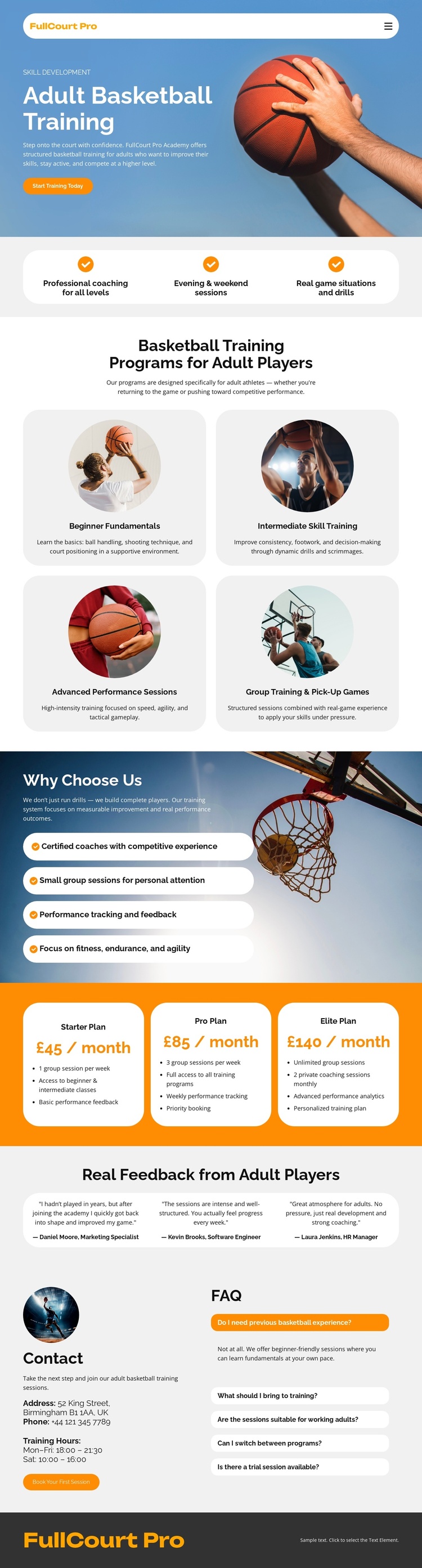
Four Training Categories Give the Coaching Content a Structured CMS Shape
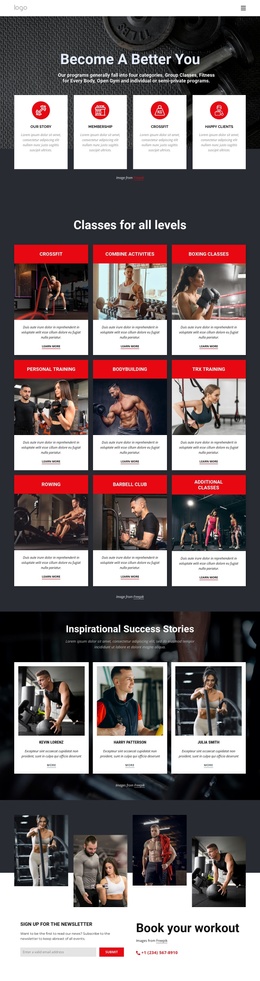
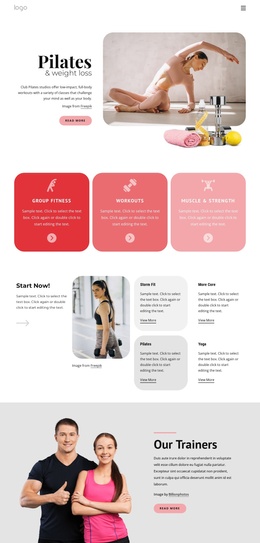
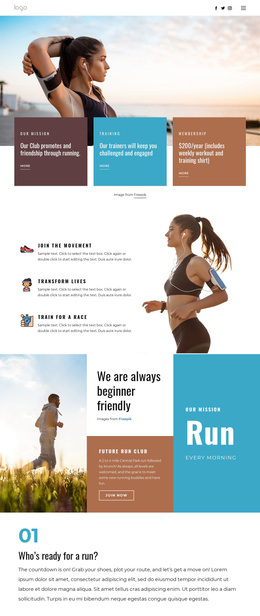
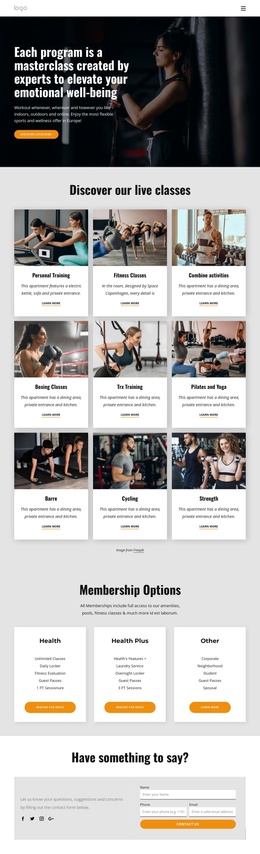
The four program categories divide the service into recognizable information areas: Beginner Fundamentals, Intermediate Skill Training, Advanced Performance Sessions, and Group Training and Pick-Up Games. That division can support a structured CMS presentation because each area has a defined subject and can remain visually related to the others without collapsing into one undifferentiated block. The three benefit statements provide a shorter introductory summary before visitors reach those more detailed categories.
The pricing section adds a second kind of structured content. Starter, Pro, and Elite plans are displayed as adjacent cards with monthly prices, feature lists, and action buttons, making the commercial choices distinct from the instructional program categories. The reasons-to-choose section provides supporting service information, while testimonials and FAQ content supply additional editorial areas around the main offer.
Navigation and the shared dark footer help connect these regions as parts of one managed site presentation. The contact block is especially useful as a structured closing area because it combines phone and email details with questions visitors may have before contacting the coach. In a Joomla project, these existing content relationships can guide how service information, recurring sections, menus, and contact material are organized. The template-specific value comes from its actual training categories and content regions, not from assuming that Joomla Articles or modules already exist in the design.
Customize with Nicepage
Open this ready-made template in the Joomla Page Builder and customize it visually in the Nicepage editor. Replace demo content, edit page sections, and adapt the design to your project without rebuilding the template from scratch.
Work With This Template in Joomla
Customize and Install the Joomla Template
Start with this ready-made template instead of building the Joomla design from scratch. Customize its layout, content, typography, images, sections, and other design elements visually in the Nicepage application, then export and install the Joomla Template, Nicepage Extension, and supported content on your Joomla website.
Edit the Template Directly in Joomla
After installation, you can edit the Joomla Template directly in Joomla with the Nicepage Joomla Extension. Customize the Header, Footer, Colors, Fonts, typography, and Page Templates from the Joomla workflow while keeping the site design connected with your CMS content.
Edit Joomla Articles Visually
Use the Nicepage Joomla Extension to open and edit Joomla Articles visually from the Joomla Administrator. Change text, images, sections, layouts, and other page content in the Nicepage editor while continuing to manage the Articles through Joomla.
Joomla Content and Template Integration
Use the customized template together with Joomla Articles, module Positions, menus, forms, Blog Pages, and other supported CMS elements. With the Nicepage Extension used as the Site Style Source, shared design settings can be applied across Joomla Articles while Joomla continues to provide the CMS environment for managing site content.
This workflow combines a ready-made Joomla Template with visual customization, direct template editing in Joomla, and continued content management through the Nicepage Joomla Extension.