Ideas for autumn looks Joomla Template


Edit Template Offline
2. Create new page and search for id 20409
Edit Template Online
Create Awesome Websites


Free Nicepage Builder
Keywords
Bohemian Clothing Sections Create Clear CMS Content Regions
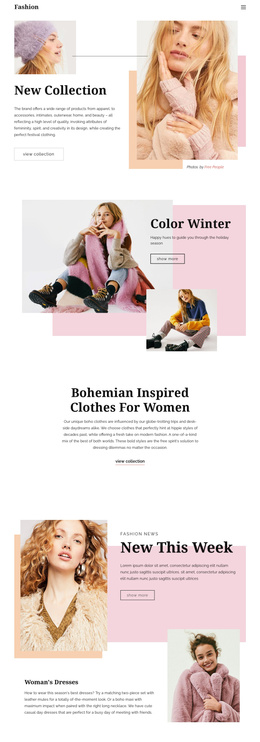
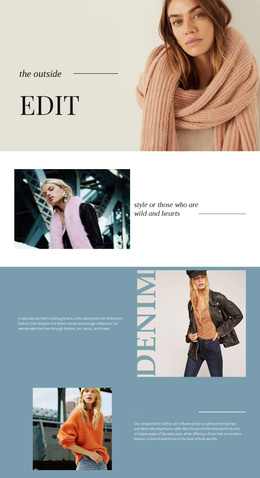
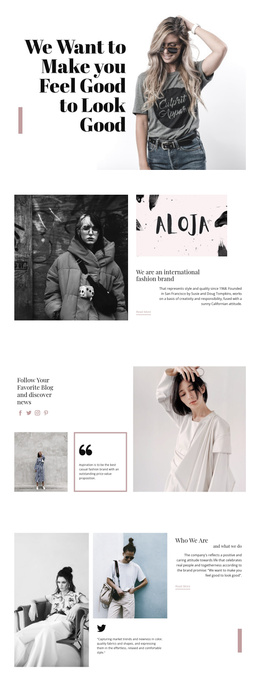
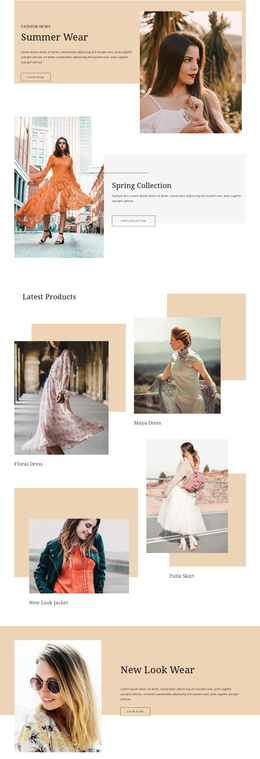
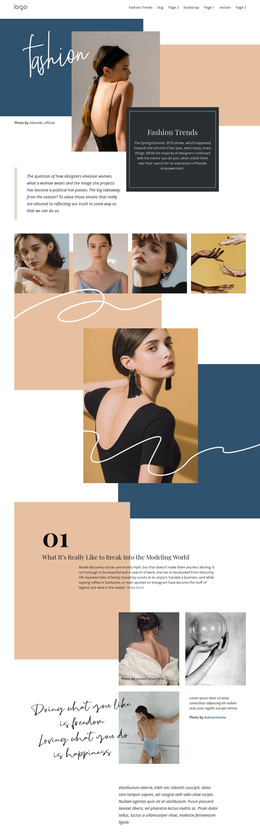
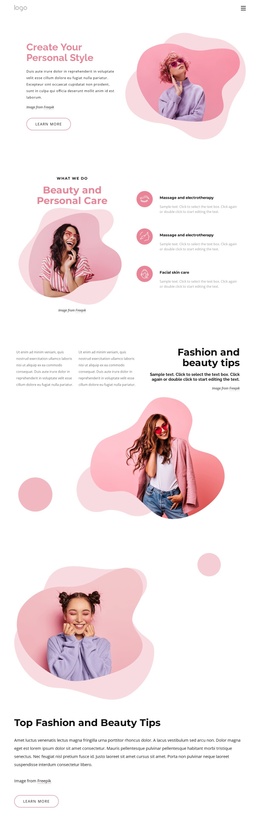
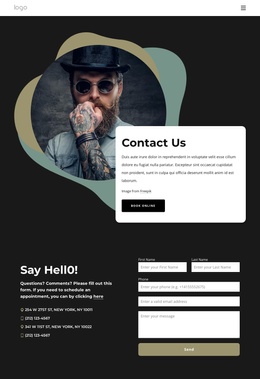
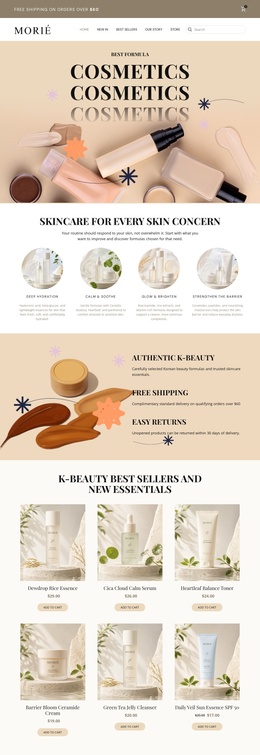
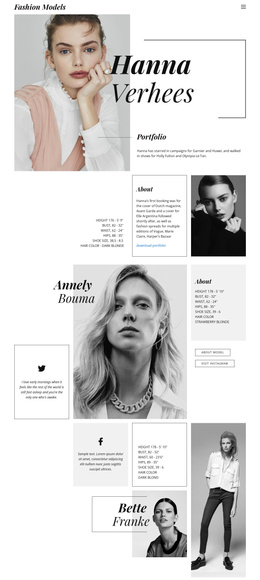
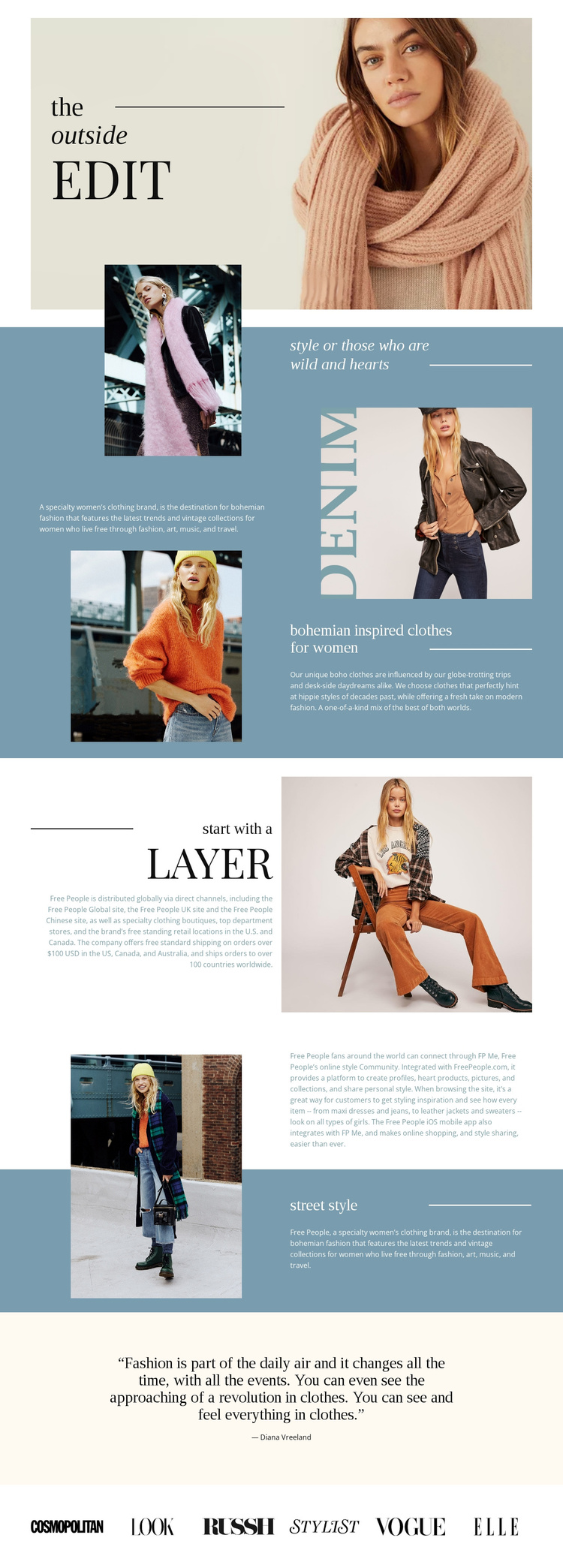
The page divides its fashion message into several distinct information areas that can be understood as structured site content. The opening “the outside edit” section establishes the editorial subject with a portrait, title, and divider. A later brand introduction pairs descriptive copy with a large fashion photograph, while the “bohemian inspired clothes for women” section gives the clothing theme its own focused region. These areas are different in purpose, so they can be maintained as coordinated parts of a broader fashion presentation rather than merged into one uninterrupted text block.
The “start with a Layer” and “street style” sections add further content groupings around recognizable style subjects. Their split layouts keep imagery and explanatory copy connected, while the muted blue backgrounds help distinguish one information region from the next. A separate community paragraph and the quotation attributed to Diana Vreeland create additional editorial content without disrupting the main fashion sequence. The final row of six publication logos functions as a compact brand-context area at the end of the page.
For a Joomla project, this arrangement provides a practical relationship between navigation, repeatable informational sections, visual media, and closing site content. A Joomla template can preserve that regional structure while the fashion copy, images, and publication references are adapted as the managed content evolves.
Customize with Nicepage
Open this ready-made template in the Joomla Page Builder and customize it visually in the Nicepage editor. Replace demo content, edit page sections, and adapt the design to your project without rebuilding the template from scratch.
Work With This Template in Joomla
Customize and Install the Joomla Template
Start with this ready-made template instead of building the Joomla design from scratch. Customize its layout, content, typography, images, sections, and other design elements visually in the Nicepage application, then export and install the Joomla Template, Nicepage Extension, and supported content on your Joomla website.
Edit the Template Directly in Joomla
After installation, you can edit the Joomla Template directly in Joomla with the Nicepage Joomla Extension. Customize the Header, Footer, Colors, Fonts, typography, and Page Templates from the Joomla workflow while keeping the site design connected with your CMS content.
Edit Joomla Articles Visually
Use the Nicepage Joomla Extension to open and edit Joomla Articles visually from the Joomla Administrator. Change text, images, sections, layouts, and other page content in the Nicepage editor while continuing to manage the Articles through Joomla.
Joomla Content and Template Integration
Use the customized template together with Joomla Articles, module Positions, menus, forms, Blog Pages, and other supported CMS elements. With the Nicepage Extension used as the Site Style Source, shared design settings can be applied across Joomla Articles while Joomla continues to provide the CMS environment for managing site content.
This workflow combines a ready-made Joomla Template with visual customization, direct template editing in Joomla, and continued content management through the Nicepage Joomla Extension.