Student hostel Joomla Template


Advisory Topics Split Into Clear Joomla Content Regions
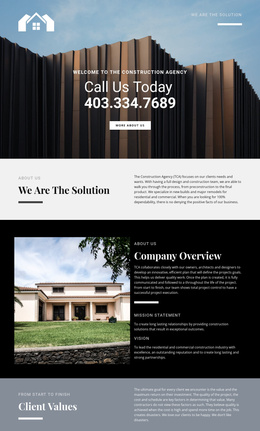
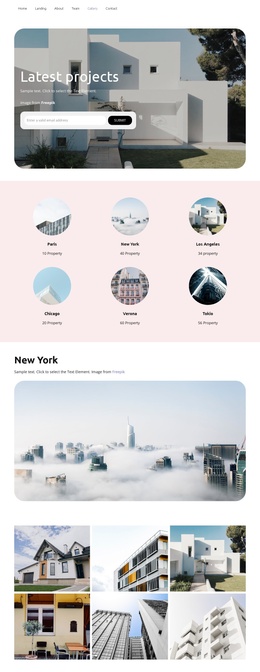
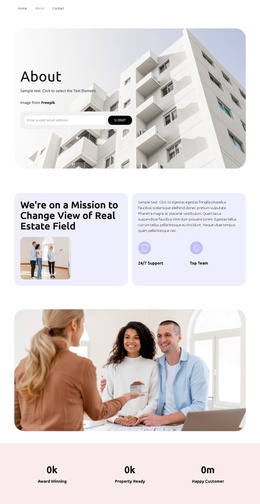
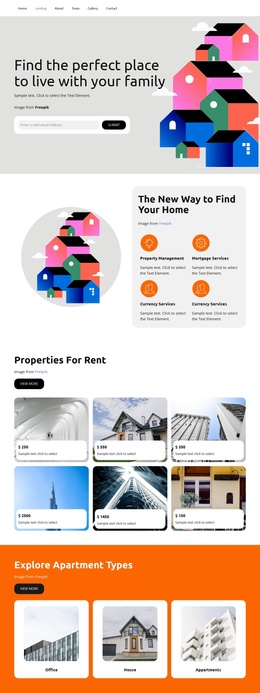
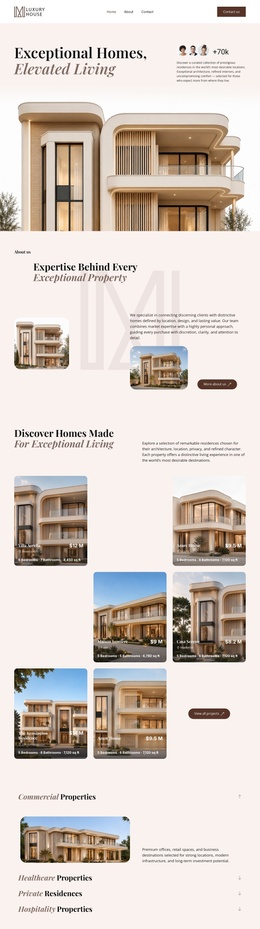
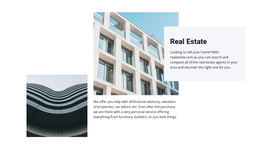
The block separates its real estate information into a visual introduction and two related text regions. The heading “Real Estate” establishes the subject beside architectural imagery, while the central paragraph groups financial advisory, property valuation, tax advice, and post-purchase help with furniture and builders. On the right, the pale-gray card introduces a different but connected concern: selling a home and comparing local real estate agents. This gives the section a structured information model that can remain understandable when it appears within a Joomla-managed page.
The overlapping card is more than decoration because it marks a change in content emphasis. The central image supports the advisory paragraph, while the card sits beside it as a highlighted information area. In a Joomla context, that arrangement can serve as a stable services or advisory region while the surrounding site manages other editorial content, page sections, and navigation. The block does not need to carry the entire CMS structure; its value is the way its related service subjects are grouped within one reusable visual section. The restrained black, white, and pale-gray palette also gives the content a calm presentation without changing its underlying informational role.
Customize with Nicepage
Open this ready-made template in the Joomla Page Builder and customize it visually in the Nicepage editor. Replace demo content, edit page sections, and adapt the design to your project without rebuilding the template from scratch.
Edit Template Offline
2. Create a new page or select existing
3. Click Add new block, search for id 996390 and click enter
Edit Template Online
Create Awesome Websites


Free Nicepage Builder
Keywords
Work With This Template in Joomla
Customize and Install the Joomla Template
Start with this ready-made template instead of building the Joomla design from scratch. Customize its layout, content, typography, images, sections, and other design elements visually in the Nicepage application, then export and install the Joomla Template, Nicepage Extension, and supported content on your Joomla website.
Edit the Template Directly in Joomla
After installation, you can edit the Joomla Template directly in Joomla with the Nicepage Joomla Extension. Customize the Header, Footer, Colors, Fonts, typography, and Page Templates from the Joomla workflow while keeping the site design connected with your CMS content.
Edit Joomla Articles Visually
Use the Nicepage Joomla Extension to open and edit Joomla Articles visually from the Joomla Administrator. Change text, images, sections, layouts, and other page content in the Nicepage editor while continuing to manage the Articles through Joomla.
Joomla Content and Template Integration
Use the customized template together with Joomla Articles, module Positions, menus, forms, Blog Pages, and other supported CMS elements. With the Nicepage Extension used as the Site Style Source, shared design settings can be applied across Joomla Articles while Joomla continues to provide the CMS environment for managing site content.
This workflow combines a ready-made Joomla Template with visual customization, direct template editing in Joomla, and continued content management through the Nicepage Joomla Extension.