Car service Joomla Template


Edit Template Offline
2. Create new page and search for id 1123052
Edit Template Online
Create Awesome Websites


Free Nicepage Builder
Keywords
Repair Services and Contact Regions Suit Structured CMS Content
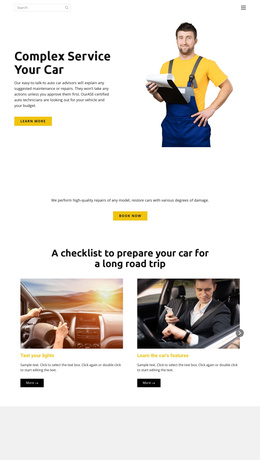
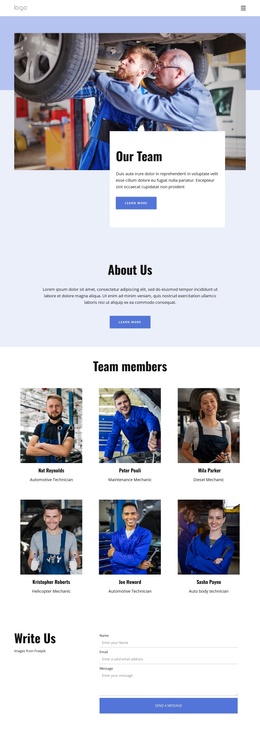
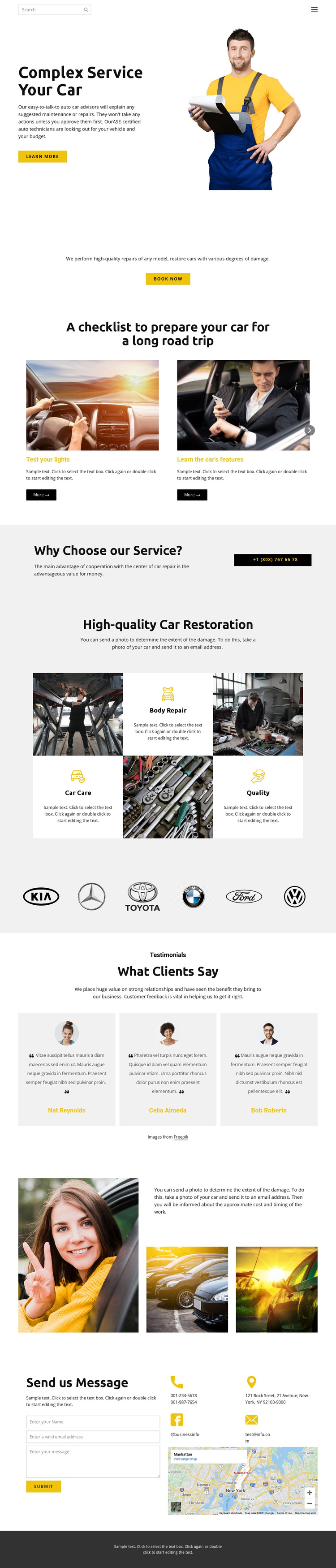
The service cards, checklist, restoration tiles, and contact area divide the design into recognizable content regions that can be maintained as a structured automotive site. The three cards introduce About Us, Quick Tips, and Quality Service, while the road-trip section presents four checklist topics such as testing lights, learning vehicle features, arranging a tune-up, and testing brakes. These repeated information units are distinct enough to support ongoing content organization without treating sample wording as permanent business data.
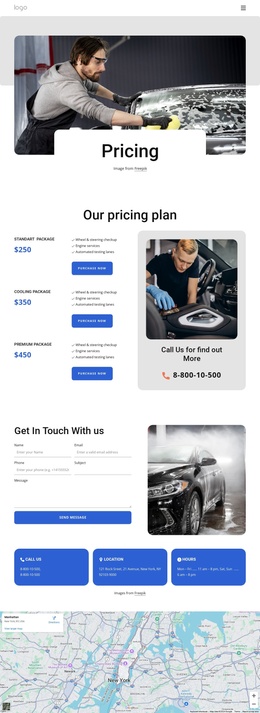
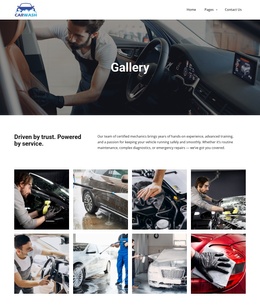
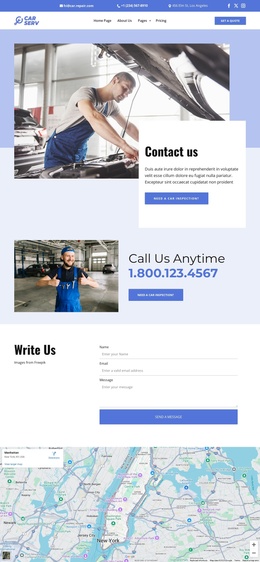
The restoration section provides another useful grouping through Body Repair, Car Care, and Quality, and the brand-logo row identifies the vehicle makes represented by the design. Together, these areas can support a service-focused navigation structure while the testimonials and contact block remain separate communication regions. The final form, telephone and email details, address, and map area give visitors a consistent destination for repair questions.
For a Joomla project, this division is more important than simply applying a CMS label. Joomla can provide the environment for managing the service information and recurring content while the template preserves the shared visual direction across navigation, content regions, and the contact area. A Joomla Extension is relevant when Joomla article content needs to be created and designed within that environment.
Customize with Nicepage
Open this ready-made template in the Joomla Page Builder and customize it visually in the Nicepage editor. Replace demo content, edit page sections, and adapt the design to your project without rebuilding the template from scratch.
Work With This Template in Joomla
Customize and Install the Joomla Template
Start with this ready-made template instead of building the Joomla design from scratch. Customize its layout, content, typography, images, sections, and other design elements visually in the Nicepage application, then export and install the Joomla Template, Nicepage Extension, and supported content on your Joomla website.
Edit the Template Directly in Joomla
After installation, you can edit the Joomla Template directly in Joomla with the Nicepage Joomla Extension. Customize the Header, Footer, Colors, Fonts, typography, and Page Templates from the Joomla workflow while keeping the site design connected with your CMS content.
Edit Joomla Articles Visually
Use the Nicepage Joomla Extension to open and edit Joomla Articles visually from the Joomla Administrator. Change text, images, sections, layouts, and other page content in the Nicepage editor while continuing to manage the Articles through Joomla.
Joomla Content and Template Integration
Use the customized template together with Joomla Articles, module Positions, menus, forms, Blog Pages, and other supported CMS elements. With the Nicepage Extension used as the Site Style Source, shared design settings can be applied across Joomla Articles while Joomla continues to provide the CMS environment for managing site content.
This workflow combines a ready-made Joomla Template with visual customization, direct template editing in Joomla, and continued content management through the Nicepage Joomla Extension.