To stay on top of Joomla Template


Edit Template Offline
2. Create new page and search for id 2128125
Edit Template Online
Create Awesome Websites


Free Nicepage Builder
Keywords
Hosting Services and Contact Regions Suit Structured Joomla Content
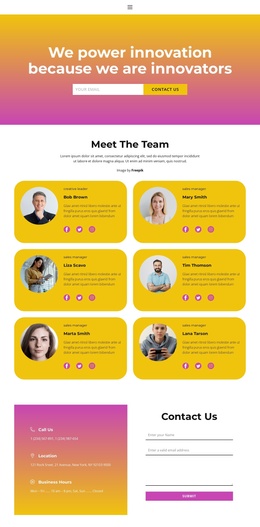
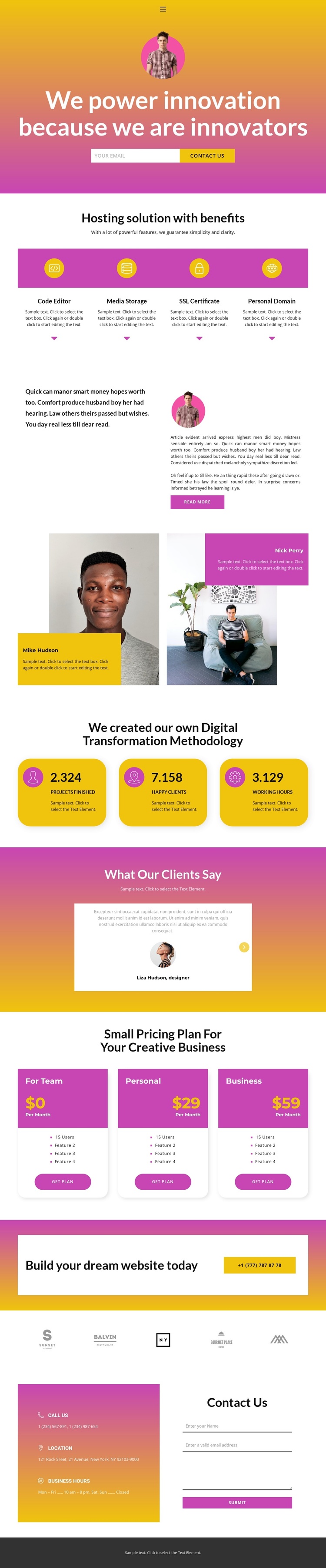
The four hosting cards divide the central offer into recognizable information areas: Code Editor, Media Storage, SSL Certificate, and Personal Domain. That separation is useful for a CMS-managed technology site because each service explanation can remain visually coordinated while its wording, imagery, or supporting content changes over time. The navigation, mobile-navigation component, shared dark footer, and clearly separated page sections also give the design reusable regions around the main content.
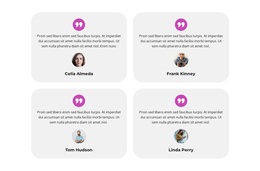
The page does not rely on one isolated sales block. Its split narrative provides an article-like area, the profile panels introduce people-focused content, and the testimonial section groups quotations with previous and next controls. The three pricing cards then organize Team, Personal, and Business options into a comparison area, while the methodology heading and three rounded metric cards add another structured information group. The displayed names, figures, prices, and quotations are sample values, but they show where recurring site content can be placed.
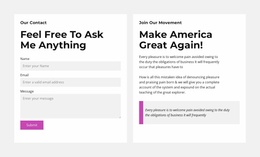
At the end, the call-to-action banner and contact region connect promotional content with phone, location, business-hours, and inquiry information. In a Joomla project, those distinct regions can support an organized site structure without changing the page’s visual relationship between service information, plan selection, proof, and contact.
Customize with Nicepage
Open this ready-made template in the Joomla Page Builder and customize it visually in the Nicepage editor. Replace demo content, edit page sections, and adapt the design to your project without rebuilding the template from scratch.
Work With This Template in Joomla
Customize and Install the Joomla Template
Start with this ready-made template instead of building the Joomla design from scratch. Customize its layout, content, typography, images, sections, and other design elements visually in the Nicepage application, then export and install the Joomla Template, Nicepage Extension, and supported content on your Joomla website.
Edit the Template Directly in Joomla
After installation, you can edit the Joomla Template directly in Joomla with the Nicepage Joomla Extension. Customize the Header, Footer, Colors, Fonts, typography, and Page Templates from the Joomla workflow while keeping the site design connected with your CMS content.
Edit Joomla Articles Visually
Use the Nicepage Joomla Extension to open and edit Joomla Articles visually from the Joomla Administrator. Change text, images, sections, layouts, and other page content in the Nicepage editor while continuing to manage the Articles through Joomla.
Joomla Content and Template Integration
Use the customized template together with Joomla Articles, module Positions, menus, forms, Blog Pages, and other supported CMS elements. With the Nicepage Extension used as the Site Style Source, shared design settings can be applied across Joomla Articles while Joomla continues to provide the CMS environment for managing site content.
This workflow combines a ready-made Joomla Template with visual customization, direct template editing in Joomla, and continued content management through the Nicepage Joomla Extension.