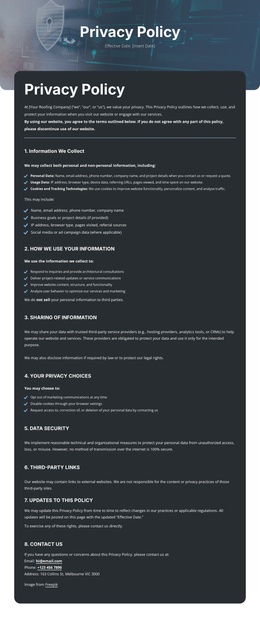
Enterprise-level privacy protection Joomla Template


Edit Template Offline
2. Create new page and search for id 6543609
Edit Template Online
Create Awesome Websites


Free Nicepage Builder
Keywords
Candidate, Client, and Contact Regions Fit Structured CMS Content
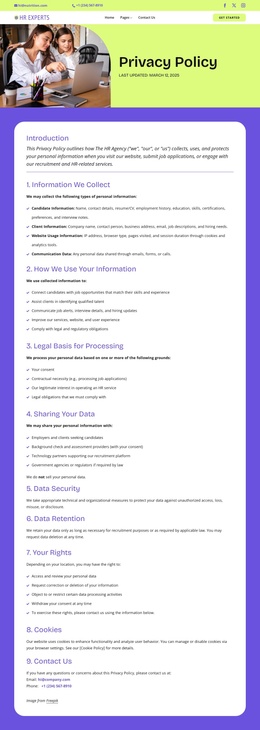
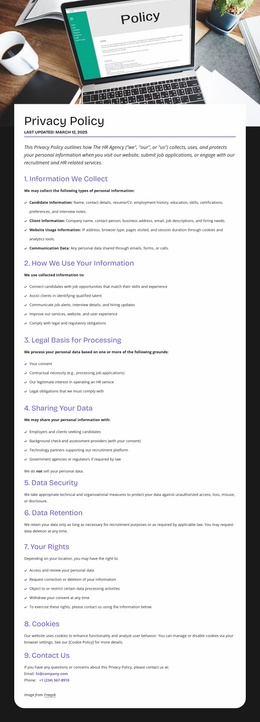
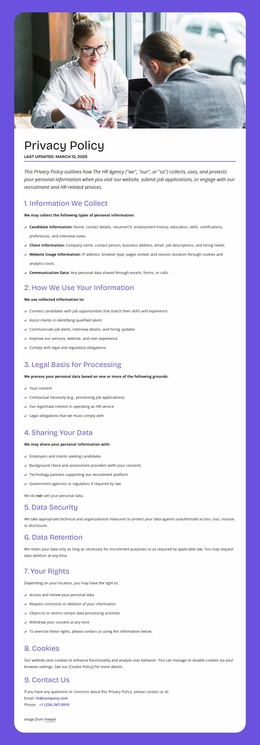
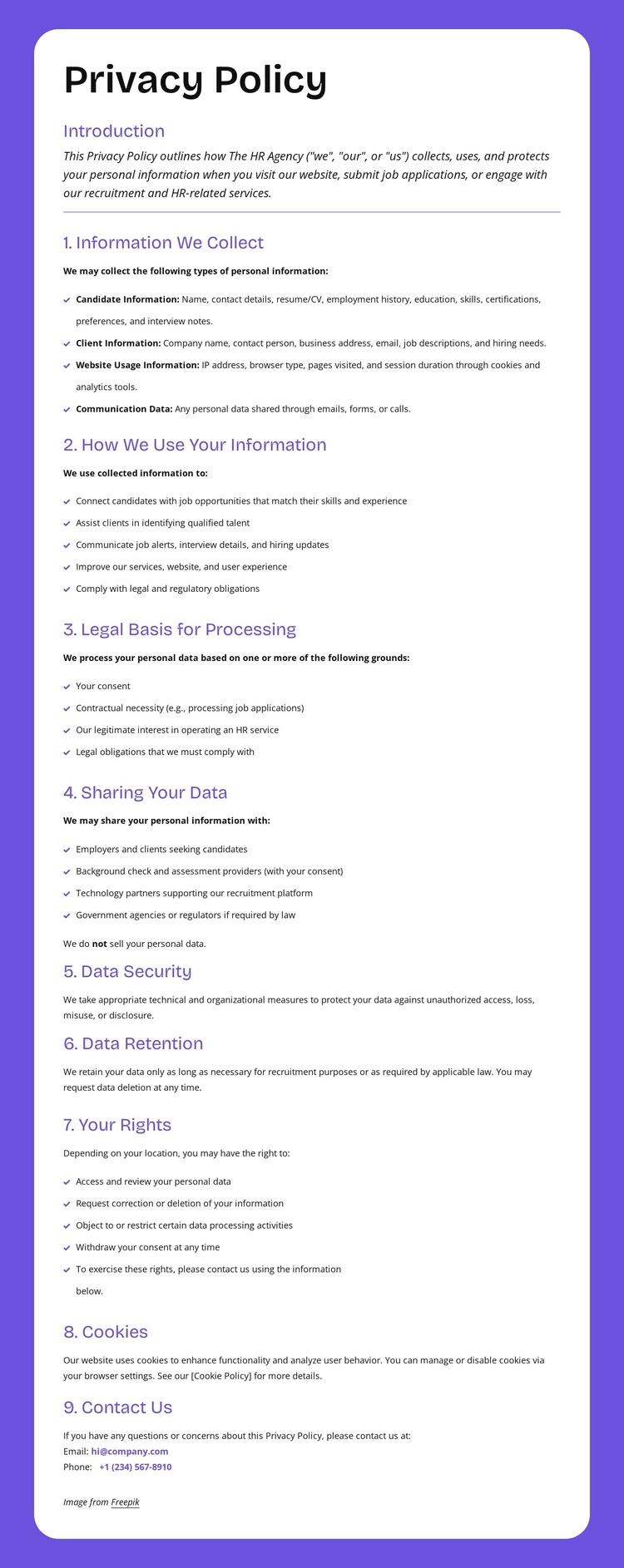
The page divides privacy information into content areas that can be understood as organized CMS-managed regions. Candidate Information and Client Information establish two audience-related subjects, while Website Usage Information and Communication Data broaden the document beyond a single form or notice. Those topics are then placed within a numbered sequence covering use, legal basis, sharing, security, retention, rights, cookies, and privacy inquiries.
The top navigation bars give the design a reusable site frame with contact links, social links, primary navigation, and a Get Started action. Within that frame, the purple background and white document panels distinguish the policy content from the surrounding site controls. The final Contact Us material and the dark Help footer create structured destinations for visitors who need clarification, while the repeated email and phone channels provide visible contact context without presenting the demo values as verified business details.
For a Joomla-oriented project, this arrangement provides a clear way to keep policy information, navigation, and support regions visually coordinated as content is maintained through the CMS. The analysis confirms the page’s content zones, but it does not confirm Joomla Articles, categories, or module positions already existing in the template. The useful interpretation is therefore the relationship between its structured policy regions and CMS-managed site content, not an assumed Joomla implementation.
Customize with Nicepage
Open this ready-made template in the Joomla Page Builder and customize it visually in the Nicepage editor. Replace demo content, edit page sections, and adapt the design to your project without rebuilding the template from scratch.
Work With This Template in Joomla
Customize and Install the Joomla Template
Start with this ready-made template instead of building the Joomla design from scratch. Customize its layout, content, typography, images, sections, and other design elements visually in the Nicepage application, then export and install the Joomla Template, Nicepage Extension, and supported content on your Joomla website.
Edit the Template Directly in Joomla
After installation, you can edit the Joomla Template directly in Joomla with the Nicepage Joomla Extension. Customize the Header, Footer, Colors, Fonts, typography, and Page Templates from the Joomla workflow while keeping the site design connected with your CMS content.
Edit Joomla Articles Visually
Use the Nicepage Joomla Extension to open and edit Joomla Articles visually from the Joomla Administrator. Change text, images, sections, layouts, and other page content in the Nicepage editor while continuing to manage the Articles through Joomla.
Joomla Content and Template Integration
Use the customized template together with Joomla Articles, module Positions, menus, forms, Blog Pages, and other supported CMS elements. With the Nicepage Extension used as the Site Style Source, shared design settings can be applied across Joomla Articles while Joomla continues to provide the CMS environment for managing site content.
This workflow combines a ready-made Joomla Template with visual customization, direct template editing in Joomla, and continued content management through the Nicepage Joomla Extension.