The Outside Joomla Template


Edit Template Offline
2. Create new page and search for id 32177
Edit Template Online
Create Awesome Websites


Free Nicepage Builder
Keywords
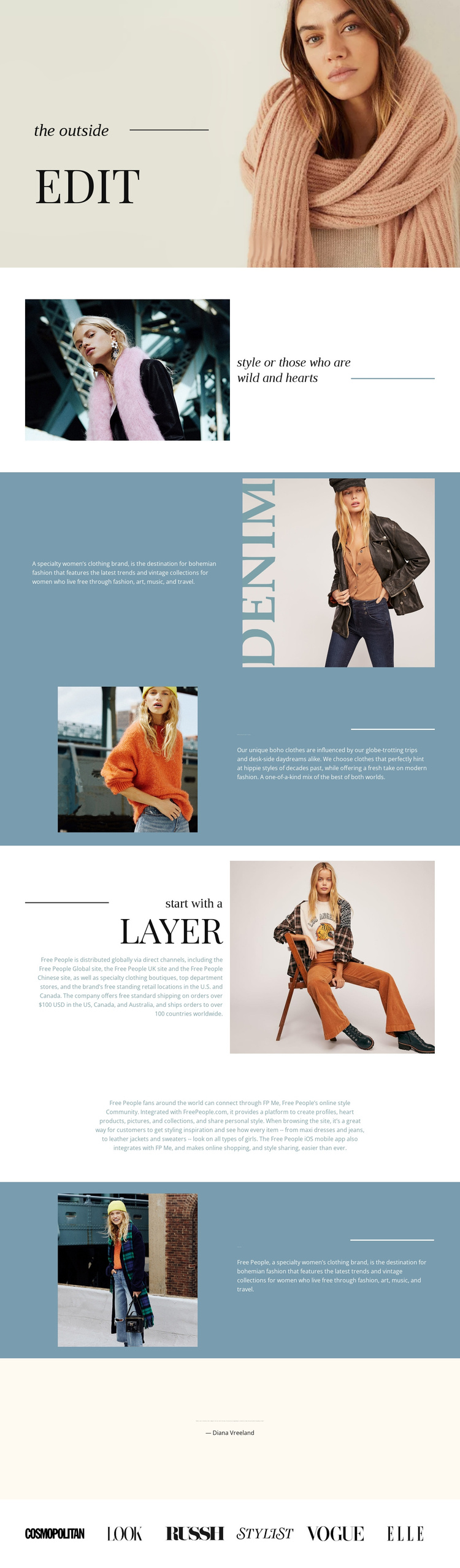
Style, Distribution, and Street-Style Sections Form Clear CMS Content Regions
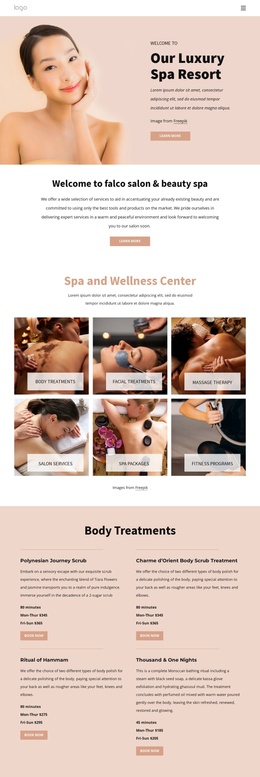
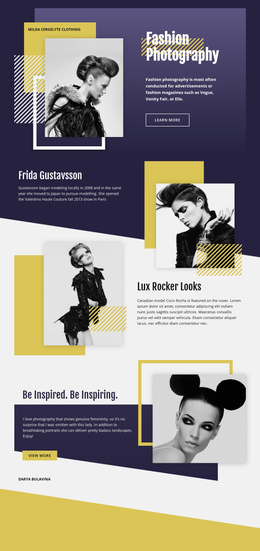
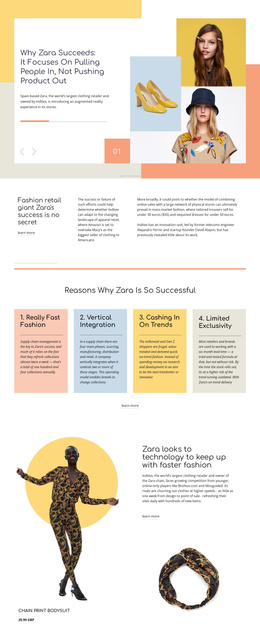
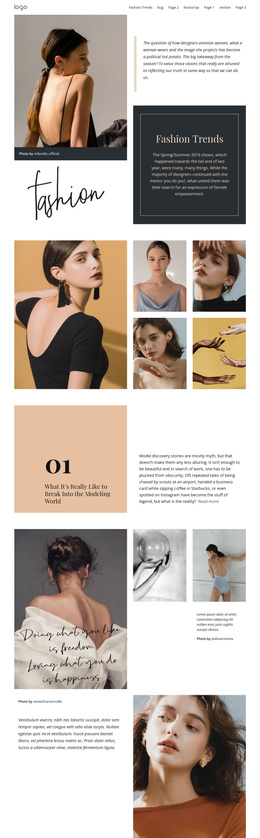
The page divides its fashion story into recognizable informational regions rather than presenting one uninterrupted block of copy. The short introductory statement establishes the editorial voice, while the following brand description and “bohemian inspired clothes for women” section explain the design direction through travel, vintage styles, and contemporary influence. The “start with a Layer” section adds a separate distribution and retail-oriented content area, and the “street style” section gives the page another focused subject.
These distinctions make the design suitable for a CMS-managed fashion site because recurring information can remain separated into meaningful sections while the shared visual language stays consistent. The centered community and style-sharing paragraph works as a different kind of content region, creating space for audience-oriented communication between the more image-led split panels. The quotation section can serve as editorial context, while the six publication marks provide a structured closing row rather than another long text area.
The muted blue panels, pale backgrounds, serif headings, and repeated fashion photography connect these regions visually. In a Joomla project, that relationship matters: services or brand information can change over time without losing the page’s recognizable editorial framework. The template therefore offers organized content areas for navigation and management, while its specific fashion subjects remain grounded in the verified page structure rather than in unverified CMS article categories.
Customize with Nicepage
Open this ready-made template in the Joomla Page Builder and customize it visually in the Nicepage editor. Replace demo content, edit page sections, and adapt the design to your project without rebuilding the template from scratch.
Work With This Template in Joomla
Customize and Install the Joomla Template
Start with this ready-made template instead of building the Joomla design from scratch. Customize its layout, content, typography, images, sections, and other design elements visually in the Nicepage application, then export and install the Joomla Template, Nicepage Extension, and supported content on your Joomla website.
Edit the Template Directly in Joomla
After installation, you can edit the Joomla Template directly in Joomla with the Nicepage Joomla Extension. Customize the Header, Footer, Colors, Fonts, typography, and Page Templates from the Joomla workflow while keeping the site design connected with your CMS content.
Edit Joomla Articles Visually
Use the Nicepage Joomla Extension to open and edit Joomla Articles visually from the Joomla Administrator. Change text, images, sections, layouts, and other page content in the Nicepage editor while continuing to manage the Articles through Joomla.
Joomla Content and Template Integration
Use the customized template together with Joomla Articles, module Positions, menus, forms, Blog Pages, and other supported CMS elements. With the Nicepage Extension used as the Site Style Source, shared design settings can be applied across Joomla Articles while Joomla continues to provide the CMS environment for managing site content.
This workflow combines a ready-made Joomla Template with visual customization, direct template editing in Joomla, and continued content management through the Nicepage Joomla Extension.