Nutrition shop Joomla Template


Edit Template Offline
2. Create new page and search for id 6437955
Edit Template Online
Create Awesome Websites


Free Nicepage Builder
Keywords
Product, Service, and Contact Regions Suit Structured Joomla Content
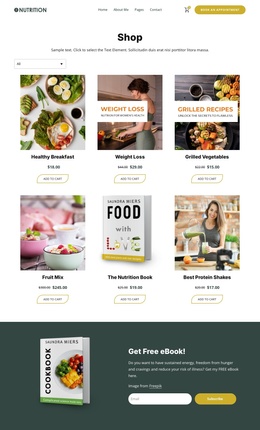
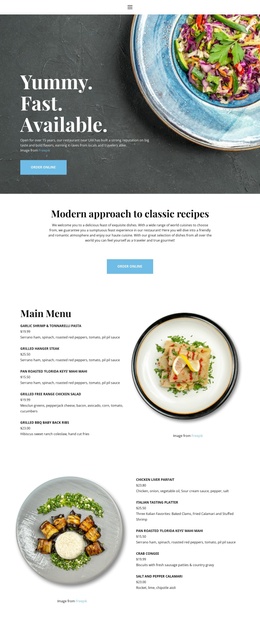
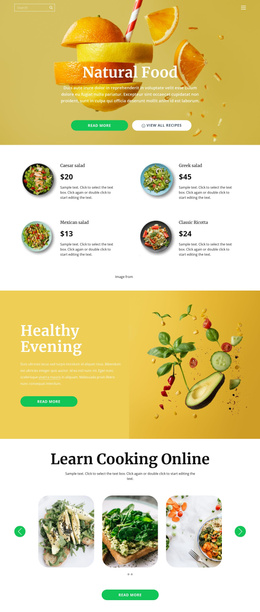
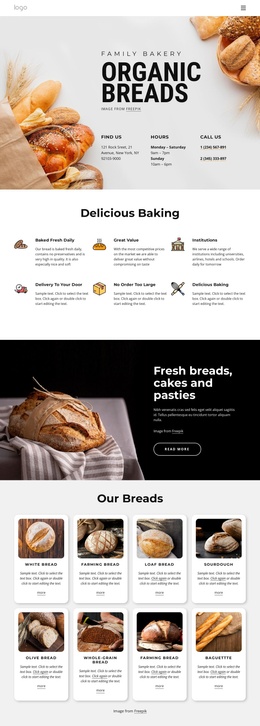
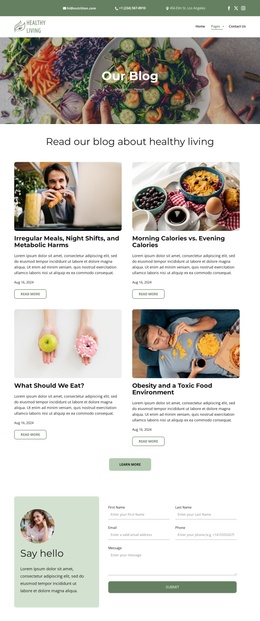
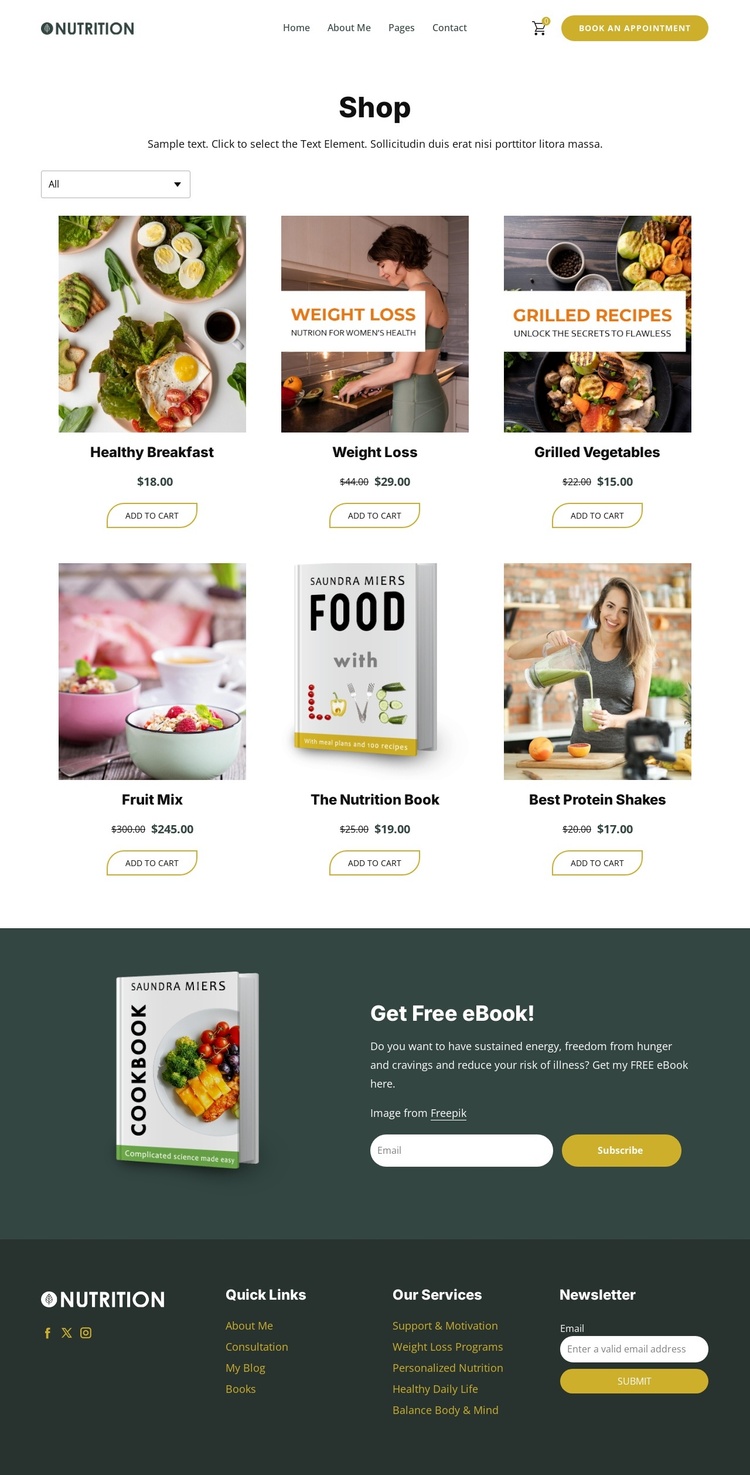
The design divides the shop into content regions that can remain visually coordinated while a CMS manages the information inside them. The Shop block is the primary structured area: six product cards present nutrition items with images, names, prices, category filtering, and Add to Cart actions. The category labels and service-related footer links create natural groupings around the store content, while the header keeps navigation, appointment access, and the shopping cart available as shared site regions.
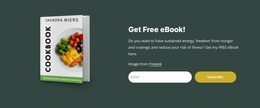
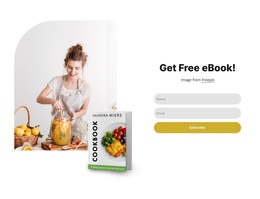
The free ebook promotion adds a separate subscription-oriented area rather than blending every purpose into the product grid. Its cookbook image, offer copy, and email form can be understood as one promotional content region. The footer then gathers social links, quick links, service categories such as personalized nutrition and weight-loss programs, and a newsletter form into reusable supporting areas. This separation is useful for a Joomla site because structured information can remain associated with the region where visitors expect to find it.
The page does not require invented article or module claims to show its CMS suitability. Its verified navigation, repeated product content, category filtering, forms, and shared footer already provide a practical content hierarchy. In a Joomla project, those areas can support an organized nutrition shop while preserving the page's editorial palette and clear distinction between shopping, appointments, and subscriptions.
Customize with Nicepage
Open this ready-made template in the Joomla Page Builder and customize it visually in the Nicepage editor. Replace demo content, edit page sections, and adapt the design to your project without rebuilding the template from scratch.
Work With This Template in Joomla
Customize and Install the Joomla Template
Start with this ready-made template instead of building the Joomla design from scratch. Customize its layout, content, typography, images, sections, and other design elements visually in the Nicepage application, then export and install the Joomla Template, Nicepage Extension, and supported content on your Joomla website.
Edit the Template Directly in Joomla
After installation, you can edit the Joomla Template directly in Joomla with the Nicepage Joomla Extension. Customize the Header, Footer, Colors, Fonts, typography, and Page Templates from the Joomla workflow while keeping the site design connected with your CMS content.
Edit Joomla Articles Visually
Use the Nicepage Joomla Extension to open and edit Joomla Articles visually from the Joomla Administrator. Change text, images, sections, layouts, and other page content in the Nicepage editor while continuing to manage the Articles through Joomla.
Joomla Content and Template Integration
Use the customized template together with Joomla Articles, module Positions, menus, forms, Blog Pages, and other supported CMS elements. With the Nicepage Extension used as the Site Style Source, shared design settings can be applied across Joomla Articles while Joomla continues to provide the CMS environment for managing site content.
This workflow combines a ready-made Joomla Template with visual customization, direct template editing in Joomla, and continued content management through the Nicepage Joomla Extension.