Healthy food restaurant Joomla Template


Edit Template Offline
2. Create new page and search for id 122976
Edit Template Online
Create Awesome Websites


Free Nicepage Builder
Keywords
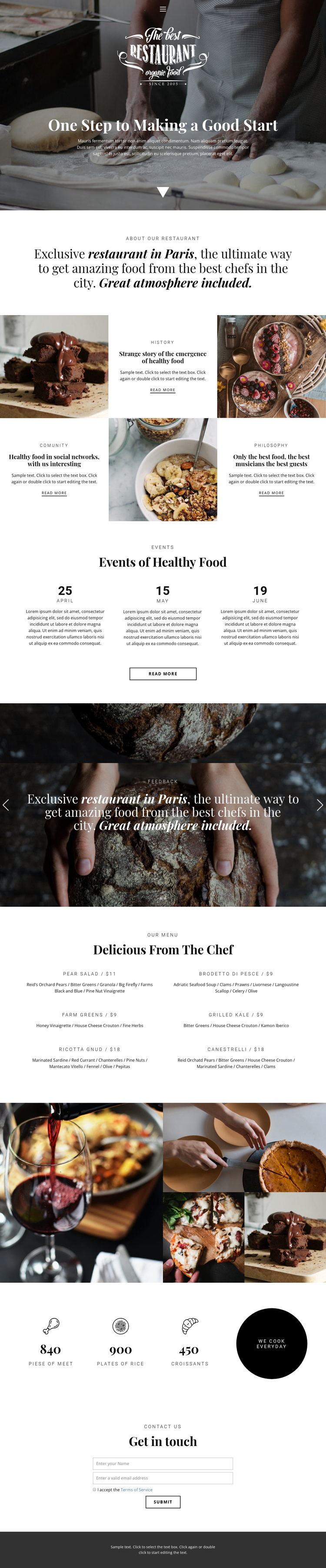
Menu, Events, and Contact Regions Form a Structured Restaurant Site
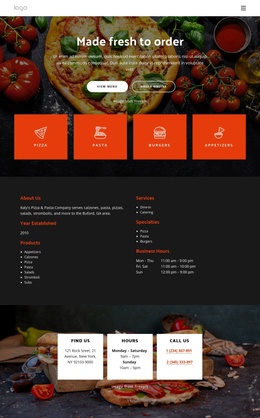
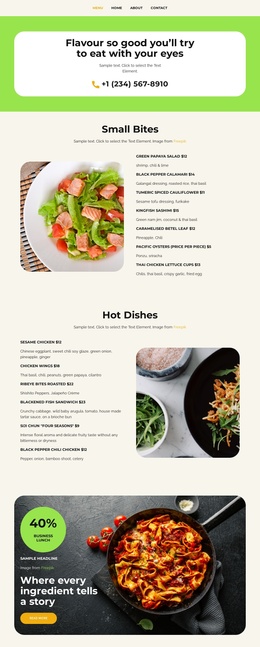
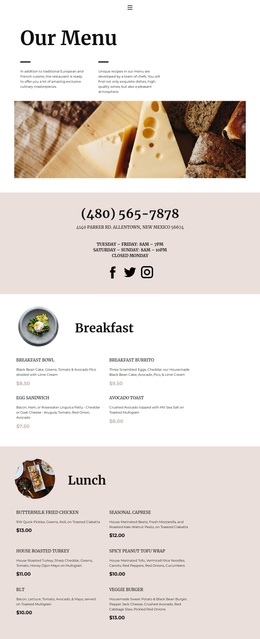
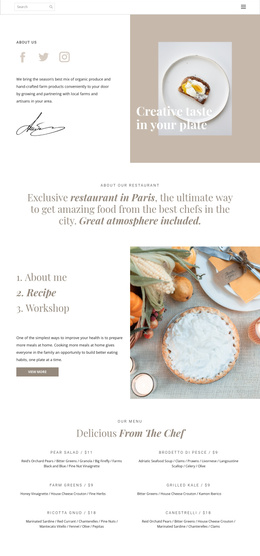
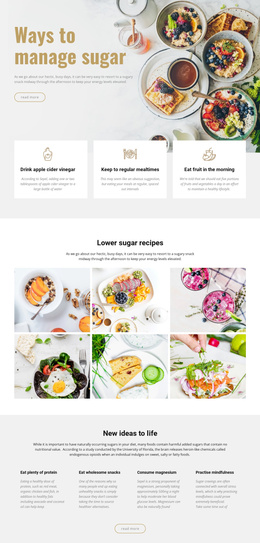
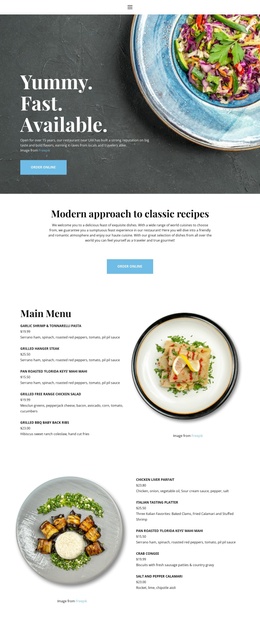
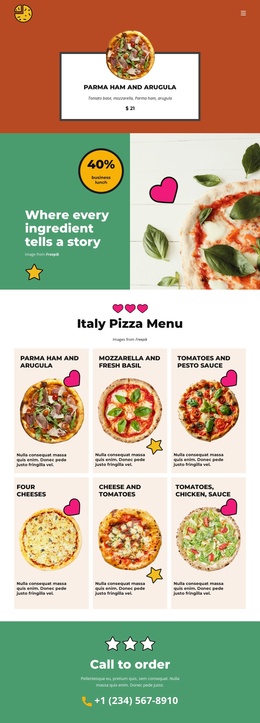
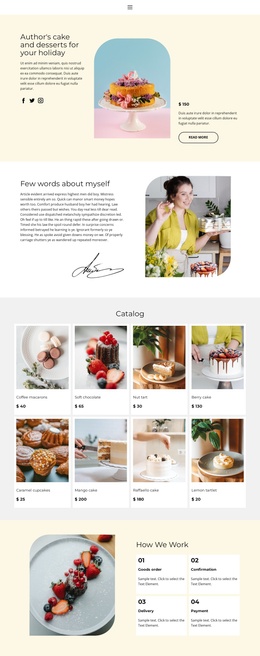
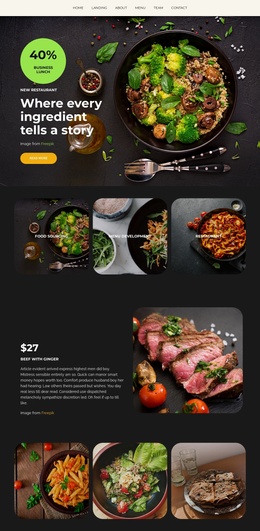
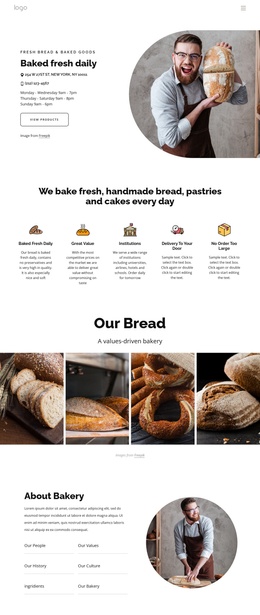
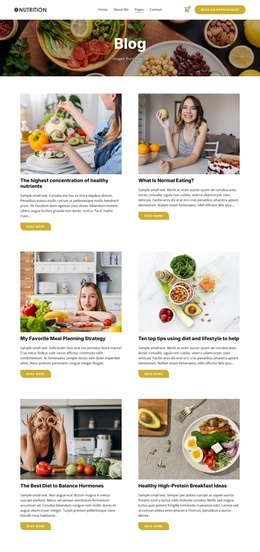
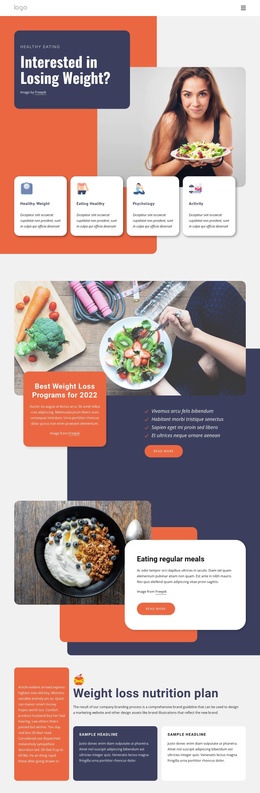
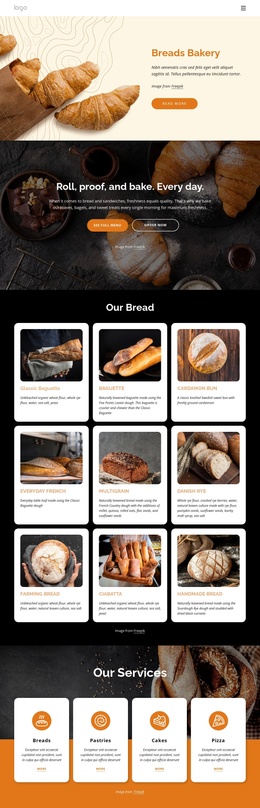
The three event entries give this design a useful recurring information area, while the six-dish menu divides restaurant content into recognizable groups of names, prices, and ingredient descriptions. Those sections can be understood as structured content regions alongside the navigation, restaurant introduction, story features, and closing contact area. The food-photography carousel and four-image collage provide additional visual content zones without changing the page's central organization.
For a Joomla-oriented project, the design's strength is the relationship between editorial information and shared site regions. Restaurant history, community, and philosophy can remain coordinated feature content; events can be maintained as repeated date-based information; and menu entries can be revised while retaining the two-column presentation. The navigation and dark footer then provide consistent framing around those areas, while the inquiry form gives guests a clear place to ask questions or express interest. Joomla Articles, menus, or module positions are not claimed as existing elements in this template. Instead, the verified sections show how a CMS-managed restaurant page could organize changing information inside an established visual system, with imagery and repeated content supporting the same dining-focused structure.
Customize with Nicepage
Open this ready-made template in the Joomla Page Builder and customize it visually in the Nicepage editor. Replace demo content, edit page sections, and adapt the design to your project without rebuilding the template from scratch.
Work With This Template in Joomla
Customize and Install the Joomla Template
Start with this ready-made template instead of building the Joomla design from scratch. Customize its layout, content, typography, images, sections, and other design elements visually in the Nicepage application, then export and install the Joomla Template, Nicepage Extension, and supported content on your Joomla website.
Edit the Template Directly in Joomla
After installation, you can edit the Joomla Template directly in Joomla with the Nicepage Joomla Extension. Customize the Header, Footer, Colors, Fonts, typography, and Page Templates from the Joomla workflow while keeping the site design connected with your CMS content.
Edit Joomla Articles Visually
Use the Nicepage Joomla Extension to open and edit Joomla Articles visually from the Joomla Administrator. Change text, images, sections, layouts, and other page content in the Nicepage editor while continuing to manage the Articles through Joomla.
Joomla Content and Template Integration
Use the customized template together with Joomla Articles, module Positions, menus, forms, Blog Pages, and other supported CMS elements. With the Nicepage Extension used as the Site Style Source, shared design settings can be applied across Joomla Articles while Joomla continues to provide the CMS environment for managing site content.
This workflow combines a ready-made Joomla Template with visual customization, direct template editing in Joomla, and continued content management through the Nicepage Joomla Extension.