We are professional bakers Joomla Template


Edit Template Offline
2. Create new page and search for id 4916555
Edit Template Online
Create Awesome Websites


Free Nicepage Builder
Keywords
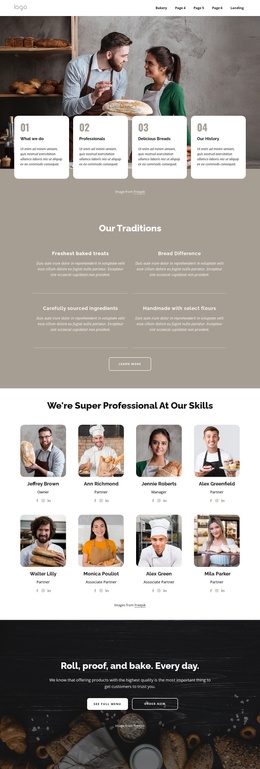
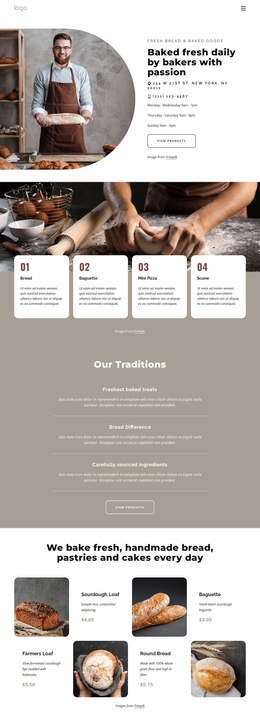
Traditions, Team, and Products Form Structured Bakery Content
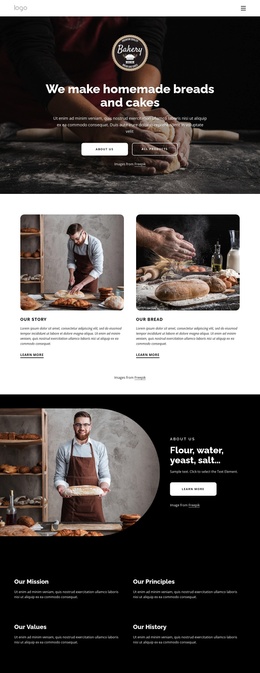
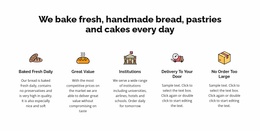
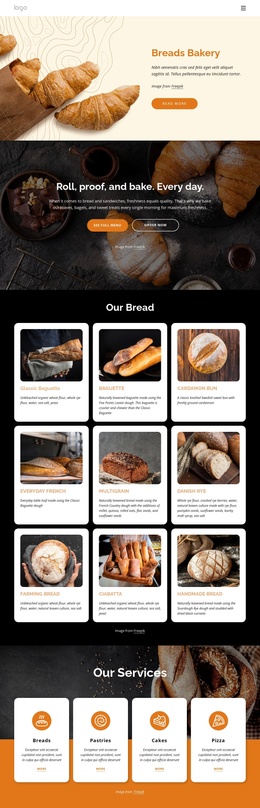
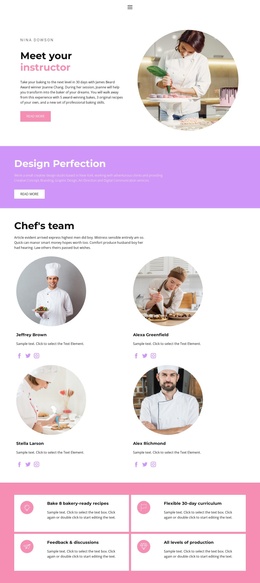
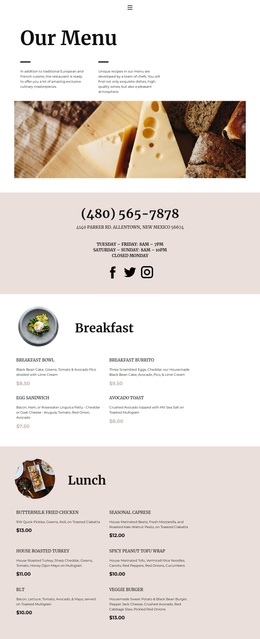
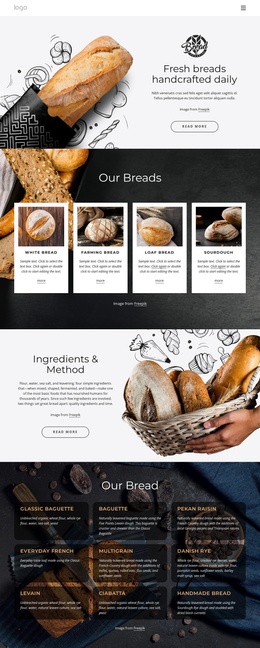
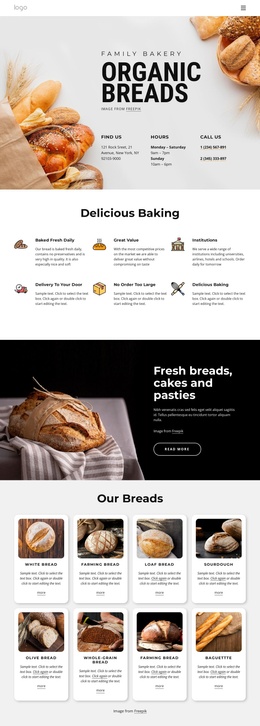
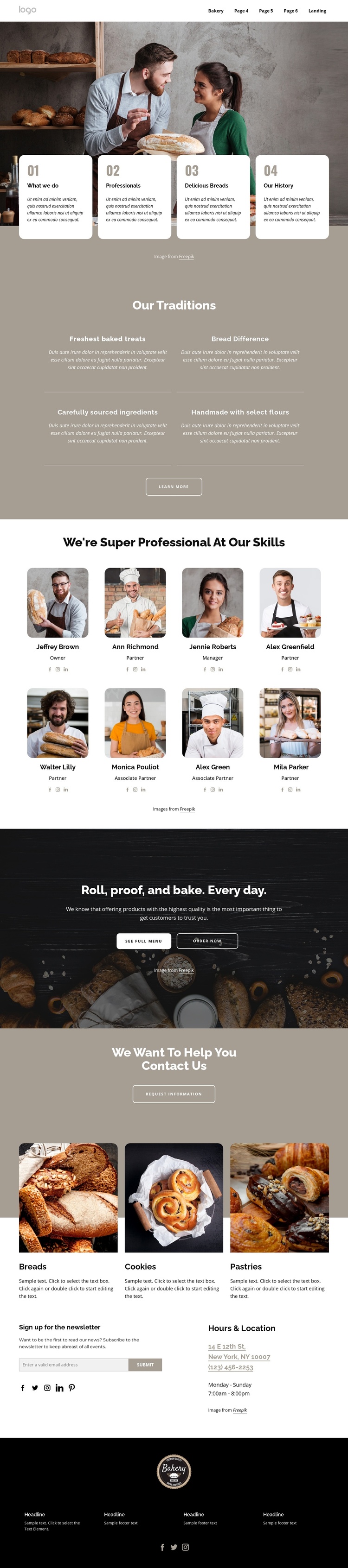
The traditions section divides the bakery story into four recurring information areas: freshest baked treats, the bread difference, carefully sourced ingredients, and handmade work with select flours. That grouping provides a natural content region for structured bakery information rather than one undifferentiated text block. The eight team cards add another repeated content pattern, pairing portraits with roles and social links so people-related information can remain visually consistent.
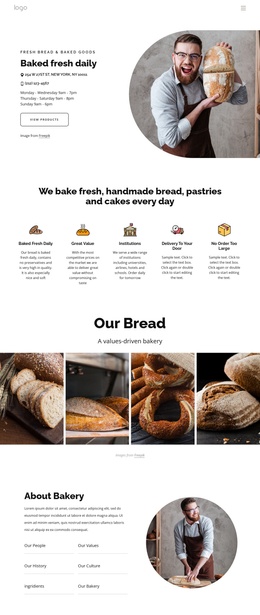
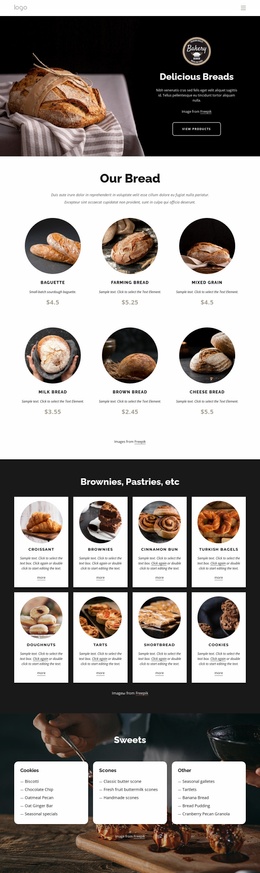
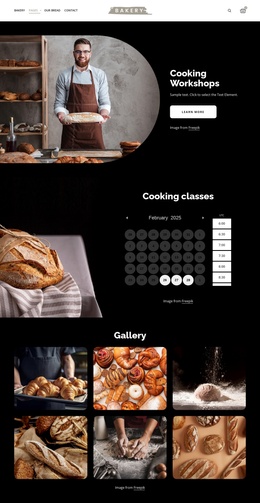
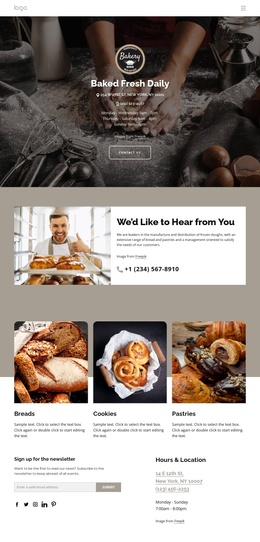
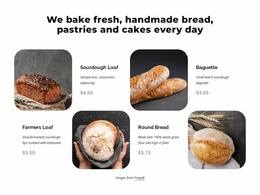
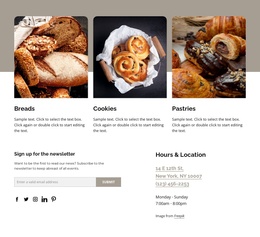
The product area then separates breads, cookies, and pastries into three category cards, while the header and footer provide shared navigation, contact, subscription, and social regions. Menu, ordering, appointment, and information-request actions connect these areas to the ways visitors may engage with the bakery, but the demo names, address, phone numbers, prices, and other sample values should remain replaceable content rather than treated as verified business facts. This combination of recurring information, category content, people profiles, and shared site regions fits a Joomla-oriented project where the design can organize CMS-managed material without changing its visual direction. A Joomla template adaptation can therefore preserve the relationship between traditions, team, products, and customer contact while allowing the actual bakery content to be maintained separately. The important value is the content segmentation already present in this specific page, not an invented claim that Joomla articles or modules currently exist in the template.
Customize with Nicepage
Open this ready-made template in the Joomla Page Builder and customize it visually in the Nicepage editor. Replace demo content, edit page sections, and adapt the design to your project without rebuilding the template from scratch.
Work With This Template in Joomla
Customize and Install the Joomla Template
Start with this ready-made template instead of building the Joomla design from scratch. Customize its layout, content, typography, images, sections, and other design elements visually in the Nicepage application, then export and install the Joomla Template, Nicepage Extension, and supported content on your Joomla website.
Edit the Template Directly in Joomla
After installation, you can edit the Joomla Template directly in Joomla with the Nicepage Joomla Extension. Customize the Header, Footer, Colors, Fonts, typography, and Page Templates from the Joomla workflow while keeping the site design connected with your CMS content.
Edit Joomla Articles Visually
Use the Nicepage Joomla Extension to open and edit Joomla Articles visually from the Joomla Administrator. Change text, images, sections, layouts, and other page content in the Nicepage editor while continuing to manage the Articles through Joomla.
Joomla Content and Template Integration
Use the customized template together with Joomla Articles, module Positions, menus, forms, Blog Pages, and other supported CMS elements. With the Nicepage Extension used as the Site Style Source, shared design settings can be applied across Joomla Articles while Joomla continues to provide the CMS environment for managing site content.
This workflow combines a ready-made Joomla Template with visual customization, direct template editing in Joomla, and continued content management through the Nicepage Joomla Extension.