Nature travel Joomla Template



Edit Template Offline
2. Create new page and search for id 149879
Edit Template Online
Create Awesome Websites


Free Nicepage Builder
Keywords
Travel Categories and Contact Regions Divide the Page Into Managed Content
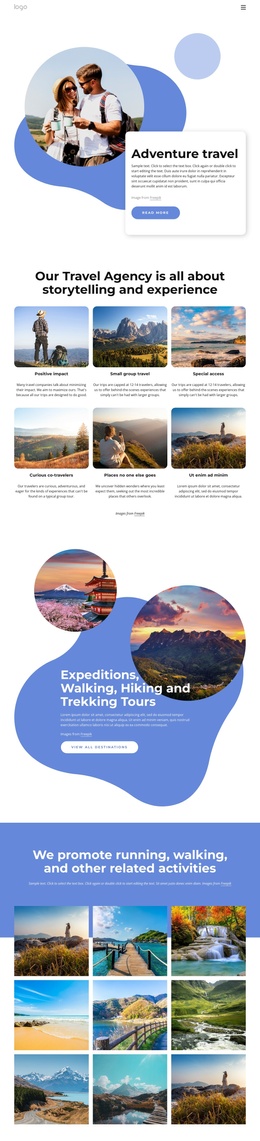
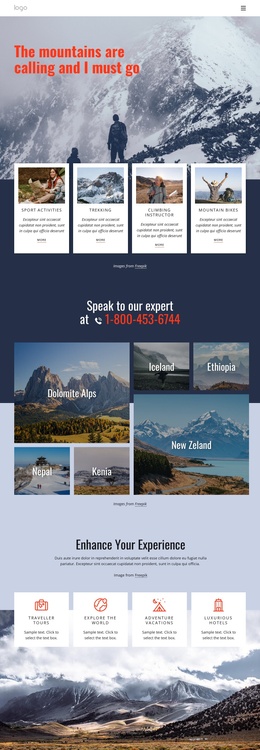
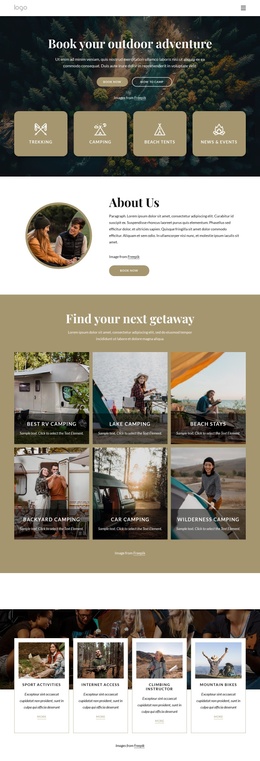
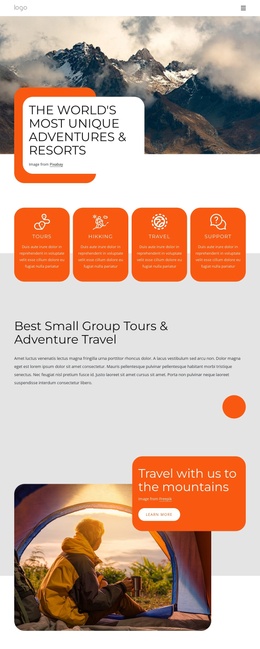
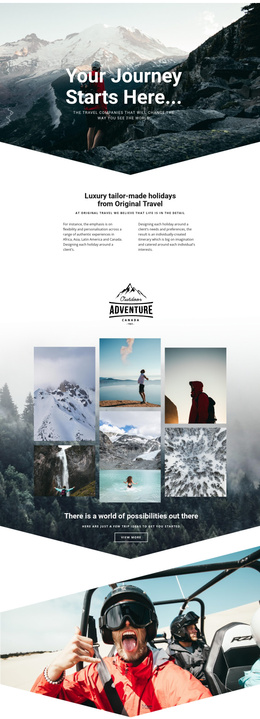
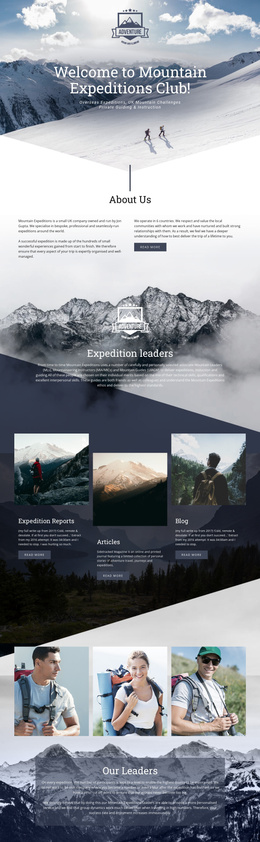
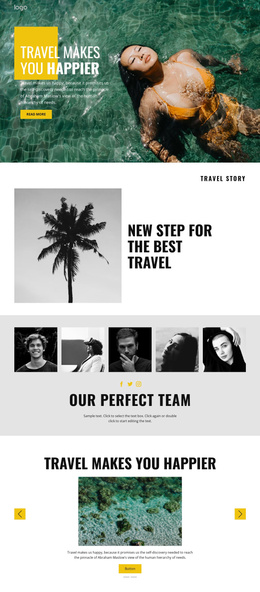
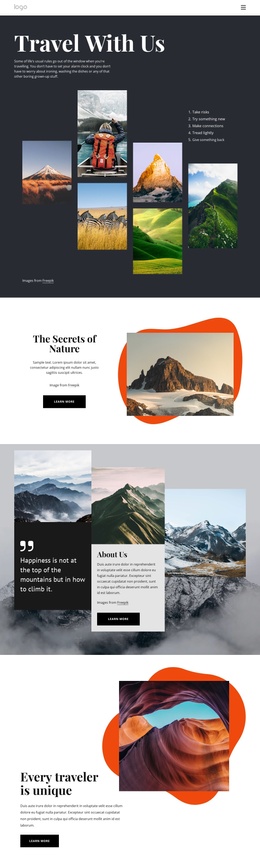
The design separates several structured information areas that can make sense within a CMS-managed travel site. The introductory Nature Travel block establishes the main subject, while the About Us section provides a compact explanatory region about connecting with nature. The outdoor feature and the Mountain Travel Agency section then distinguish experience-led content from broader agency promotion. These are not interchangeable text areas; each has its own image relationship, heading, and supporting copy.
The hiking and trekking gallery creates a separate destination-focused region with four travel photographs. It can sit alongside the page’s other structured travel subjects without weakening the visual system formed by the deep blue, muted lavender, terracotta, and white panels. The later Road Trips section adds another category through a large aerial image, a white content card, and a Learn more action. Together, these regions give navigation and recurring site content clear subject boundaries.
The Contact Us area provides a final managed region for inquiries, phone and email channels, and social links. In a Joomla project, the design can therefore be understood as coordinated site content rather than only as a single visual composition: travel introduction, agency information, activity and destination areas, secondary travel themes, and contact content remain visibly connected while their editorial roles stay distinct.
Customize with Nicepage
Open this ready-made template in the Joomla Page Builder and customize it visually in the Nicepage editor. Replace demo content, edit page sections, and adapt the design to your project without rebuilding the template from scratch.
Work With This Template in Joomla
Customize and Install the Joomla Template
Start with this ready-made template instead of building the Joomla design from scratch. Customize its layout, content, typography, images, sections, and other design elements visually in the Nicepage application, then export and install the Joomla Template, Nicepage Extension, and supported content on your Joomla website.
Edit the Template Directly in Joomla
After installation, you can edit the Joomla Template directly in Joomla with the Nicepage Joomla Extension. Customize the Header, Footer, Colors, Fonts, typography, and Page Templates from the Joomla workflow while keeping the site design connected with your CMS content.
Edit Joomla Articles Visually
Use the Nicepage Joomla Extension to open and edit Joomla Articles visually from the Joomla Administrator. Change text, images, sections, layouts, and other page content in the Nicepage editor while continuing to manage the Articles through Joomla.
Joomla Content and Template Integration
Use the customized template together with Joomla Articles, module Positions, menus, forms, Blog Pages, and other supported CMS elements. With the Nicepage Extension used as the Site Style Source, shared design settings can be applied across Joomla Articles while Joomla continues to provide the CMS environment for managing site content.
This workflow combines a ready-made Joomla Template with visual customization, direct template editing in Joomla, and continued content management through the Nicepage Joomla Extension.