Interior and lighting design Joomla Template


Edit Template Offline
2. Create new page and search for id 6055105
Edit Template Online
Create Awesome Websites


Free Nicepage Builder
Keywords
Project Categories and Shared Regions Suit Structured Joomla Content
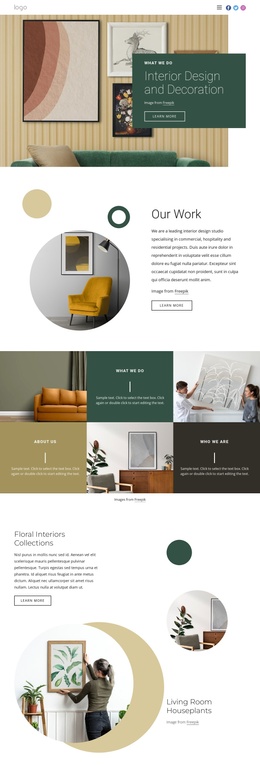
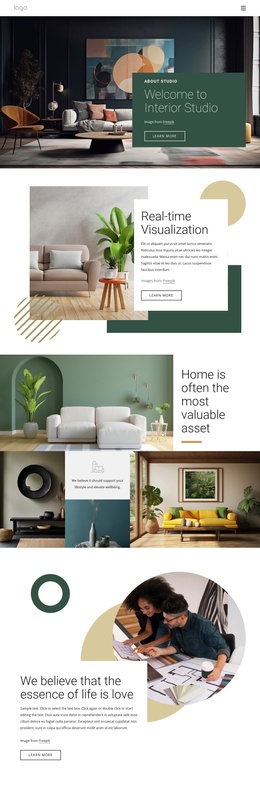
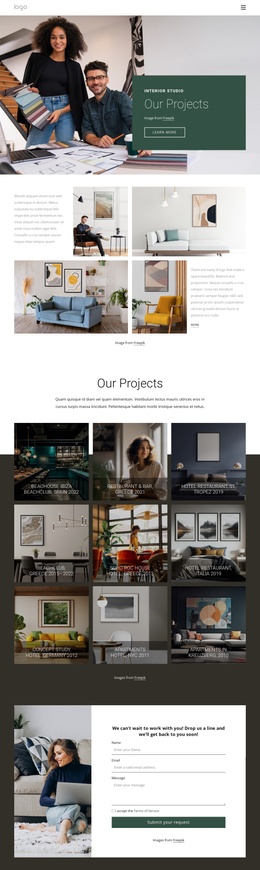
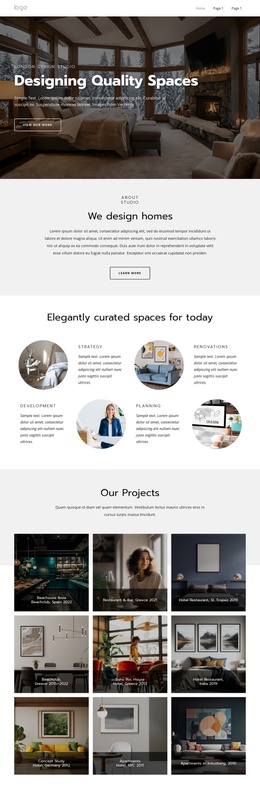
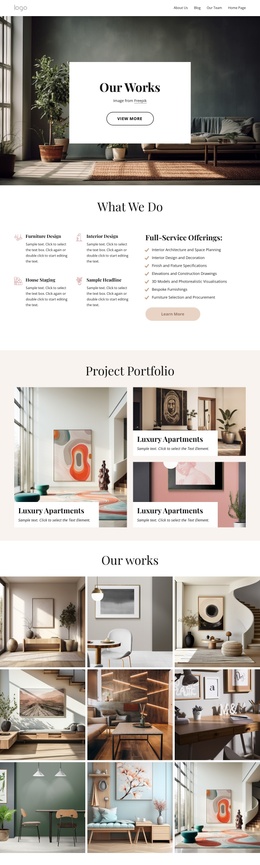
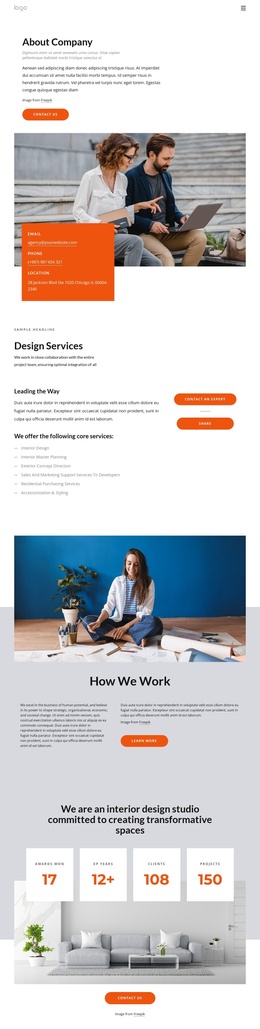
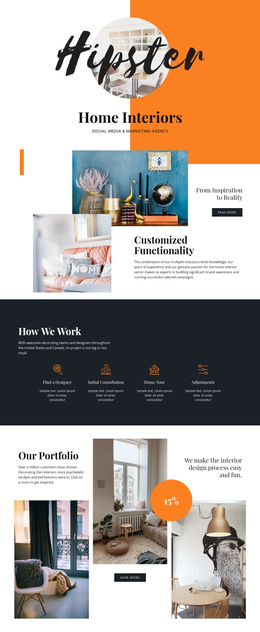
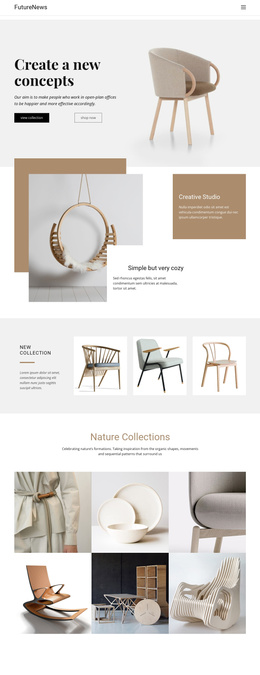
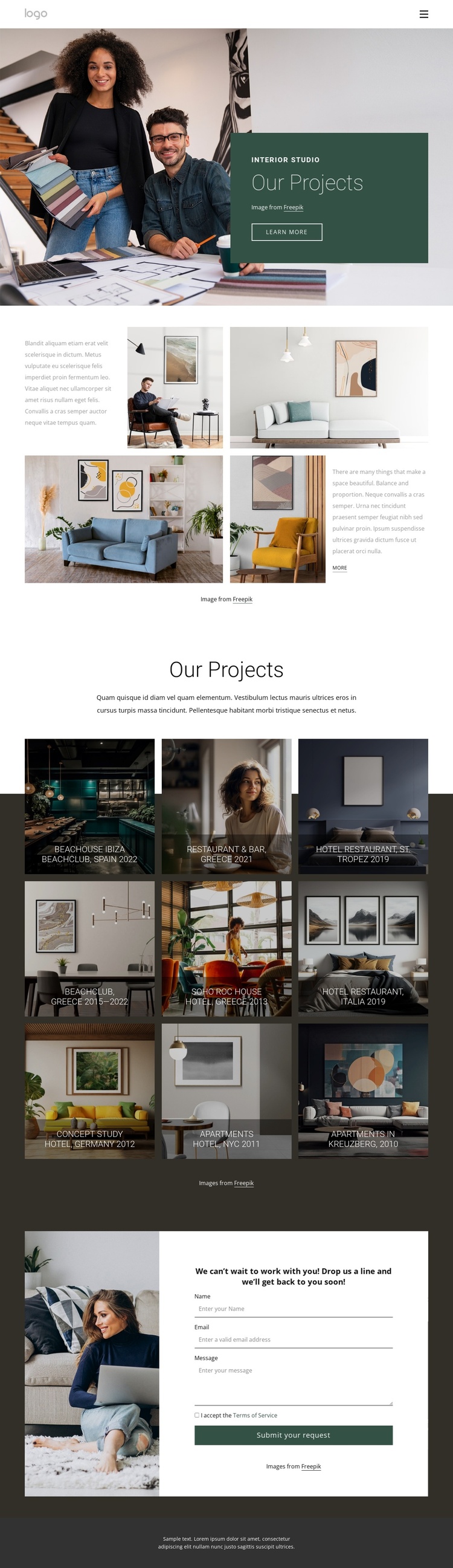
The navigation, repeated project gallery, contact area, and dark footer divide this design into recognizable content regions. The hero can introduce the interior studio, while the split section supplies supporting context before visitors reach the project-focused content. This separation is useful for a Joomla site because the design does not depend on one undifferentiated text block; it already distinguishes introductory information, visual project material, and an inquiry destination.
The nine gallery tiles provide the most substantial recurring content area. Labels such as Beachclub, Restaurant & Bar, Hotel Restaurant, Concept Study, and Apartments describe different project contexts, while place references including Spain, Greece, St. Tropez, Italia, Germany, NYC, and Kreuzberg add another organizing dimension. In a Joomla-managed project, these are meaningful content groupings to preserve within the gallery presentation, even though the template analysis does not verify specific Joomla Articles or categories.
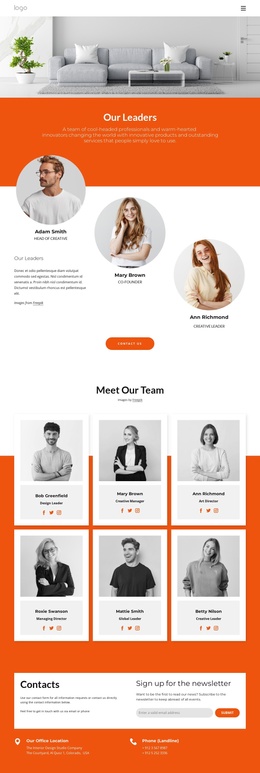
The contact section gives the structured page a practical endpoint: an inquiry message and centered contact form appear beside a supporting photograph. The shared navigation and dark footer can retain the same visual frame around these content areas as the portfolio grows. A Joomla implementation can therefore use the design as a coordinated arrangement of studio information, recurring project presentation, and contact content, without treating the sample names or locations as verified business claims.
Customize with Nicepage
Open this ready-made template in the Joomla Page Builder and customize it visually in the Nicepage editor. Replace demo content, edit page sections, and adapt the design to your project without rebuilding the template from scratch.
Work With This Template in Joomla
Customize and Install the Joomla Template
Start with this ready-made template instead of building the Joomla design from scratch. Customize its layout, content, typography, images, sections, and other design elements visually in the Nicepage application, then export and install the Joomla Template, Nicepage Extension, and supported content on your Joomla website.
Edit the Template Directly in Joomla
After installation, you can edit the Joomla Template directly in Joomla with the Nicepage Joomla Extension. Customize the Header, Footer, Colors, Fonts, typography, and Page Templates from the Joomla workflow while keeping the site design connected with your CMS content.
Edit Joomla Articles Visually
Use the Nicepage Joomla Extension to open and edit Joomla Articles visually from the Joomla Administrator. Change text, images, sections, layouts, and other page content in the Nicepage editor while continuing to manage the Articles through Joomla.
Joomla Content and Template Integration
Use the customized template together with Joomla Articles, module Positions, menus, forms, Blog Pages, and other supported CMS elements. With the Nicepage Extension used as the Site Style Source, shared design settings can be applied across Joomla Articles while Joomla continues to provide the CMS environment for managing site content.
This workflow combines a ready-made Joomla Template with visual customization, direct template editing in Joomla, and continued content management through the Nicepage Joomla Extension.