How to assign User Roles to collaborate on a website


Data Manager Role
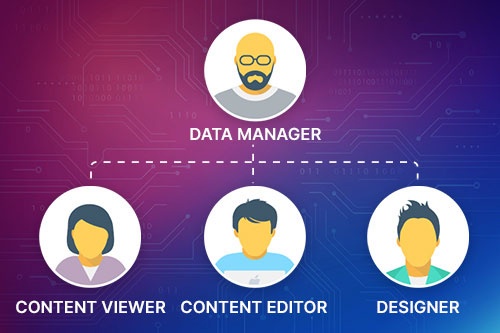
With the Data Manager Role, you can provide a collaborator with access to Orders, Leads, Site Statistics, and Calendar Appointments without giving full editing permissions. It allows for the management of business data independently of website design.
Content Viewer Role
You can give your clients or team members secure read-only access to pages, posts, and products. Review website content and structure without risking accidental edits.


Content Editor Role
You can allow your coworkers, clients, marketers, or copywriters to update texts and images without changing layouts, styles, or structure. It allows you to keep your design safe while content stays fresh.
Designer Role
Allow your designers or collaborators to fully customize Layouts, Blocks, Grids, Spacing, and Styling while keeping content workflows separated from structural changes.