Contacts of our studio WordPress Theme


Stable Contact Content in a Two-Column Page Region
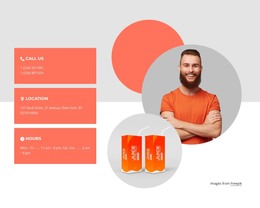
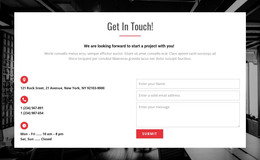
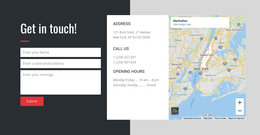
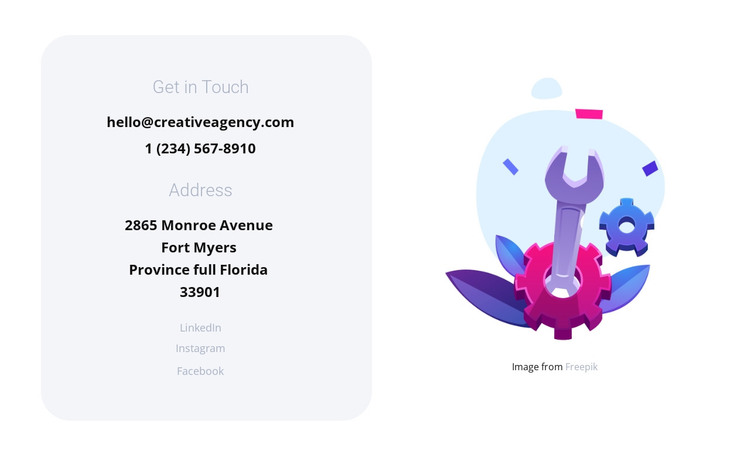
The left panel reads as permanent page content because it gathers the studio’s primary communication details under two clear labels: “Get in Touch” and “Address.” Email, phone, and physical-address information create the core contact message, while LinkedIn, Instagram, and Facebook add three social routes that can remain part of the same content region. The rounded pale lavender container gives those details a consistent visual boundary.
The illustration stays in a separate right-hand column, where its bright purple, blue, and pink colors balance the restrained contact panel. This division lets the written information remain readable without removing the visual character of the section. A light background, centered dark text, generous whitespace, and vertical alignment reinforce the distinction between the information region and the supporting artwork.
Within a WordPress-oriented project, the block can serve as a stable contact section on a page while the wider site manages its other content around it. The displayed email, phone number, address, social destinations, and illustration attribution can be replaced with the project’s current material without changing the block’s role. Nicepage’s WordPress workflow can provide the surrounding CMS context, but this reusable section remains focused on presenting contact channels in one coherent page area.
Customize with Nicepage
Open this ready-made template in the WordPress Website Builder and customize it visually in the Nicepage editor. Replace demo content, edit page sections, and adapt the design to your project without rebuilding the template from scratch.
Edit Template Offline
2. Create a new page or select existing
3. Click Add new block, search for id 801592 and click enter
Edit Template Online
Create Awesome Websites


Free Nicepage Builder
Keywords
Manage and Edit This Theme in WordPress
Customize and Install the WordPress Theme
Start with this ready-made theme instead of building the WordPress design from scratch. Customize its layout, content, typography, images, sections, and other design elements visually in Nicepage editor, then export and install the WordPress Theme, Plugin, and Pages on your WordPress site. The Nicepage WordPress Plugin lets you continue working with the site after installation.
Edit the Theme Directly in WordPress
After installation, you can edit the WordPress Theme directly in WordPress with the Nicepage WordPress Plugin. Use Site Style to customize site Colors, Fonts, Header, Footer, Blog, and Post Page Templates while working within your WordPress website.
Edit WordPress Pages Visually
Use the Nicepage WordPress Plugin to edit page content directly from the WordPress admin area. Open a WordPress Page with Nicepage and visually change its text, images, sections, and other page elements while continuing to manage the Page through WordPress.
WordPress Content and Theme Integration
Use the customized theme with WordPress Pages, Posts, Blog and Post Templates, menus, widgets, and other CMS-managed content. Shared theme elements such as Colors, Fonts, Header, Footer, Blog, and Post Page Templates can be managed as part of the overall site design, while WordPress provides the CMS environment for managing site content.
This workflow combines a ready-made WordPress Theme with visual customization, direct theme editing in WordPress, and continued content management through the Nicepage WordPress Plugin.