Innovative Car Wash System WordPress Theme


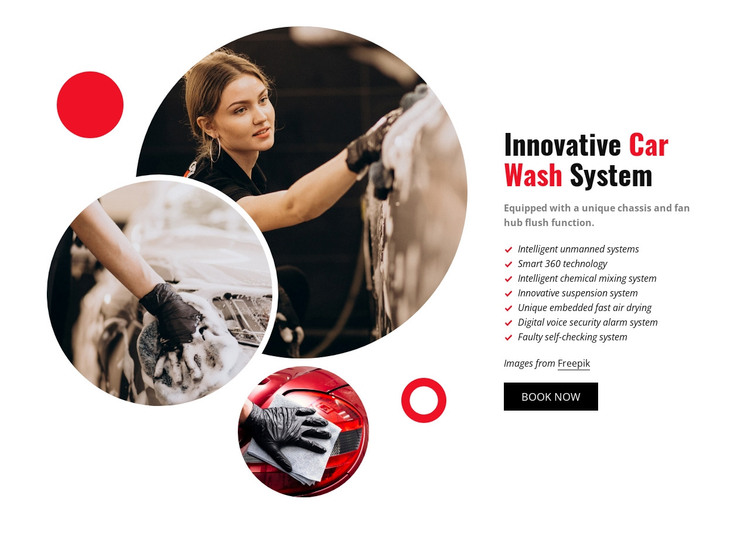
Stable Product Content in a WordPress-Managed Page Section
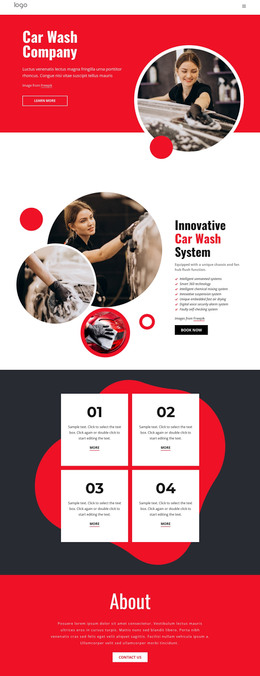
The heading, description, and seven feature items read as stable product information rather than a sequence of time-sensitive updates. The section identifies the Innovative Car Wash System, mentions a unique chassis and fan hub flush function, and lists capabilities such as Smart 360 technology and intelligent chemical mixing. Three overlapping circular photographs provide the visual context, while the attribution note and Book now button remain part of the same page-content region.
In a WordPress-oriented project, this block can fit a permanent services or product page where the system needs a consistent presentation. The visual section can remain in place while surrounding page content grows around it, including related automotive information, contact material, or additional product explanations. The Book now control provides a local response point, but the broader site determines how that action connects to the rest of the visitor journey.
The block's value for managed page content comes from the relationship between structured information and a fixed visual arrangement. The seven-item list gives the product explanation a repeatable content shape, while the circular image collage creates a recognizable presentation pattern. A WordPress project can therefore use the section as one publishable content area within a wider theme and page structure, keeping the product details readable without implying that posts, categories, widgets, or other CMS elements are contained in this block.
Customize with Nicepage
Open this ready-made template in the WordPress Website Builder and customize it visually in the Nicepage editor. Replace demo content, edit page sections, and adapt the design to your project without rebuilding the template from scratch.
Edit Template Offline
2. Create a new page or select existing
3. Click Add new block, search for id 74223 and click enter
Edit Template Online
Create Awesome Websites


Free Nicepage Builder
Keywords
Manage and Edit This Theme in WordPress
Customize and Install the WordPress Theme
Start with this ready-made theme instead of building the WordPress design from scratch. Customize its layout, content, typography, images, sections, and other design elements visually in Nicepage editor, then export and install the WordPress Theme, Plugin, and Pages on your WordPress site. The Nicepage WordPress Plugin lets you continue working with the site after installation.
Edit the Theme Directly in WordPress
After installation, you can edit the WordPress Theme directly in WordPress with the Nicepage WordPress Plugin. Use Site Style to customize site Colors, Fonts, Header, Footer, Blog, and Post Page Templates while working within your WordPress website.
Edit WordPress Pages Visually
Use the Nicepage WordPress Plugin to edit page content directly from the WordPress admin area. Open a WordPress Page with Nicepage and visually change its text, images, sections, and other page elements while continuing to manage the Page through WordPress.
WordPress Content and Theme Integration
Use the customized theme with WordPress Pages, Posts, Blog and Post Templates, menus, widgets, and other CMS-managed content. Shared theme elements such as Colors, Fonts, Header, Footer, Blog, and Post Page Templates can be managed as part of the overall site design, while WordPress provides the CMS environment for managing site content.
This workflow combines a ready-made WordPress Theme with visual customization, direct theme editing in WordPress, and continued content management through the Nicepage WordPress Plugin.