Best Saxophonist WordPress Theme


A Stable Editorial Section for WordPress Page Content
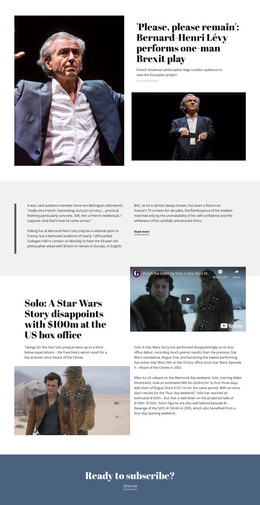
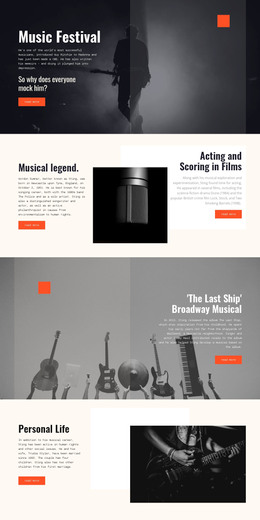
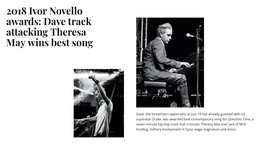
The long headline gives this block a fixed subject and a strong page-content identity. It frames the 2018 Ivor Novello awards through Dave, Theresa May, and the stated best-song result, making the left panel suitable for a featured editorial story or news section within a WordPress-managed page. The large serif treatment separates that subject from the supporting material without requiring the block to carry broader site navigation or publishing structure.
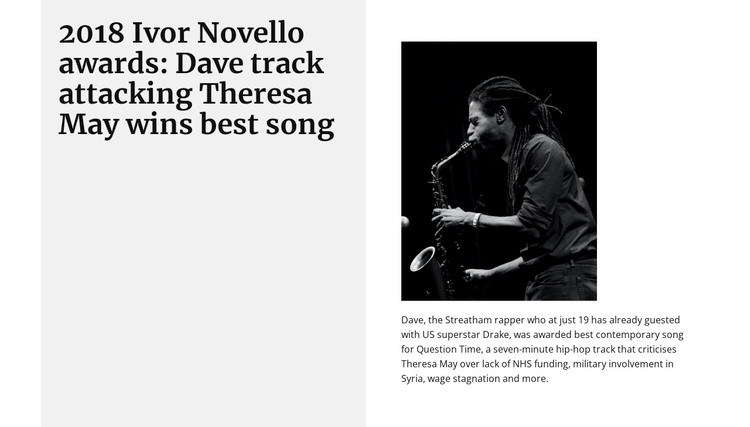
On the right, the content model remains compact: one monochrome performance image followed by one supporting paragraph. The paragraph identifies Dave as a Streatham rapper, refers to Drake, and names “Question Time” as the awarded contemporary song. This gives the visual a clear relationship to the text, while the white panel maintains a readable space beside the pale gray headline panel. The image-over-paragraph order also makes the section easy to recognize as one editorial unit.
In a WordPress-oriented project, this block can serve as permanent page content for an artist, music, or culture feature while the wider site manages other pages and editorial areas separately. The split arrangement can remain visually consistent when reused for related stories, but its actual content should continue to be edited for each article. The section contributes a publishable content area; it does not become a standalone WordPress theme.
Customize with Nicepage
Open this ready-made template in the WordPress Website Builder and customize it visually in the Nicepage editor. Replace demo content, edit page sections, and adapt the design to your project without rebuilding the template from scratch.
Edit Template Offline
2. Create a new page or select existing
3. Click Add new block, search for id 684850 and click enter
Edit Template Online
Create Awesome Websites


Free Nicepage Builder
Keywords
Manage and Edit This Theme in WordPress
Customize and Install the WordPress Theme
Start with this ready-made theme instead of building the WordPress design from scratch. Customize its layout, content, typography, images, sections, and other design elements visually in Nicepage editor, then export and install the WordPress Theme, Plugin, and Pages on your WordPress site. The Nicepage WordPress Plugin lets you continue working with the site after installation.
Edit the Theme Directly in WordPress
After installation, you can edit the WordPress Theme directly in WordPress with the Nicepage WordPress Plugin. Use Site Style to customize site Colors, Fonts, Header, Footer, Blog, and Post Page Templates while working within your WordPress website.
Edit WordPress Pages Visually
Use the Nicepage WordPress Plugin to edit page content directly from the WordPress admin area. Open a WordPress Page with Nicepage and visually change its text, images, sections, and other page elements while continuing to manage the Page through WordPress.
WordPress Content and Theme Integration
Use the customized theme with WordPress Pages, Posts, Blog and Post Templates, menus, widgets, and other CMS-managed content. Shared theme elements such as Colors, Fonts, Header, Footer, Blog, and Post Page Templates can be managed as part of the overall site design, while WordPress provides the CMS environment for managing site content.
This workflow combines a ready-made WordPress Theme with visual customization, direct theme editing in WordPress, and continued content management through the Nicepage WordPress Plugin.