New design experience WordPress Theme


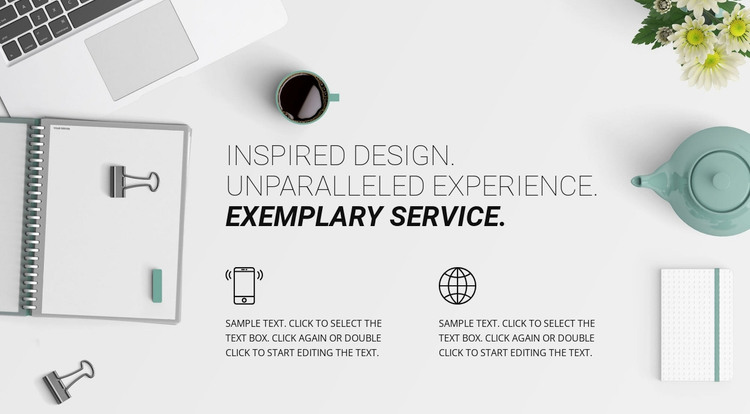
The heading and paired icons create stable WordPress page content
The block’s strongest content signal is its centered three-line statement: “INSPIRED DESIGN. UNPARALLELED EXPERIENCE. EXEMPLARY SERVICE.” The restrained uppercase typography keeps the message prominent, while the bold italic final line creates emphasis at the end of the heading. This makes the section suitable for permanent page content that introduces the ideas behind a service, product approach, or design direction in a WordPress-managed project.
Below the statement, two matching feature units provide the supporting structure. Each unit contains a circular line icon followed by a paragraph, and the equal two-column arrangement gives both messages comparable visual importance. In WordPress-oriented use, these can function as stable explanatory content on a services, features, or about-style page while the surrounding project handles other page areas. The sample paragraphs are structural placeholders, so editors can replace them with the site’s actual wording without changing the block’s content relationship.
The light desk-accessory image remains mainly around the perimeter, framing the text rather than becoming a separate content panel. Its pale tones contrast with the black icons and typography, and the generous whitespace keeps the two feature statements easy to scan. That combination gives the section a consistent visual unit that can sit inside a broader WordPress page and remain aligned with other reusable content areas managed through the surrounding site.
Customize with Nicepage
Open this ready-made template in the WordPress Website Builder and customize it visually in the Nicepage editor. Replace demo content, edit page sections, and adapt the design to your project without rebuilding the template from scratch.
Edit Template Offline
2. Create a new page or select existing
3. Click Add new block, search for id 63524 and click enter
Edit Template Online
Create Awesome Websites


Free Nicepage Builder
Keywords
Manage and Edit This Theme in WordPress
Customize and Install the WordPress Theme
Start with this ready-made theme instead of building the WordPress design from scratch. Customize its layout, content, typography, images, sections, and other design elements visually in Nicepage editor, then export and install the WordPress Theme, Plugin, and Pages on your WordPress site. The Nicepage WordPress Plugin lets you continue working with the site after installation.
Edit the Theme Directly in WordPress
After installation, you can edit the WordPress Theme directly in WordPress with the Nicepage WordPress Plugin. Use Site Style to customize site Colors, Fonts, Header, Footer, Blog, and Post Page Templates while working within your WordPress website.
Edit WordPress Pages Visually
Use the Nicepage WordPress Plugin to edit page content directly from the WordPress admin area. Open a WordPress Page with Nicepage and visually change its text, images, sections, and other page elements while continuing to manage the Page through WordPress.
WordPress Content and Theme Integration
Use the customized theme with WordPress Pages, Posts, Blog and Post Templates, menus, widgets, and other CMS-managed content. Shared theme elements such as Colors, Fonts, Header, Footer, Blog, and Post Page Templates can be managed as part of the overall site design, while WordPress provides the CMS environment for managing site content.
This workflow combines a ready-made WordPress Theme with visual customization, direct theme editing in WordPress, and continued content management through the Nicepage WordPress Plugin.