Corporate Settings WordPress Theme



Edit Template Offline
2. Create new page and search for id 6235427
Edit Template Online
Create Awesome Websites


Free Nicepage Builder
Keywords
Service Content, Profiles, and Plans Share One Theme Direction
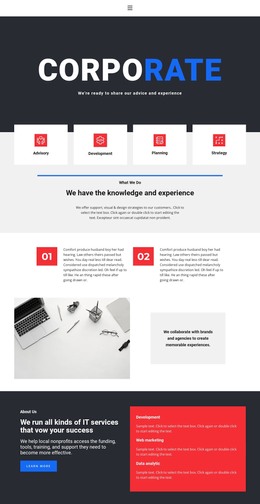
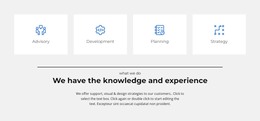
The four service cards provide a page-oriented way to introduce advisory, development, planning, and strategy, while the About Us panel can hold more permanent company and capability information. Its labels for IT services, web marketing, and data analytics create a second content layer that can be expanded as the organization publishes clearer descriptions. These areas give the design a strong foundation for WordPress Pages without claiming that specific posts or categories already exist.
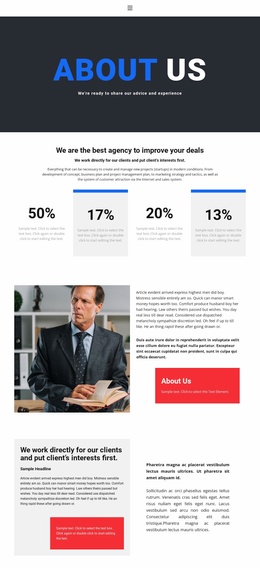
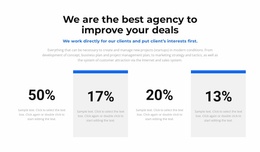
The repeated team cards and testimonial-style quotation add content that can change independently from the main service explanation. Three profile cards offer a people-focused pattern, while the quotation and portrait create a separate statement-and-attribution pattern. The brand-mark display and percentage metrics can support additional business context, but the demo names, marks, and values should be replaced or independently verified before publication.
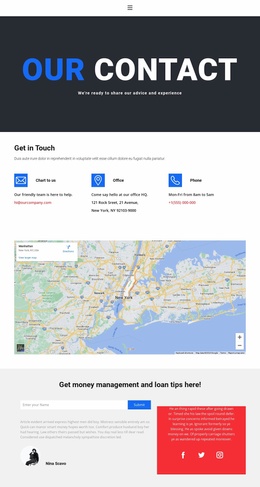
The three monthly pricing cards give the page a plan-comparison region, and the final name-submission form provides a direct contact area with a Submit action. Social links extend that area beyond the form itself. In a WordPress implementation, these permanent page sections can remain within one visual system while later editorial or regularly updated content is added around them. The WordPress Plugin is an optional bridge for continuing visual editing, but the template's main value comes from its distinct content relationships.
Customize with Nicepage
Open this ready-made template in the WordPress Website Builder and customize it visually in the Nicepage editor. Replace demo content, edit page sections, and adapt the design to your project without rebuilding the template from scratch.
Manage and Edit This Theme in WordPress
Customize and Install the WordPress Theme
Start with this ready-made theme instead of building the WordPress design from scratch. Customize its layout, content, typography, images, sections, and other design elements visually in Nicepage editor, then export and install the WordPress Theme, Plugin, and Pages on your WordPress site. The Nicepage WordPress Plugin lets you continue working with the site after installation.
Edit the Theme Directly in WordPress
After installation, you can edit the WordPress Theme directly in WordPress with the Nicepage WordPress Plugin. Use Site Style to customize site Colors, Fonts, Header, Footer, Blog, and Post Page Templates while working within your WordPress website.
Edit WordPress Pages Visually
Use the Nicepage WordPress Plugin to edit page content directly from the WordPress admin area. Open a WordPress Page with Nicepage and visually change its text, images, sections, and other page elements while continuing to manage the Page through WordPress.
WordPress Content and Theme Integration
Use the customized theme with WordPress Pages, Posts, Blog and Post Templates, menus, widgets, and other CMS-managed content. Shared theme elements such as Colors, Fonts, Header, Footer, Blog, and Post Page Templates can be managed as part of the overall site design, while WordPress provides the CMS environment for managing site content.
This workflow combines a ready-made WordPress Theme with visual customization, direct theme editing in WordPress, and continued content management through the Nicepage WordPress Plugin.