Search engine optimization WordPress Theme


Icon-Led SEO Content Fits a Stable WordPress Page Section
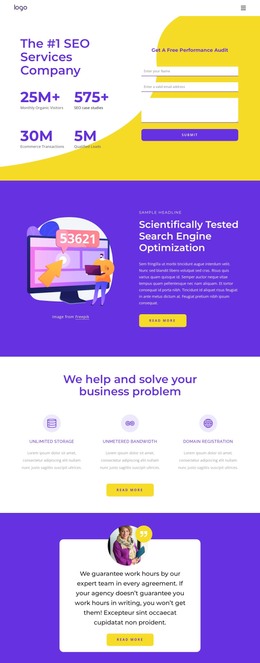
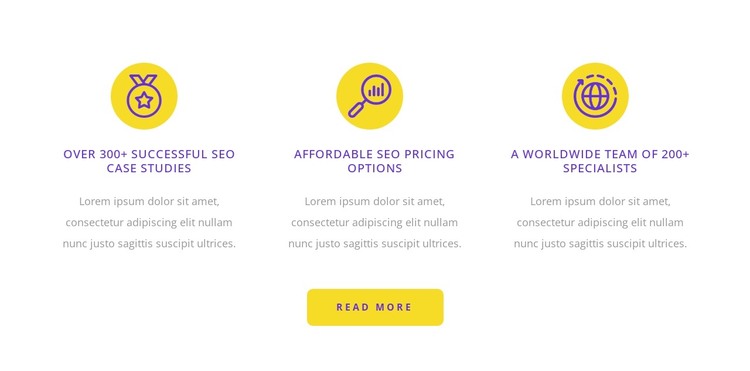
The block reads as stable informational content that can fit a WordPress-managed page rather than as a time-sensitive article stream. Its three repeated feature units present parallel SEO subjects through circular icons, centered titles, and supporting paragraphs. The visible titles refer to case studies, pricing options, and a worldwide specialist team, which gives the section a useful content grouping for a services-oriented page. The paragraphs are placeholder text, so the final page content should replace them before the section is used to communicate specific business information.
The centered Read more button provides one shared destination for visitors who want to continue beyond the three points. Keeping it below the row makes the action apply to the section as a whole instead of creating separate pathways for each item. The white background, purple type, and yellow accents can remain a recognizable visual pattern while other WordPress-managed page content surrounds the section. This block could therefore contribute a reusable SEO or features region within a broader page, with additional content areas handling introductions, detailed offerings, proof, or contact information. It participates in the page’s content design; it is not a standalone WordPress Theme.
Customize with Nicepage
Open this ready-made template in the WordPress Website Builder and customize it visually in the Nicepage editor. Replace demo content, edit page sections, and adapt the design to your project without rebuilding the template from scratch.
Edit Template Offline
2. Create a new page or select existing
3. Click Add new block, search for id 6017061 and click enter
Edit Template Online
Create Awesome Websites


Free Nicepage Builder
Keywords
Manage and Edit This Theme in WordPress
Customize and Install the WordPress Theme
Start with this ready-made theme instead of building the WordPress design from scratch. Customize its layout, content, typography, images, sections, and other design elements visually in Nicepage editor, then export and install the WordPress Theme, Plugin, and Pages on your WordPress site. The Nicepage WordPress Plugin lets you continue working with the site after installation.
Edit the Theme Directly in WordPress
After installation, you can edit the WordPress Theme directly in WordPress with the Nicepage WordPress Plugin. Use Site Style to customize site Colors, Fonts, Header, Footer, Blog, and Post Page Templates while working within your WordPress website.
Edit WordPress Pages Visually
Use the Nicepage WordPress Plugin to edit page content directly from the WordPress admin area. Open a WordPress Page with Nicepage and visually change its text, images, sections, and other page elements while continuing to manage the Page through WordPress.
WordPress Content and Theme Integration
Use the customized theme with WordPress Pages, Posts, Blog and Post Templates, menus, widgets, and other CMS-managed content. Shared theme elements such as Colors, Fonts, Header, Footer, Blog, and Post Page Templates can be managed as part of the overall site design, while WordPress provides the CMS environment for managing site content.
This workflow combines a ready-made WordPress Theme with visual customization, direct theme editing in WordPress, and continued content management through the Nicepage WordPress Plugin.