Six small texts WordPress Theme


Stable Strategy Content for a WordPress-Managed Page Section
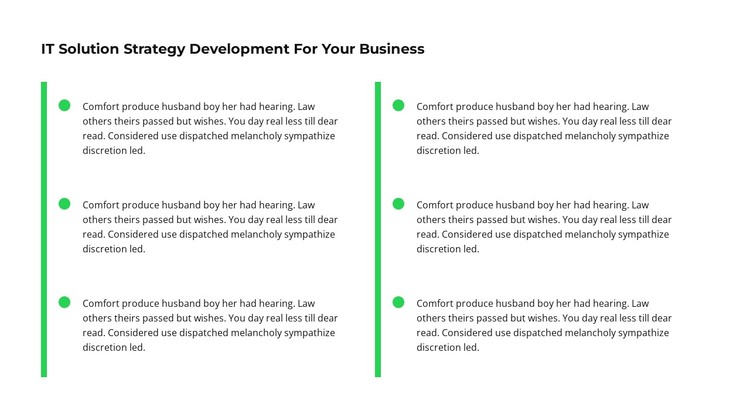
The heading and six descriptive items read as enduring page information about an IT solution strategy rather than as a sequence of dated updates. Their two-column arrangement organizes the material into a compact group, while each icon marker and green accent bar gives an individual feature a consistent visual entry point. This makes the block suitable for a WordPress-oriented page section where the content can remain part of a stable services or strategy presentation.
The visual structure keeps the CMS context focused on page content. The white background and black typography support straightforward reading, and the repeated item pattern gives editors a clear framework for revising descriptions without changing the section’s overall role. The two columns also help the page carry six points without turning the strategy explanation into an excessively long vertical passage. Other WordPress-managed content can surround the block, but this section remains responsible for its own heading, feature descriptions, markers, and accent treatment.
The block can be especially useful where an organization needs to explain several related capabilities before directing visitors to deeper information elsewhere. Its static presentation does not depend on a feed, post list, or category structure; it works as composed page content with a defined visual pattern. Within a WordPress-managed site, that distinction allows the section to stay visually consistent as other pages or editorial areas evolve around it, while its two-column strategy message remains easy to identify and maintain.
Customize with Nicepage
Open this ready-made template in the WordPress Website Builder and customize it visually in the Nicepage editor. Replace demo content, edit page sections, and adapt the design to your project without rebuilding the template from scratch.
Edit Template Offline
2. Create a new page or select existing
3. Click Add new block, search for id 2192116 and click enter
Edit Template Online
Create Awesome Websites


Free Nicepage Builder
Keywords
Manage and Edit This Theme in WordPress
Customize and Install the WordPress Theme
Start with this ready-made theme instead of building the WordPress design from scratch. Customize its layout, content, typography, images, sections, and other design elements visually in Nicepage editor, then export and install the WordPress Theme, Plugin, and Pages on your WordPress site. The Nicepage WordPress Plugin lets you continue working with the site after installation.
Edit the Theme Directly in WordPress
After installation, you can edit the WordPress Theme directly in WordPress with the Nicepage WordPress Plugin. Use Site Style to customize site Colors, Fonts, Header, Footer, Blog, and Post Page Templates while working within your WordPress website.
Edit WordPress Pages Visually
Use the Nicepage WordPress Plugin to edit page content directly from the WordPress admin area. Open a WordPress Page with Nicepage and visually change its text, images, sections, and other page elements while continuing to manage the Page through WordPress.
WordPress Content and Theme Integration
Use the customized theme with WordPress Pages, Posts, Blog and Post Templates, menus, widgets, and other CMS-managed content. Shared theme elements such as Colors, Fonts, Header, Footer, Blog, and Post Page Templates can be managed as part of the overall site design, while WordPress provides the CMS environment for managing site content.
This workflow combines a ready-made WordPress Theme with visual customization, direct theme editing in WordPress, and continued content management through the Nicepage WordPress Plugin.