Art Direction WordPress Theme


Edit Template Offline
2. Create new page and search for id 4244332
Edit Template Online
Create Awesome Websites


Free Nicepage Builder
Keywords
Role-Based Profiles Give WordPress Content a Clear Page Structure
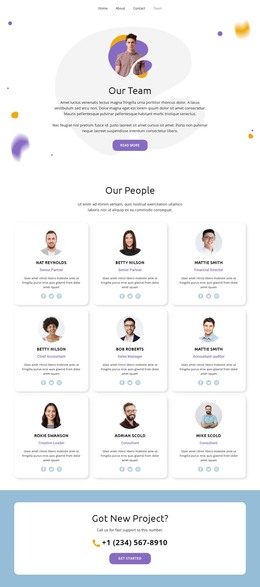
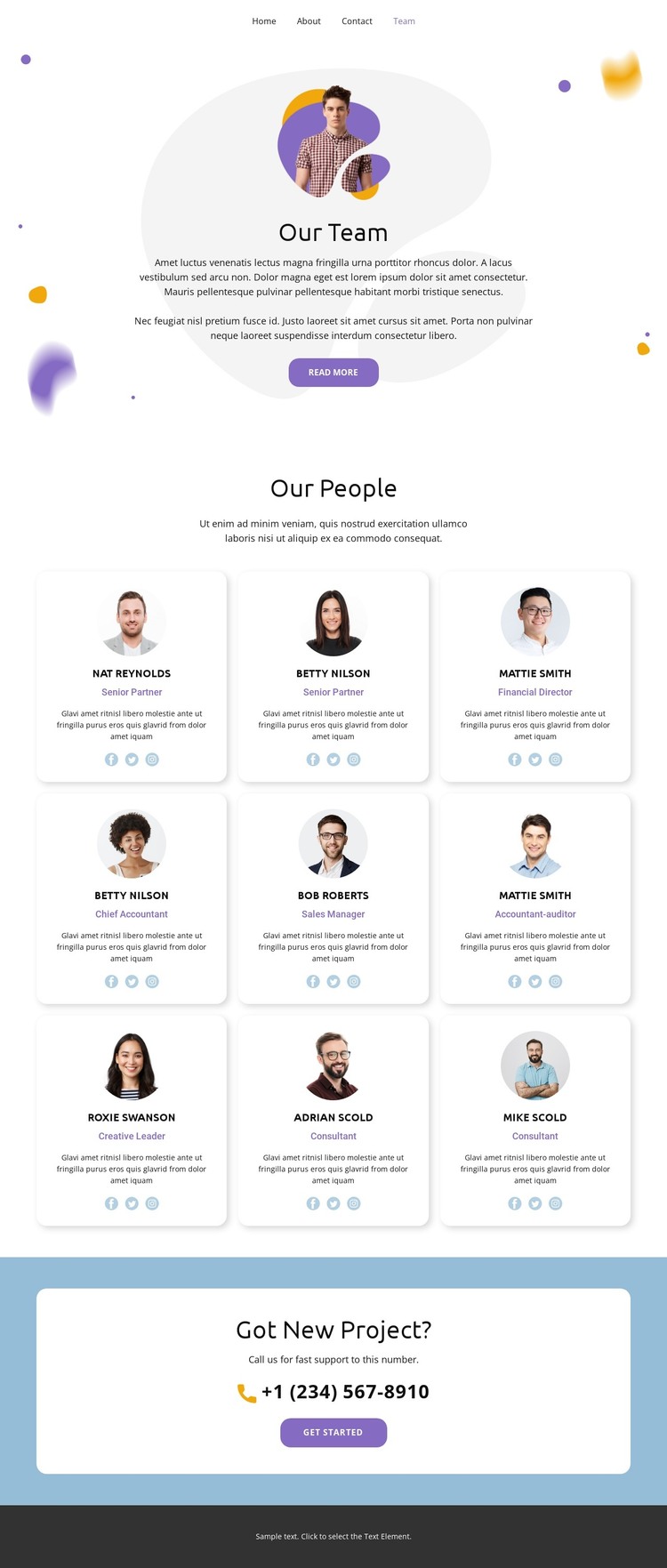
The Our People directory divides the page into nine repeatable profile areas, each combining a portrait, name, professional role, and social links. That arrangement suits a WordPress-managed team page because the people-focused content has a consistent visual pattern while each profile remains a distinct area for ongoing page content. Roles such as Senior Partner, Financial Director, Chief Accountant, Sales Manager, Creative Leader, and Consultant give the directory a useful editorial framework without treating the placeholder names or sample details as verified business information.
The surrounding sections provide additional page-oriented content. The Our Team introduction establishes the context with centered text, a portrait, and a Read more action, while the visible navigation connects the page with Home, Landing, About, Gallery, and Contact destinations. The closing Got New Project? panel then gives the page a separate communication area through its project question, support message, phone contact, and Get Started action. This separation makes it easier to keep permanent team information distinct from the inquiry message as the website develops.
The design can therefore serve as a WordPress theme interpretation centered on organized page content: a reusable team directory, supporting introduction, social connection points, and a contact-oriented closing section. It does not prove that blog posts, categories, or other CMS structures already exist, so the strongest evidence remains the confirmed page content and its repeated profile relationships.
Customize with Nicepage
Open this ready-made template in the WordPress Website Builder and customize it visually in the Nicepage editor. Replace demo content, edit page sections, and adapt the design to your project without rebuilding the template from scratch.
Manage and Edit This Theme in WordPress
Customize and Install the WordPress Theme
Start with this ready-made theme instead of building the WordPress design from scratch. Customize its layout, content, typography, images, sections, and other design elements visually in Nicepage editor, then export and install the WordPress Theme, Plugin, and Pages on your WordPress site. The Nicepage WordPress Plugin lets you continue working with the site after installation.
Edit the Theme Directly in WordPress
After installation, you can edit the WordPress Theme directly in WordPress with the Nicepage WordPress Plugin. Use Site Style to customize site Colors, Fonts, Header, Footer, Blog, and Post Page Templates while working within your WordPress website.
Edit WordPress Pages Visually
Use the Nicepage WordPress Plugin to edit page content directly from the WordPress admin area. Open a WordPress Page with Nicepage and visually change its text, images, sections, and other page elements while continuing to manage the Page through WordPress.
WordPress Content and Theme Integration
Use the customized theme with WordPress Pages, Posts, Blog and Post Templates, menus, widgets, and other CMS-managed content. Shared theme elements such as Colors, Fonts, Header, Footer, Blog, and Post Page Templates can be managed as part of the overall site design, while WordPress provides the CMS environment for managing site content.
This workflow combines a ready-made WordPress Theme with visual customization, direct theme editing in WordPress, and continued content management through the Nicepage WordPress Plugin.