Together we go to the goal WordPress Theme



Edit Template Offline
2. Create new page and search for id 3754086
Edit Template Online
Create Awesome Websites


Free Nicepage Builder
Keywords
Service and Editorial Areas Give the Theme Content to Organize
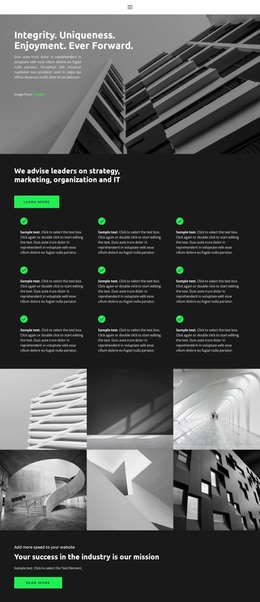
The capability section is a useful starting point for page-oriented consulting content because it separates strategy, marketing, organization, and IT into clear subject areas. In a WordPress-managed project, those areas could remain as permanent service content while the surrounding design continues to provide a consistent presentation for related pages. The template analysis confirms the sections themselves, but not any existing WordPress Posts, categories, or blog structure.
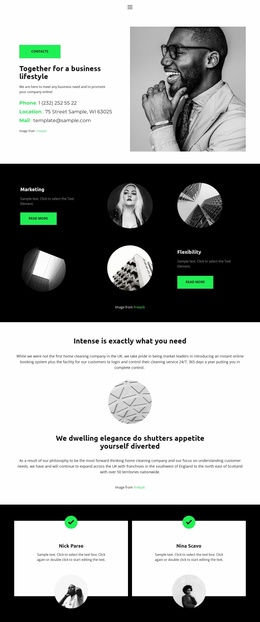
The people and feedback sections provide a different content relationship. Three team profile cards introduce advisors, and two testimonial cards create a place for client comments; both are distinct from the architectural galleries, which carry the visual identity of the page. The FAQ accordion and three tabs add compact interfaces for questions and supporting information, giving a content editor several established patterns to work with instead of one repeated card format.
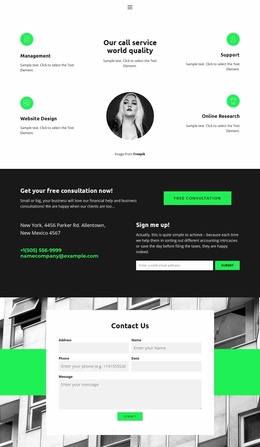
At the bottom, the consultation block combines contact details, a free consultation message, and an email signup form. That grouping can serve as stable page content around which regularly updated announcements, articles, or additional advisory information may later be arranged, without claiming that such content already exists. The theme’s value lies in keeping services, people, proof, explanations, and response content within one recognizable visual system. Demo identities, statistics, addresses, and testimonial text must be replaced with verified information.
Customize with Nicepage
Open this ready-made template in the WordPress Website Builder and customize it visually in the Nicepage editor. Replace demo content, edit page sections, and adapt the design to your project without rebuilding the template from scratch.
Manage and Edit This Theme in WordPress
Customize and Install the WordPress Theme
Start with this ready-made theme instead of building the WordPress design from scratch. Customize its layout, content, typography, images, sections, and other design elements visually in Nicepage editor, then export and install the WordPress Theme, Plugin, and Pages on your WordPress site. The Nicepage WordPress Plugin lets you continue working with the site after installation.
Edit the Theme Directly in WordPress
After installation, you can edit the WordPress Theme directly in WordPress with the Nicepage WordPress Plugin. Use Site Style to customize site Colors, Fonts, Header, Footer, Blog, and Post Page Templates while working within your WordPress website.
Edit WordPress Pages Visually
Use the Nicepage WordPress Plugin to edit page content directly from the WordPress admin area. Open a WordPress Page with Nicepage and visually change its text, images, sections, and other page elements while continuing to manage the Page through WordPress.
WordPress Content and Theme Integration
Use the customized theme with WordPress Pages, Posts, Blog and Post Templates, menus, widgets, and other CMS-managed content. Shared theme elements such as Colors, Fonts, Header, Footer, Blog, and Post Page Templates can be managed as part of the overall site design, while WordPress provides the CMS environment for managing site content.
This workflow combines a ready-made WordPress Theme with visual customization, direct theme editing in WordPress, and continued content management through the Nicepage WordPress Plugin.