How to lose weight fast WordPress Theme


A Focused Nutrition Topic for WordPress Page Content
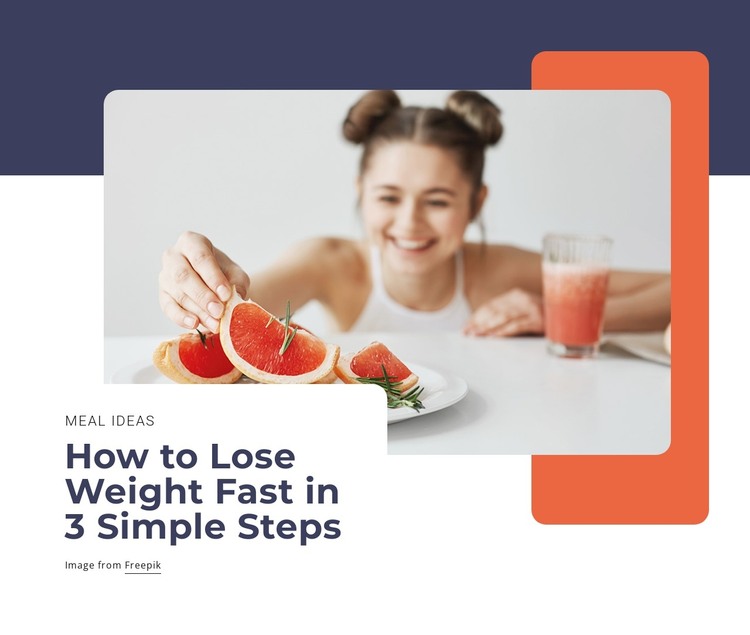
The block’s content is organized around one stable page subject: “How to Lose Weight Fast in 3 Simple Steps.” The “Meal ideas” label provides a compact category cue, and the rounded photograph of a woman preparing grapefruit with a drink nearby reinforces the food and lifestyle context. A white rounded text card overlaps the image area, creating a readable foreground surface against the dark navy background. Colored geometric shapes complete the visual frame without introducing a separate content stream.
In a WordPress-managed project, this section can function as permanent page content for a nutrition, wellness, or lifestyle topic. It can introduce a longer article, explain the direction of related guidance, or mark the beginning of a focused information area. The block remains useful because its content hierarchy is already clear: the label identifies the subject area, the large heading states the topic, and the photograph supplies supporting visual context.
The composition also offers a consistent visual pattern for related sections that need a prominent image and concise text. WordPress can manage the wider page and its additional content, while this block preserves its own static image-card relationship. It is therefore suited to a publishable page section rather than being treated as a complete theme or site.
Customize with Nicepage
Open this ready-made template in the WordPress Website Builder and customize it visually in the Nicepage editor. Replace demo content, edit page sections, and adapt the design to your project without rebuilding the template from scratch.
Edit Template Offline
2. Create a new page or select existing
3. Click Add new block, search for id 1807204 and click enter
Edit Template Online
Create Awesome Websites


Free Nicepage Builder
Keywords
Manage and Edit This Theme in WordPress
Customize and Install the WordPress Theme
Start with this ready-made theme instead of building the WordPress design from scratch. Customize its layout, content, typography, images, sections, and other design elements visually in Nicepage editor, then export and install the WordPress Theme, Plugin, and Pages on your WordPress site. The Nicepage WordPress Plugin lets you continue working with the site after installation.
Edit the Theme Directly in WordPress
After installation, you can edit the WordPress Theme directly in WordPress with the Nicepage WordPress Plugin. Use Site Style to customize site Colors, Fonts, Header, Footer, Blog, and Post Page Templates while working within your WordPress website.
Edit WordPress Pages Visually
Use the Nicepage WordPress Plugin to edit page content directly from the WordPress admin area. Open a WordPress Page with Nicepage and visually change its text, images, sections, and other page elements while continuing to manage the Page through WordPress.
WordPress Content and Theme Integration
Use the customized theme with WordPress Pages, Posts, Blog and Post Templates, menus, widgets, and other CMS-managed content. Shared theme elements such as Colors, Fonts, Header, Footer, Blog, and Post Page Templates can be managed as part of the overall site design, while WordPress provides the CMS environment for managing site content.
This workflow combines a ready-made WordPress Theme with visual customization, direct theme editing in WordPress, and continued content management through the Nicepage WordPress Plugin.