Favorite tasty food recipes Template


A Compact Recipe Gallery With Strong Visual Order
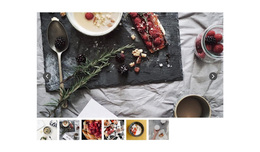
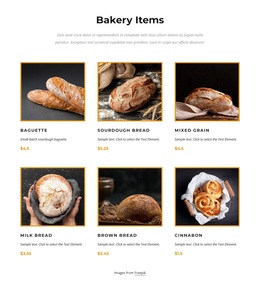
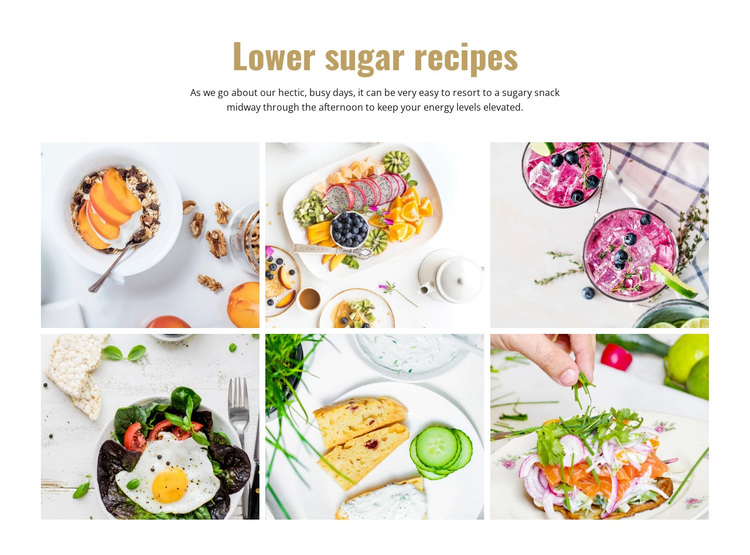
The centered heading and supporting paragraph give this design a clear opening before the visual content begins. Rather than placing six food photographs in an undifferentiated collage, the block first names the “Lower sugar recipes” theme and adds context about sugary snack choices during busy afternoons. That short introduction helps visitors understand why the images belong together.
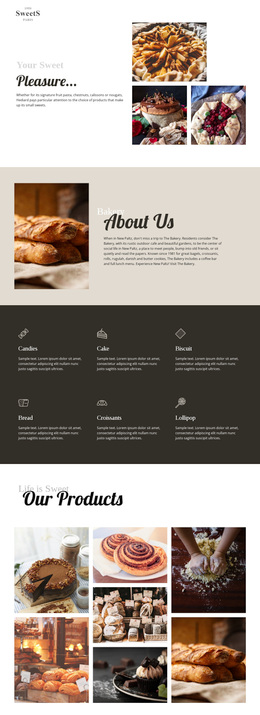
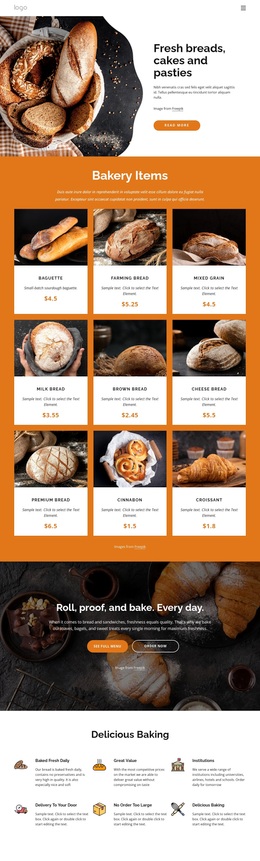
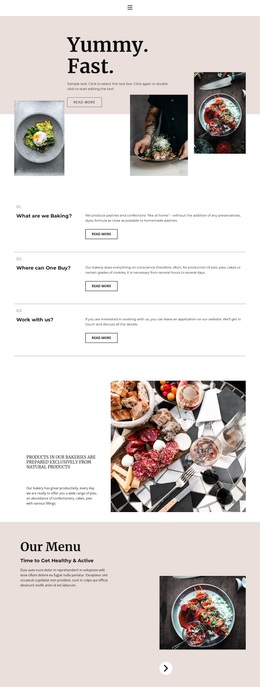
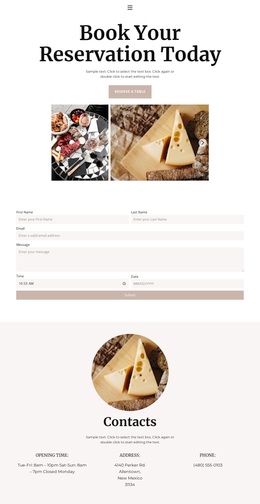
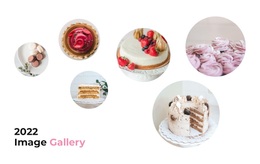
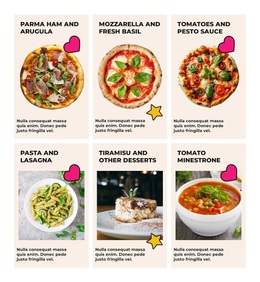
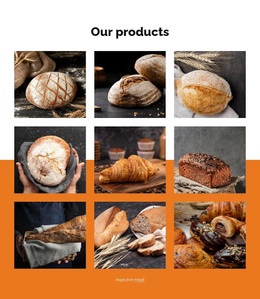
The gallery itself is the main distinguishing feature. Six bright food photographs are distributed across three columns and two rows, producing a compact collection that can show variety without requiring a long vertical sequence. Uniform rectangular tiles establish a common frame for every image, and narrow gutters keep the photographs separate while preserving their relationship as one gallery. The centered alignment and generous whitespace create a measured transition from explanation to visual browsing.
This makes the block a useful option when a page needs recipe-related imagery with a defined editorial introduction. It is more structured than a simple row of decorative pictures, yet it does not depend on sliders, tabs, or other interaction to communicate its purpose. The white background and warm gold heading also provide a restrained visual direction that can be compared with other section alternatives. Its strength is the balance between a concise theme statement and six immediately visible food images.
Customize with Nicepage
Open this ready-made template in the Template Builder and customize it visually in the Nicepage editor. Replace demo content, edit page sections, and adapt the design to your project without rebuilding the template from scratch.
Edit Template Offline
2. Create a new page or select existing
3. Click Add new block, search for id 65687 and click enter
Edit Template Online
Create Awesome Websites


Free Nicepage Builder
Keywords
Start With a Ready-Made Template
Choose a Design for a New Page
Use a ready-made template as a starting point instead of creating every page from a blank canvas. When adding a new page in Nicepage, browse available designs, compare different layouts, and choose an option that already fits the general purpose and visual direction of your project.
Browse Different Page Designs
Explore Page Designs using search, thematic categories, Design Sets, and full-page previews. The collection includes layouts for different subjects and page purposes, making it easier to compare alternatives before selecting a design to customize.
Customize the Selected Template
After choosing a design, create the page and continue editing it visually in Nicepage. Replace the demo content, adjust images, typography, colors, sections, and other elements, and adapt the ready-made layout to your own content instead of rebuilding the design from the beginning.
Explore More Design Directions
If the first option does not match your project closely enough, return to the design collection and compare other templates before committing to a layout. This makes the template library useful not only for faster page creation, but also for exploring different visual approaches and finding a suitable starting point for a new project.
This workflow gives you access to a broad collection of ready-made designs that can be selected, compared, and customized according to the needs of each new page or project.