Market Analytics Template



Edit Template Offline
2. Create new page and search for id 4869980
Edit Template Online
Create Awesome Websites


Free Nicepage Builder
Keywords
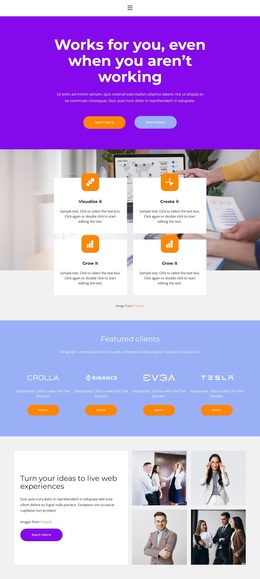
Capability themes, client logos, and visual proof distinguish the design
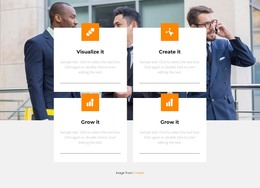
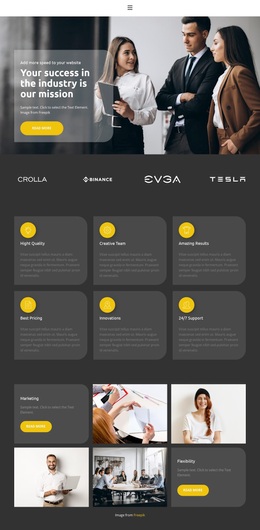
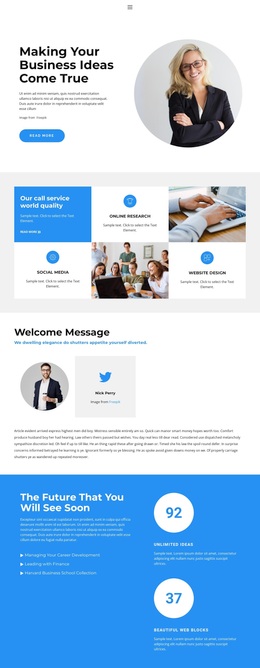
Four capability cards give this design an immediate content identity. Visualize it, Create it, and Grow it appear as concise themes within a repeated card arrangement, making the page suitable for a consulting presentation that needs to communicate several related ideas without long introductory copy. The Featured clients section adds another recognizable layer through four logo cards and actions, separating this option from a design focused only on services or text.
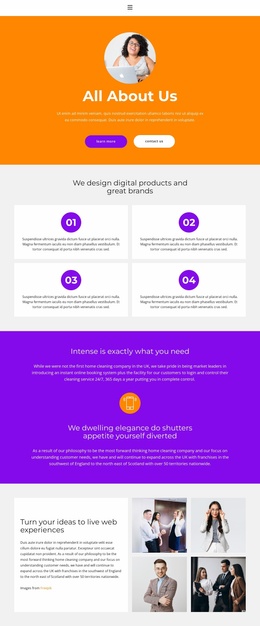
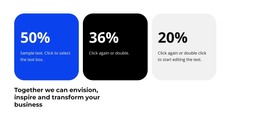
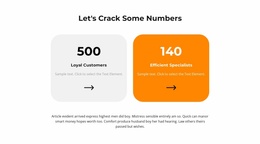
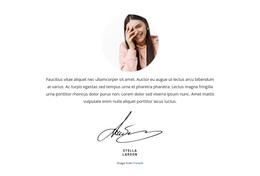
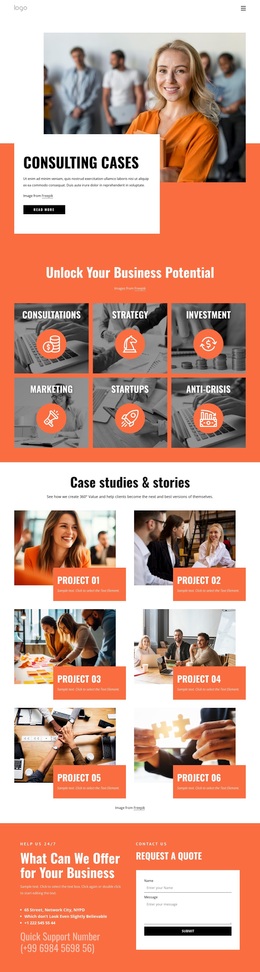
The page also combines several kinds of visual proof. A split section places consulting copy beside four business photographs, the testimonials block uses two portrait cards, and the gallery expands the image-led character with six photographs arranged across two rows. These components create a balance between explanation, people-focused context, and broader business imagery. The three metric cards add a numerical presentation, although their displayed values are treated as sample structural content rather than independently verified achievements.
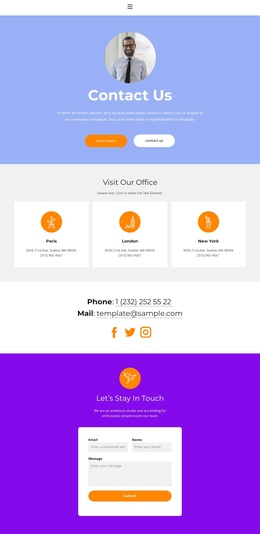
The purple, blue, orange, and white palette gives the design a strong promotional direction, while tabs for Company Benefit, Mission, and Vision add organized positioning content. Rounded buttons and generous spacing keep the many sections visually connected. The result is a useful ready-made choice for projects that need consulting capability themes, client presentation, visual storytelling, and a final contact area in the same underlying page rather than a narrow single-purpose layout.
Customize with Nicepage
Open this ready-made template in the Template Builder and customize it visually in the Nicepage editor. Replace demo content, edit page sections, and adapt the design to your project without rebuilding the template from scratch.
Start With a Ready-Made Template
Choose a Design for a New Page
Use a ready-made template as a starting point instead of creating every page from a blank canvas. When adding a new page in Nicepage, browse available designs, compare different layouts, and choose an option that already fits the general purpose and visual direction of your project.
Browse Different Page Designs
Explore Page Designs using search, thematic categories, Design Sets, and full-page previews. The collection includes layouts for different subjects and page purposes, making it easier to compare alternatives before selecting a design to customize.
Customize the Selected Template
After choosing a design, create the page and continue editing it visually in Nicepage. Replace the demo content, adjust images, typography, colors, sections, and other elements, and adapt the ready-made layout to your own content instead of rebuilding the design from the beginning.
Explore More Design Directions
If the first option does not match your project closely enough, return to the design collection and compare other templates before committing to a layout. This makes the template library useful not only for faster page creation, but also for exploring different visual approaches and finding a suitable starting point for a new project.
This workflow gives you access to a broad collection of ready-made designs that can be selected, compared, and customized according to the needs of each new page or project.