All about collaboration Template


Edit Template Offline
2. Create new page and search for id 4794291
Edit Template Online
Create Awesome Websites


Free Nicepage Builder
Keywords
A Profile Design That Connects Values With Workspace Choices
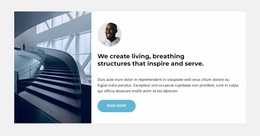
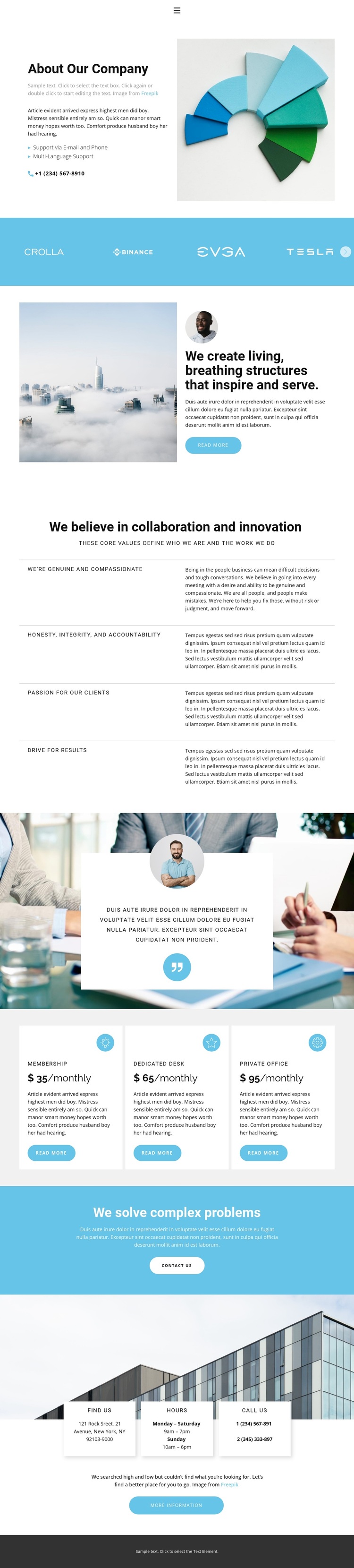
A company introduction, a branded logo band, and a set of explicit organizational values give this design a recognizable profile before any plan cards appear. The opening two-column section combines company information with an image and practical support details, including email and phone assistance and multi-language support. That combination suits a project that needs to explain how an organization presents itself, not merely list a service.
The page’s strongest distinguishing feature is the way its central message is followed by four value statements. “We create living, breathing structures that inspire and serve” provides a broad point of view, while the repeated items about compassion, honesty, accountability, clients, and results make the company character more specific. The adjacent quote-style card introduces a separate voice and visual break, although its sample content should remain treated as structural until replaced with verified material.
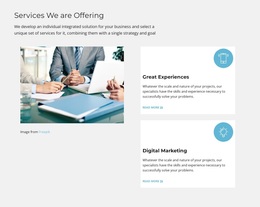
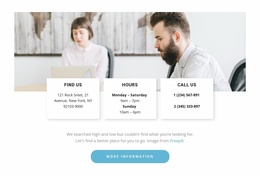
Three workspace plans widen the design’s usefulness beyond a conventional About page. Membership, Dedicated Desk, and Private Office give the lower half a clear offering structure, with each plan presented as a separate card and supported by an action. The final problem-solving statement, Contact us button, and practical contact cards complete the coverage with a direct next step. These relationships make the template a useful choice for projects that need company identity, values, options, and contact information in one coherent direction.
Customize with Nicepage
Open this ready-made template in the Template Builder and customize it visually in the Nicepage editor. Replace demo content, edit page sections, and adapt the design to your project without rebuilding the template from scratch.
Start With a Ready-Made Template
Choose a Design for a New Page
Use a ready-made template as a starting point instead of creating every page from a blank canvas. When adding a new page in Nicepage, browse available designs, compare different layouts, and choose an option that already fits the general purpose and visual direction of your project.
Browse Different Page Designs
Explore Page Designs using search, thematic categories, Design Sets, and full-page previews. The collection includes layouts for different subjects and page purposes, making it easier to compare alternatives before selecting a design to customize.
Customize the Selected Template
After choosing a design, create the page and continue editing it visually in Nicepage. Replace the demo content, adjust images, typography, colors, sections, and other elements, and adapt the ready-made layout to your own content instead of rebuilding the design from the beginning.
Explore More Design Directions
If the first option does not match your project closely enough, return to the design collection and compare other templates before committing to a layout. This makes the template library useful not only for faster page creation, but also for exploring different visual approaches and finding a suitable starting point for a new project.
This workflow gives you access to a broad collection of ready-made designs that can be selected, compared, and customized according to the needs of each new page or project.