We create digital benchmarks Template


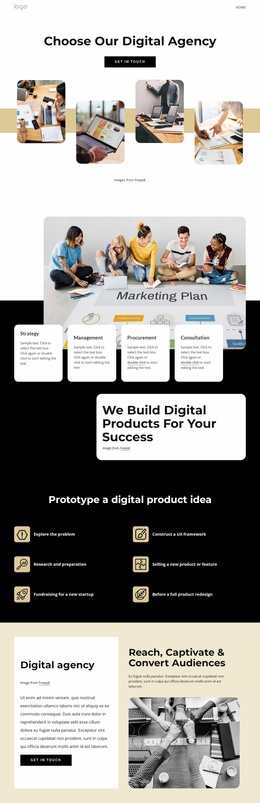
A Staggered Agency Showcase Instead of a Standard Image Row
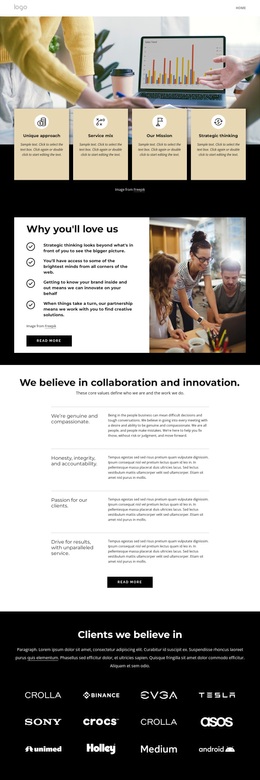
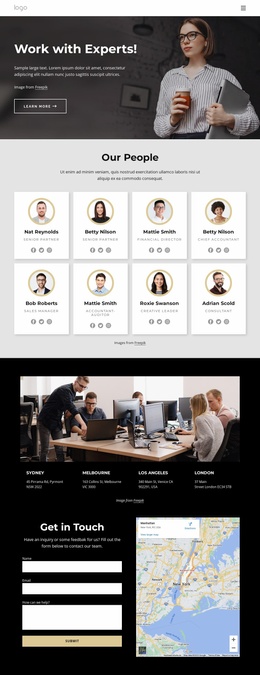
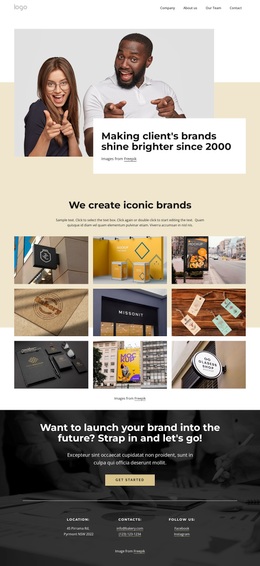
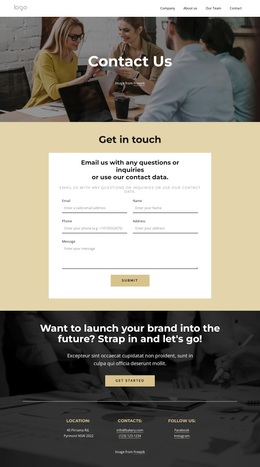
The strongest reason to choose this section is the relationship between its direct introduction and its unusual image arrangement. “Choose Our Digital Agency” and the “Get in Touch” button create a compact opening group, but the four photographic tiles give the design its main distinction. Rounded corners soften each image, while alternating vertical positions produce a staggered rhythm across the muted gold horizontal band.
That combination makes the block useful when a page needs an agency showcase with a clear action but more visual movement than a conventional four-column gallery. The images remain connected by the shared band, yet their different heights keep the lower composition from becoming repetitive. The white background provides space around the centered heading and button, and the black typography keeps the message visually separate from the photographic area.
As a ready-made section choice, this design covers a specific content need: a visual agency introduction that can invite contact without relying on a large amount of copy. It can sit among other sections as one recognizable option for presenting identity and atmosphere. Its value comes from the balance of a simple heading-and-CTA structure with four coordinated images, rounded treatment, and a muted gold accent—not from claiming to define the complete page or site.
Customize with Nicepage
Open this ready-made template in the Template Builder and customize it visually in the Nicepage editor. Replace demo content, edit page sections, and adapt the design to your project without rebuilding the template from scratch.
Edit Template Offline
2. Create a new page or select existing
3. Click Add new block, search for id 4236669 and click enter
Edit Template Online
Create Awesome Websites


Free Nicepage Builder
Keywords
Start With a Ready-Made Template
Choose a Design for a New Page
Use a ready-made template as a starting point instead of creating every page from a blank canvas. When adding a new page in Nicepage, browse available designs, compare different layouts, and choose an option that already fits the general purpose and visual direction of your project.
Browse Different Page Designs
Explore Page Designs using search, thematic categories, Design Sets, and full-page previews. The collection includes layouts for different subjects and page purposes, making it easier to compare alternatives before selecting a design to customize.
Customize the Selected Template
After choosing a design, create the page and continue editing it visually in Nicepage. Replace the demo content, adjust images, typography, colors, sections, and other elements, and adapt the ready-made layout to your own content instead of rebuilding the design from the beginning.
Explore More Design Directions
If the first option does not match your project closely enough, return to the design collection and compare other templates before committing to a layout. This makes the template library useful not only for faster page creation, but also for exploring different visual approaches and finding a suitable starting point for a new project.
This workflow gives you access to a broad collection of ready-made designs that can be selected, compared, and customized according to the needs of each new page or project.

Design Set (22)
-

-
-
-
-
-
-
-
-
-
-
-
-
-
-
Free Website Builder SoftwareDownload
-
-