We are the digital studio Template



Edit Template Offline
2. Create new page and search for id 3627843
Edit Template Online
Create Awesome Websites


Free Nicepage Builder
Keywords
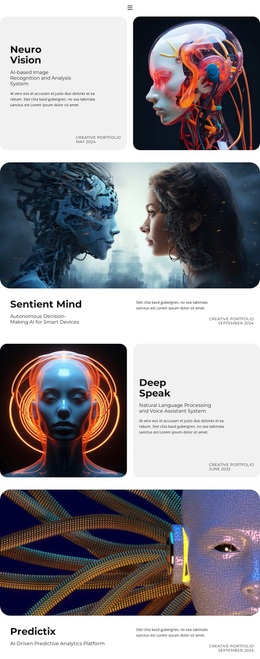
Six Labeled Portfolio Tiles Give the Studio a Clear Point of Difference
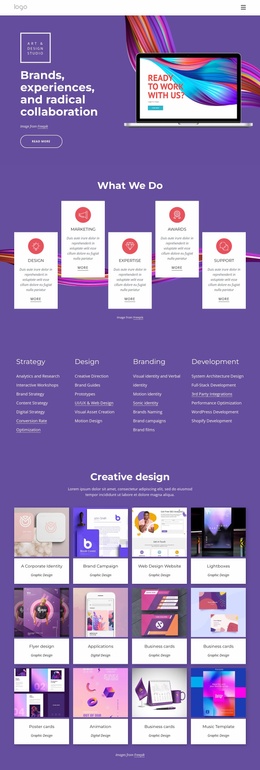
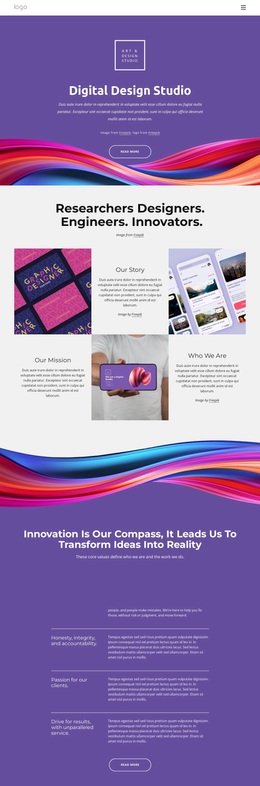
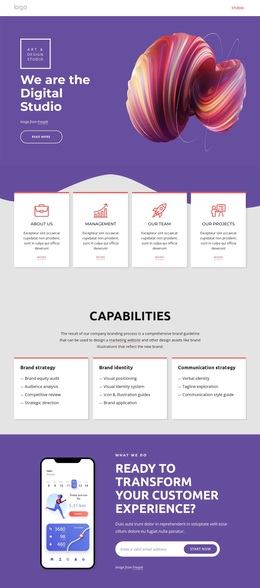
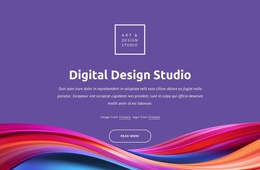
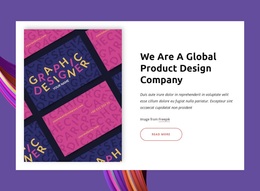
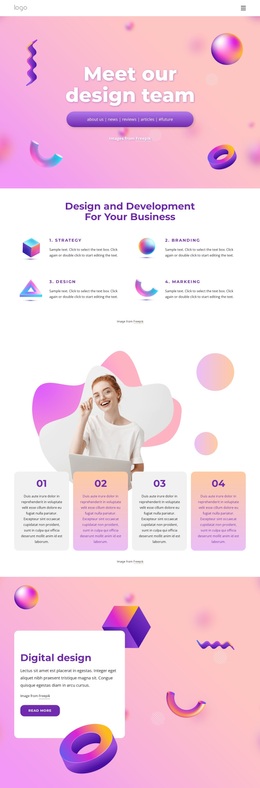
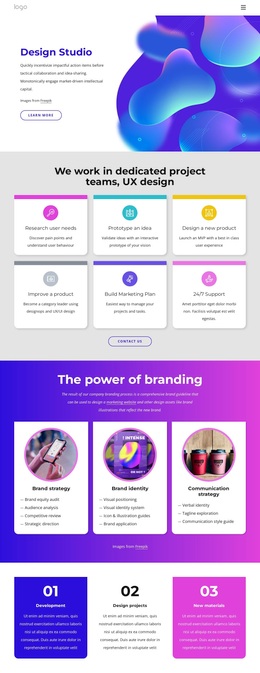
The strongest choosing signal in this design is the way it connects a playful studio identity with visible categories of work. Large abstract ribbon artwork and curved section transitions establish a distinctive purple-led direction, while white content areas and coral accents keep the page from becoming visually uniform. Rounded buttons and centered headings reinforce the approachable creative-studio tone without relying on dense explanatory copy.
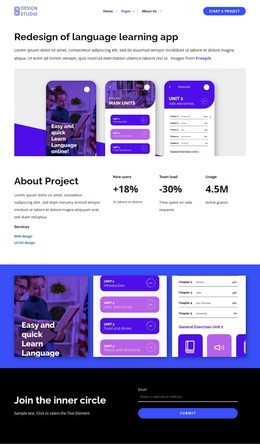
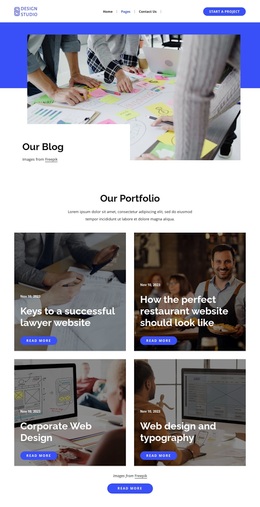
The content coverage is equally deliberate. Three cards under Capabilities introduce brand strategy, brand identity, and communication strategy, so the page presents strategic thinking before showing examples. The Our Works section then displays six labeled tiles covering website design, mobile applications, corporate design, responsive design, and digital products. That combination makes the template a useful option for a studio that needs to show both the kinds of thinking it provides and the formats it can design.
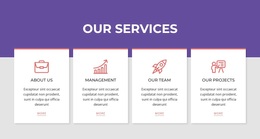
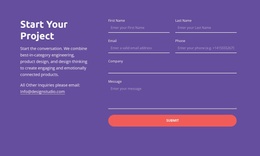
Additional information cards for Who We Are, What We Do, Projects, Our Mission, Innovations, and Our team broaden the narrative, while the Design and Marketing service cards add a concise value summary. The final inquiry form gives the presentation a practical next step. Choose this design when a creative-services page should feel image-led and energetic, but still provide a visible path from capabilities and work categories to questions or project discussions.
Customize with Nicepage
Open this ready-made template in the Template Builder and customize it visually in the Nicepage editor. Replace demo content, edit page sections, and adapt the design to your project without rebuilding the template from scratch.
Start With a Ready-Made Template
Choose a Design for a New Page
Use a ready-made template as a starting point instead of creating every page from a blank canvas. When adding a new page in Nicepage, browse available designs, compare different layouts, and choose an option that already fits the general purpose and visual direction of your project.
Browse Different Page Designs
Explore Page Designs using search, thematic categories, Design Sets, and full-page previews. The collection includes layouts for different subjects and page purposes, making it easier to compare alternatives before selecting a design to customize.
Customize the Selected Template
After choosing a design, create the page and continue editing it visually in Nicepage. Replace the demo content, adjust images, typography, colors, sections, and other elements, and adapt the ready-made layout to your own content instead of rebuilding the design from the beginning.
Explore More Design Directions
If the first option does not match your project closely enough, return to the design collection and compare other templates before committing to a layout. This makes the template library useful not only for faster page creation, but also for exploring different visual approaches and finding a suitable starting point for a new project.
This workflow gives you access to a broad collection of ready-made designs that can be selected, compared, and customized according to the needs of each new page or project.