Training of your staff Template


A Balanced Three-Profile Layout Offers a Distinctive Team Section Choice
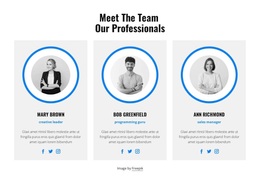
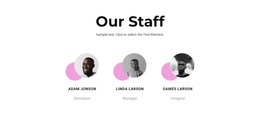
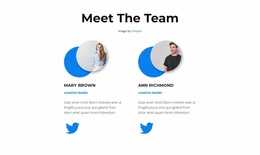
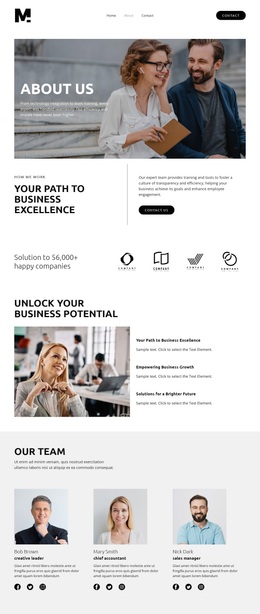
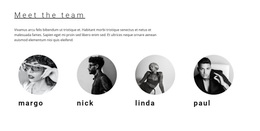
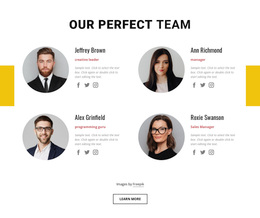
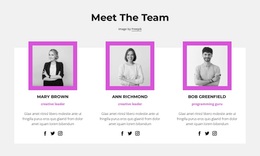
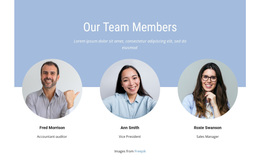
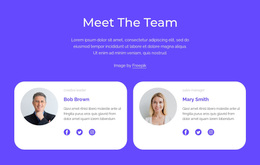
The centered heading, three equal profile cards, and repeated blue-ring portraits give this design a clear identity among possible team-section arrangements. Instead of presenting people in a dense list or relying on a single large image, the block gives each profile the same visual weight within one horizontal row. The grayscale portraits create a restrained image treatment, while the bright-blue rings, role labels, and social icons provide a connected accent pattern. This combination makes the section recognizable without needing decorative elements unrelated to the team content.
The design is particularly useful when a page needs to introduce three professionals with comparable information and a visible route to their social profiles. Each card carries enough repeated structure to support quick comparison: portrait first, role and description in the center, and social links as a lower connection point. The light-gray surfaces separate the cards from the white page background, and the generous spacing prevents the row from feeling crowded. The heading establishes the group before the individual cards begin, while the credit line below preserves attribution as supporting information. Choosing this block means selecting a compact, people-focused design with parallel content, restrained photography, and a strong blue visual motif. Its value lies in that specific combination, not in a claim that one section can provide every function required by a broader page.
Customize with Nicepage
Open this ready-made template in the Template Builder and customize it visually in the Nicepage editor. Replace demo content, edit page sections, and adapt the design to your project without rebuilding the template from scratch.
Edit Template Offline
2. Create a new page or select existing
3. Click Add new block, search for id 2981752 and click enter
Edit Template Online
Create Awesome Websites


Free Nicepage Builder
Keywords
Start With a Ready-Made Template
Choose a Design for a New Page
Use a ready-made template as a starting point instead of creating every page from a blank canvas. When adding a new page in Nicepage, browse available designs, compare different layouts, and choose an option that already fits the general purpose and visual direction of your project.
Browse Different Page Designs
Explore Page Designs using search, thematic categories, Design Sets, and full-page previews. The collection includes layouts for different subjects and page purposes, making it easier to compare alternatives before selecting a design to customize.
Customize the Selected Template
After choosing a design, create the page and continue editing it visually in Nicepage. Replace the demo content, adjust images, typography, colors, sections, and other elements, and adapt the ready-made layout to your own content instead of rebuilding the design from the beginning.
Explore More Design Directions
If the first option does not match your project closely enough, return to the design collection and compare other templates before committing to a layout. This makes the template library useful not only for faster page creation, but also for exploring different visual approaches and finding a suitable starting point for a new project.
This workflow gives you access to a broad collection of ready-made designs that can be selected, compared, and customized according to the needs of each new page or project.