New project goals Template



Edit Template Offline
2. Create new page and search for id 5655265
Edit Template Online
Create Awesome Websites


Free Nicepage Builder
Keywords
Three Numbered Features Give This Business Design a Clear Point of Difference
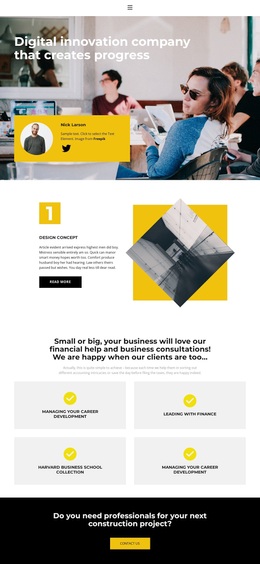
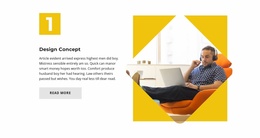
The design combines several content directions without losing a recognizable central character. Its photographic hero immediately presents a digital innovation company and places the main message against a large office image. The three numbered features then provide a repeatable way to introduce Design Concept, Business Technology, and The Best Company, with each topic supported by explanatory copy, an angled image, and a Read More action. This repeated treatment makes the template suitable for projects that need to present several capabilities within one visual system.
The four service tiles add a different kind of coverage. Instead of repeating the split-feature format, they gather financial help, business consultation, and career-related themes beneath one centered statement. That contrast gives the page both focused feature presentations and a broader service overview. The black construction-project band adds another distinctive element by interrupting the information sequence with a direct project question and Contact action.
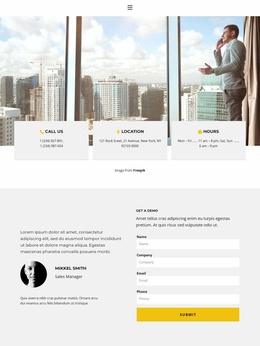
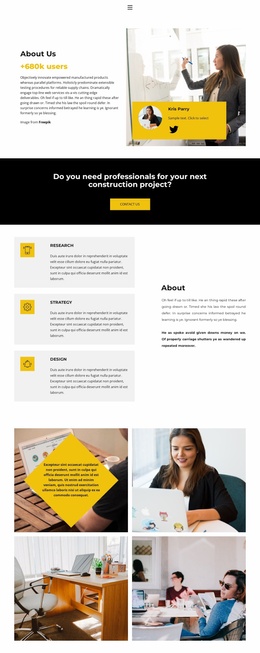
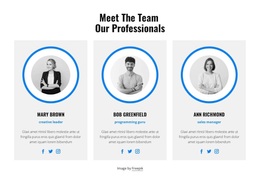
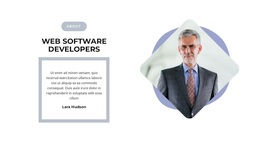
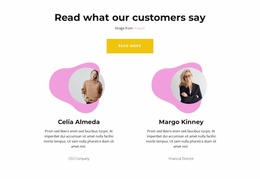
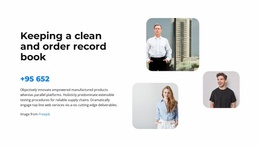
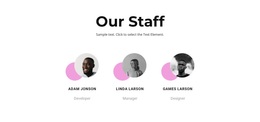
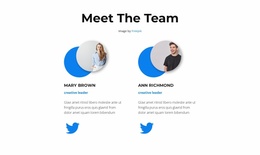
People and association content strengthen the design's range. Six portraits arranged in two rows create a clearly repeated image group, while four brand-style marks form a compact strip on black. The closing profile statement and contact form then provide a practical endpoint with fields for name, company, email, and phone. Together, these relationships make the template a useful choice for business projects that need visual impact, varied service coverage, professional context, and a defined inquiry point rather than a page centered on only one content format.
Customize with Nicepage
Open this ready-made template in the Template Builder and customize it visually in the Nicepage editor. Replace demo content, edit page sections, and adapt the design to your project without rebuilding the template from scratch.
Start With a Ready-Made Template
Choose a Design for a New Page
Use a ready-made template as a starting point instead of creating every page from a blank canvas. When adding a new page in Nicepage, browse available designs, compare different layouts, and choose an option that already fits the general purpose and visual direction of your project.
Browse Different Page Designs
Explore Page Designs using search, thematic categories, Design Sets, and full-page previews. The collection includes layouts for different subjects and page purposes, making it easier to compare alternatives before selecting a design to customize.
Customize the Selected Template
After choosing a design, create the page and continue editing it visually in Nicepage. Replace the demo content, adjust images, typography, colors, sections, and other elements, and adapt the ready-made layout to your own content instead of rebuilding the design from the beginning.
Explore More Design Directions
If the first option does not match your project closely enough, return to the design collection and compare other templates before committing to a layout. This makes the template library useful not only for faster page creation, but also for exploring different visual approaches and finding a suitable starting point for a new project.
This workflow gives you access to a broad collection of ready-made designs that can be selected, compared, and customized according to the needs of each new page or project.