Get in touch with glamour Template


Edit Template Offline
2. Create new page and search for id 6085205
Edit Template Online
Create Awesome Websites


Free Nicepage Builder
Keywords
Three Location Stories Give This Salon Design More Than a Generic Contact Form
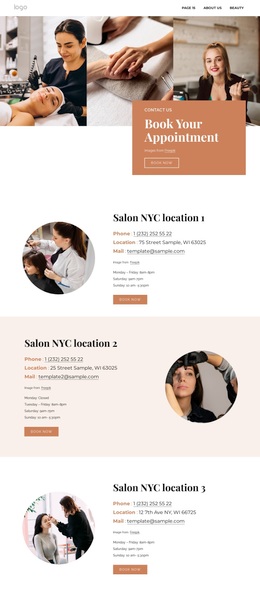
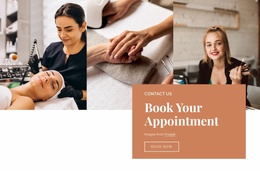
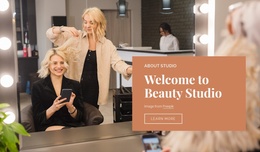
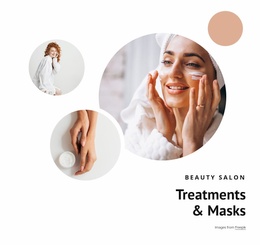
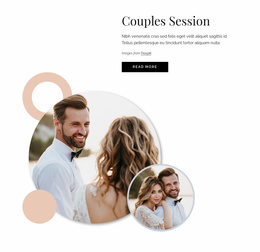
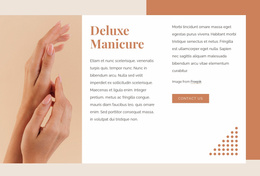
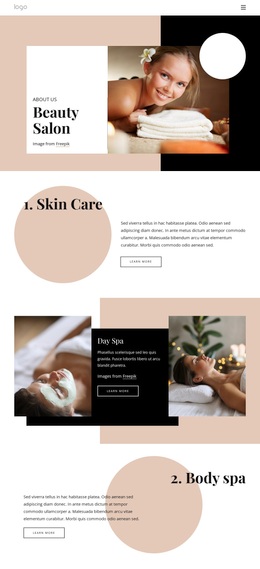
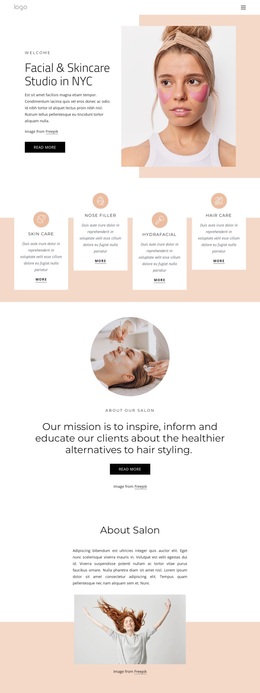
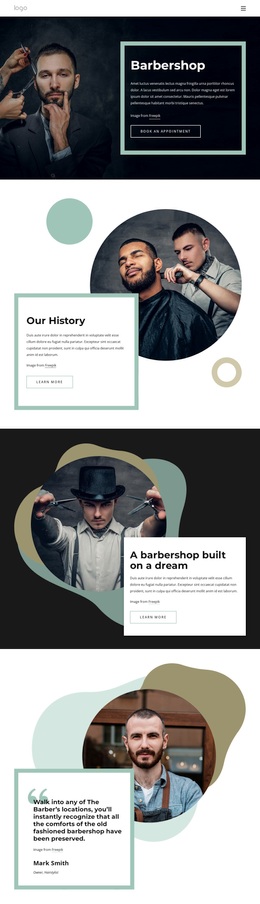
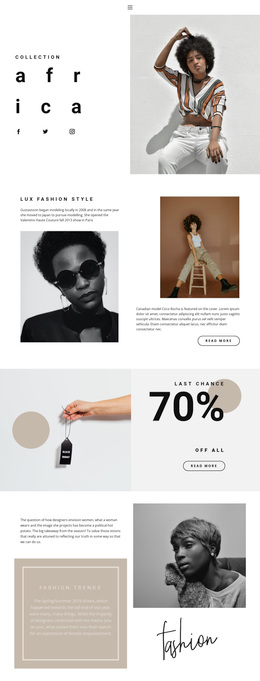
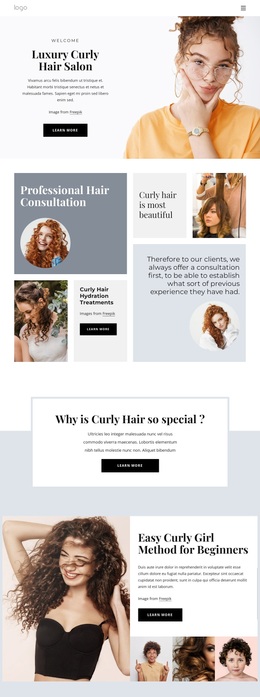
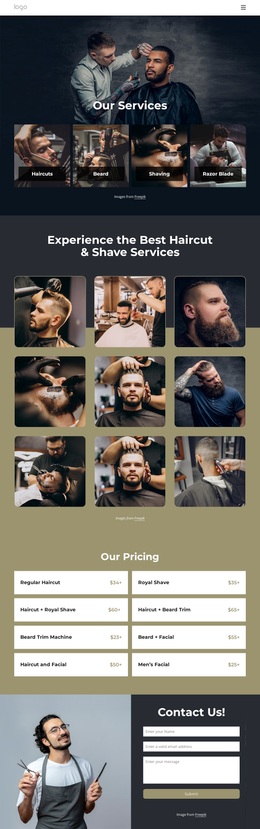
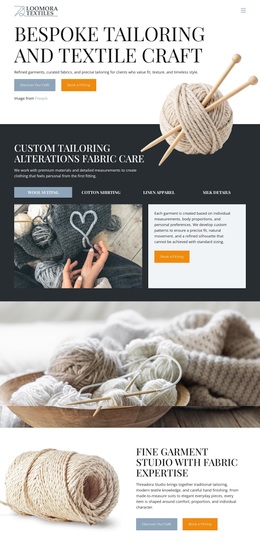
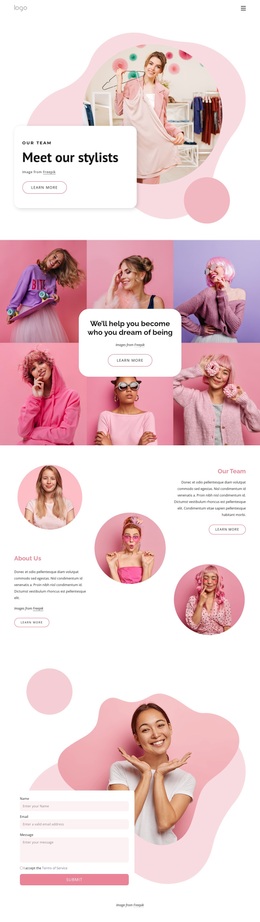
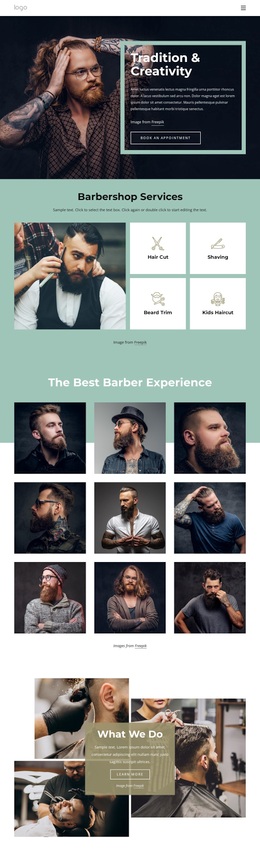
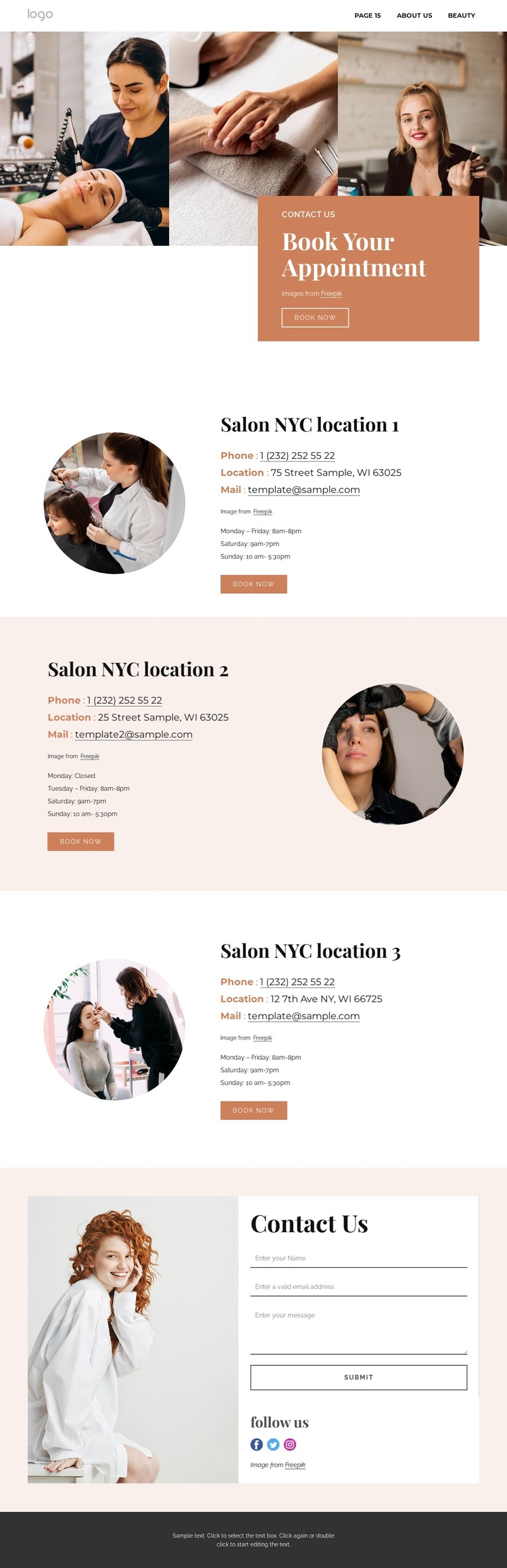
The design stands out by treating salon contact information as a visual experience rather than reducing the page to one address and one form. A three-image strip introduces the atmosphere, and the terracotta appointment card gives the opening area a clear purpose through the “Book Your Appointment” heading and “Book Now” action. The warm peach, white, and dark gray palette supports the salon subject without relying on dense explanatory copy.
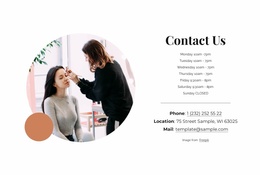
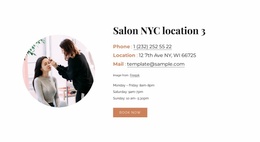
Its strongest practical distinction is the set of three separate location entries. Each combines a circular image with phone, address, email, opening hours, and a booking action, so the design can represent a salon with more than one client destination. The second location reverses the split layout, creating visual movement between otherwise comparable information blocks. That balance of repetition and variation makes the page easier to choose when a project needs both location coverage and a polished presentation. The final Contact Us section broadens the communication model with a form, social links, and a “Follow us” heading beside a large salon portrait. Together, these features suit a beauty and wellness project that needs to connect atmosphere, appointment decisions, branch information, and general inquiries in one page. The layout is therefore a useful design option for salon clients and prospective clients who need a warm visual introduction followed by concrete ways to book or get in touch, while the sample addresses and contact values remain structural placeholders rather than real business data.
Customize with Nicepage
Open this ready-made template in the Template Builder and customize it visually in the Nicepage editor. Replace demo content, edit page sections, and adapt the design to your project without rebuilding the template from scratch.
Start With a Ready-Made Template
Choose a Design for a New Page
Use a ready-made template as a starting point instead of creating every page from a blank canvas. When adding a new page in Nicepage, browse available designs, compare different layouts, and choose an option that already fits the general purpose and visual direction of your project.
Browse Different Page Designs
Explore Page Designs using search, thematic categories, Design Sets, and full-page previews. The collection includes layouts for different subjects and page purposes, making it easier to compare alternatives before selecting a design to customize.
Customize the Selected Template
After choosing a design, create the page and continue editing it visually in Nicepage. Replace the demo content, adjust images, typography, colors, sections, and other elements, and adapt the ready-made layout to your own content instead of rebuilding the design from the beginning.
Explore More Design Directions
If the first option does not match your project closely enough, return to the design collection and compare other templates before committing to a layout. This makes the template library useful not only for faster page creation, but also for exploring different visual approaches and finding a suitable starting point for a new project.
This workflow gives you access to a broad collection of ready-made designs that can be selected, compared, and customized according to the needs of each new page or project.

Design Set (21)
-

-
-
-
-
-
-
-
-
-
-
-
-
-
-
-
-
Free Website Builder SoftwareDownload
-