We provide a thorough skin analysis Website Template


A reusable treatment section for a broader beauty website
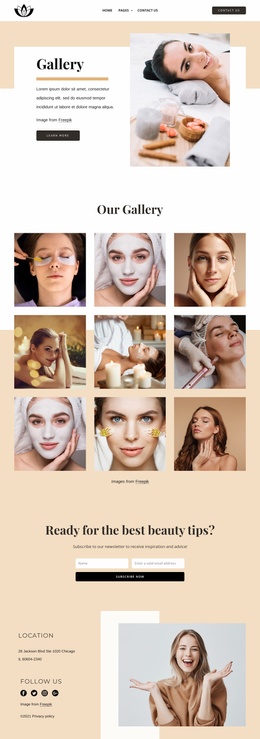
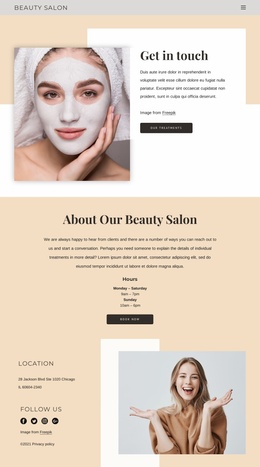
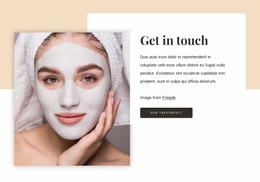
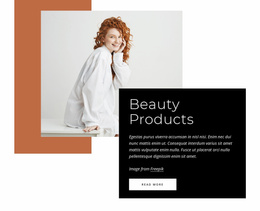
The block establishes a stable website content area around one clear purpose: inviting attention toward beauty treatments. The facial-mask portrait supplies the visual subject, while the white panel organizes “Get in touch,” supporting copy, the visible Freepik credit, and the “Our Treatments” button. Layered beige and white rectangles give the section a repeatable visual frame, and the generous whitespace makes the composition distinct enough to reuse as a recognizable service-related pattern.
Inside a broader website project, this section could support a page that needs a treatment invitation without taking responsibility for every other content area. Other blocks can explain individual services, show proof, provide fuller contact information, or introduce the salon. This block contributes the bridge between visual beauty content and a treatment-oriented destination. Its static arrangement also makes its role easy to coordinate with neighboring sections that have different content density or purpose.
The design can serve as a consistent pattern if the wider project echoes its light palette, dark charcoal action, serif heading, or geometric background shapes. That coordination is a project-level decision; the single section only demonstrates how those choices work together here. Nicepage Page Design Sets or related Block Designs may help locate matching directions for the surrounding project, while this block remains one reusable image-and-action section rather than a complete multi-page website.
Customize with Nicepage
Open this ready-made template in the Website Template Builder and customize it visually in the Nicepage editor. Replace demo content, edit page sections, and adapt the design to your project without rebuilding the template from scratch.
Edit Template Offline
2. Create a new page or select existing
3. Click Add new block, search for id 5793703 and click enter
Edit Template Online
Create Awesome Websites


Free Nicepage Builder
Keywords
Build a Complete Website From This Template
Customize the Website Visually
Use this ready-made website template as a starting point for your project and adapt its pages visually in Nicepage. Change content, images, typography, navigation, sections, and other design elements while keeping the website together as a single editable project.
Manage Website Pages in One Project
Use the Pages panel to open, add, duplicate, and manage the pages of your website. Work on individual pages while keeping navigation and the overall site structure accessible from the same project, making it easier to develop a complete website instead of managing separate page files.
Expand the Website With Matching Designs
When you need additional pages or sections, use Page Design Sets to find Page and Block Designs created in the same visual style. Design Sets group matching designs together, making it easier to expand the website with new content while maintaining a consistent look across its pages and sections.
Organize Larger Multi-Page Websites
As the website grows, use Page Folders to organize related pages and keep larger multi-page projects easier to navigate in the editor. This is especially useful for websites with separate service pages, company information, contacts, landing pages, and other content areas.
This workflow makes the template a practical foundation for building and expanding a complete website while managing its pages, content, and visual design within one Nicepage project.

Design Set (25)
-

-
-
-
-
-
-
-
-
-
-
-
-
-
-
Customize Any TemplateDownload
-
-
-
-
-