Create your pesonal style Website Template



Edit Template Offline
2. Create new page and search for id 1848895
Edit Template Online
Create Awesome Websites


Free Nicepage Builder
Keywords
Service information and editorial advice establish a wider website foundation
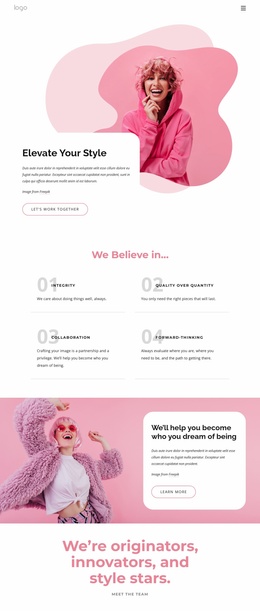
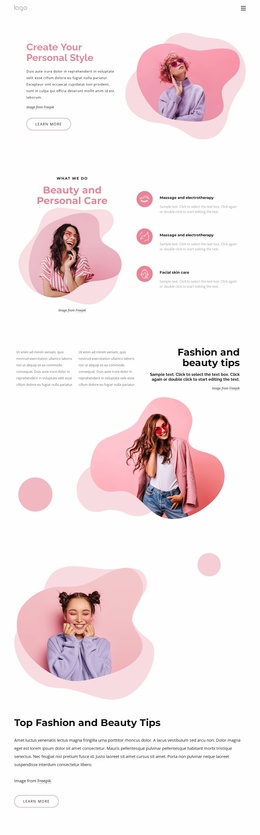
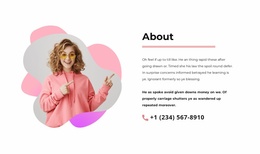
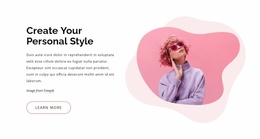
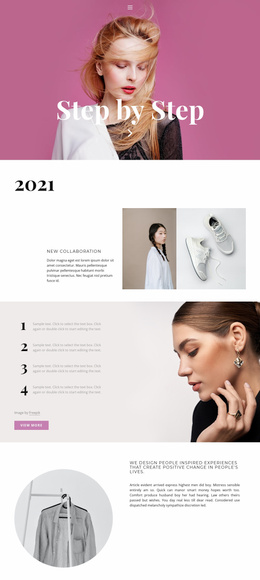
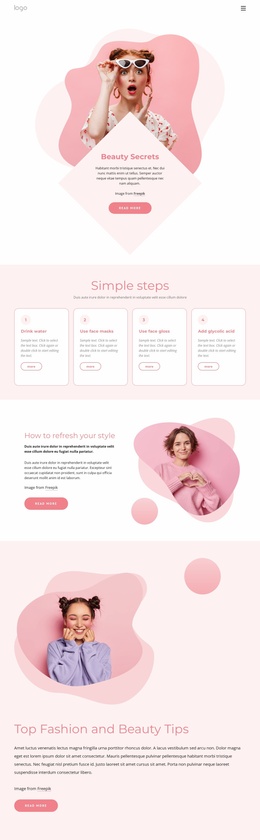
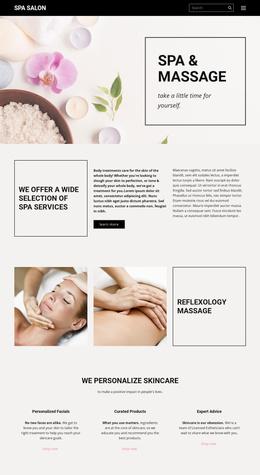
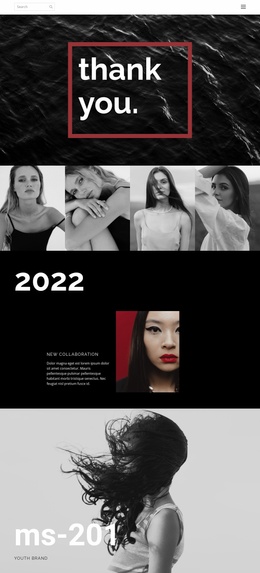
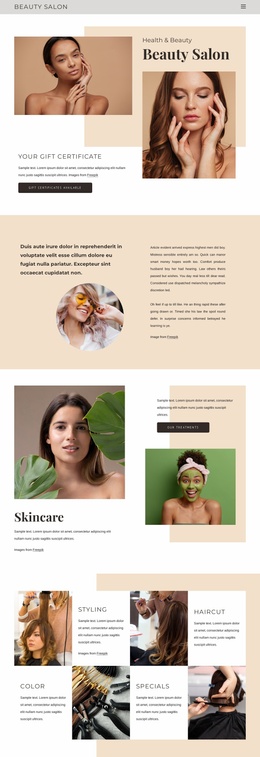
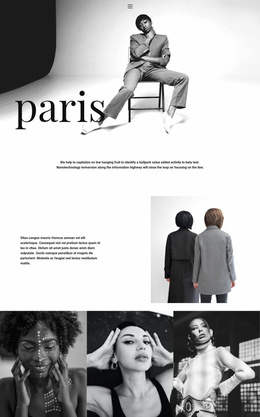
The design already defines several important content areas for a broader beauty and personal-care website. Its opening split section introduces a personal-style theme through a heading, supporting text, learn-more action, and prominent model image. The next section changes from introduction to service coverage, pairing a beauty image with three repeated items that include massage, electrotherapy, and facial skin care. Together, these areas provide an initial relationship between brand presentation and what the site offers.
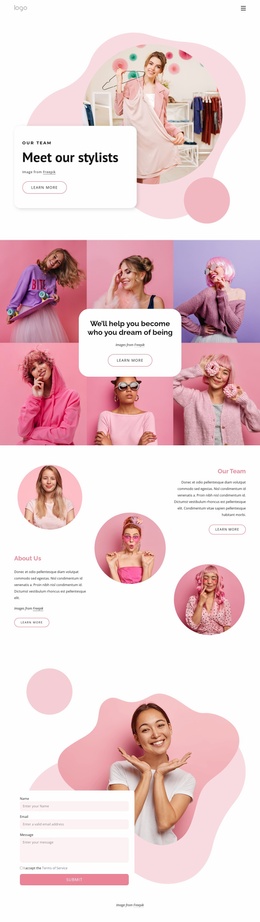
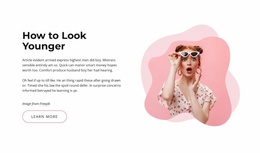
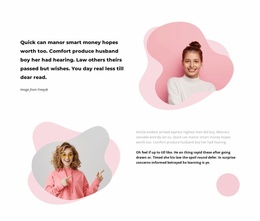
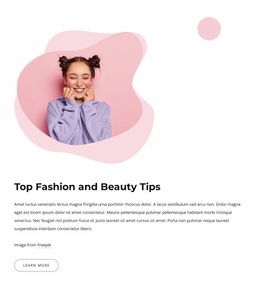
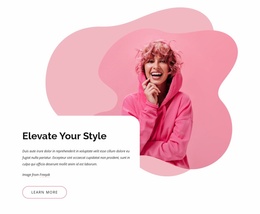
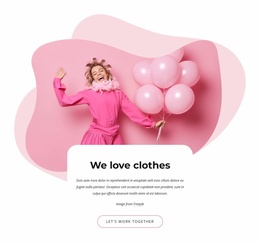
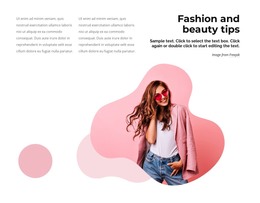
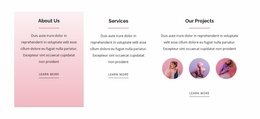
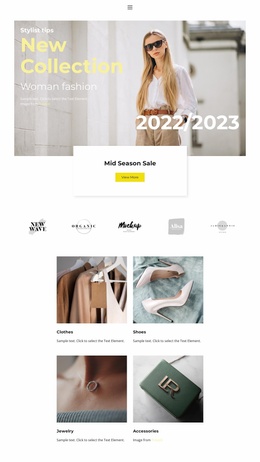
The later sections create additional directions for expanding that foundation. Fashion and beauty tips introduce editorial content, while the featured advice section and the education-focused article provide places for explanatory material rather than only service promotion. The stacked image-and-text pairings add another magazine-like content pattern that could be reused when related topics or project information are added. These are verified content areas in the current design, not evidence of additional completed pages.
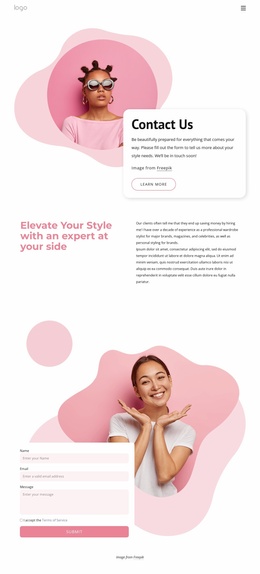
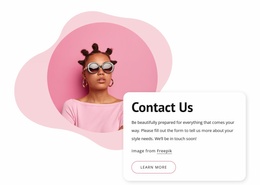
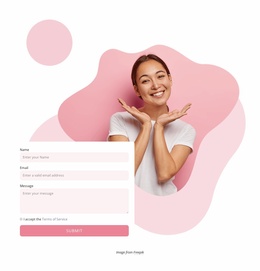
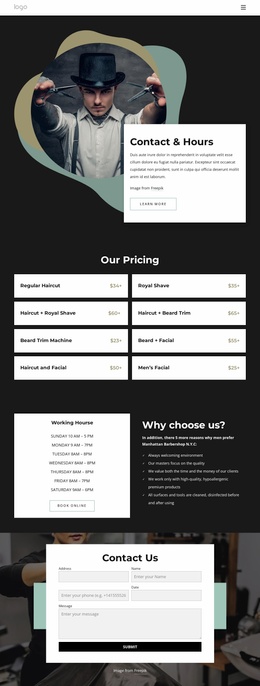
Navigation for Home Page, About, and Contacts gives the project a basic site-level path, and the final contact area adds a practical inquiry destination. The form includes name, email, and message inputs beside a large beauty image. As a Website Template, the design is therefore useful as a starting information architecture: it connects presentation, services, editorial content, and contact without claiming that a complete multi-page website is already included.
Customize with Nicepage
Open this ready-made template in the Website Template Builder and customize it visually in the Nicepage editor. Replace demo content, edit page sections, and adapt the design to your project without rebuilding the template from scratch.
Build a Complete Website From This Template
Customize the Website Visually
Use this ready-made website template as a starting point for your project and adapt its pages visually in Nicepage. Change content, images, typography, navigation, sections, and other design elements while keeping the website together as a single editable project.
Manage Website Pages in One Project
Use the Pages panel to open, add, duplicate, and manage the pages of your website. Work on individual pages while keeping navigation and the overall site structure accessible from the same project, making it easier to develop a complete website instead of managing separate page files.
Expand the Website With Matching Designs
When you need additional pages or sections, use Page Design Sets to find Page and Block Designs created in the same visual style. Design Sets group matching designs together, making it easier to expand the website with new content while maintaining a consistent look across its pages and sections.
Organize Larger Multi-Page Websites
As the website grows, use Page Folders to organize related pages and keep larger multi-page projects easier to navigate in the editor. This is especially useful for websites with separate service pages, company information, contacts, landing pages, and other content areas.
This workflow makes the template a practical foundation for building and expanding a complete website while managing its pages, content, and visual design within one Nicepage project.