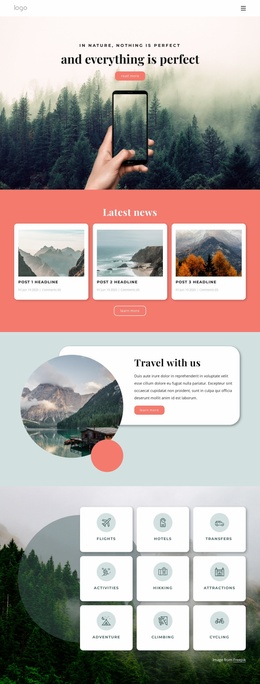
Agency knowing about nature Website Template


Edit Template Offline
2. Create new page and search for id 96872
Edit Template Online
Create Awesome Websites


Free Nicepage Builder
Keywords
Destination content gives the wider site a clear starting structure
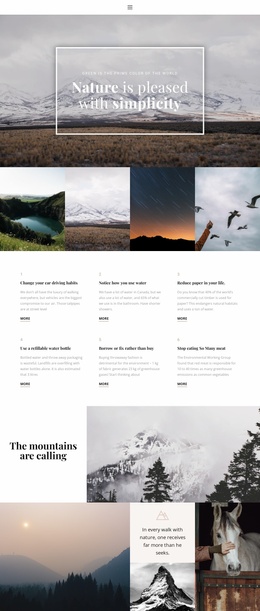
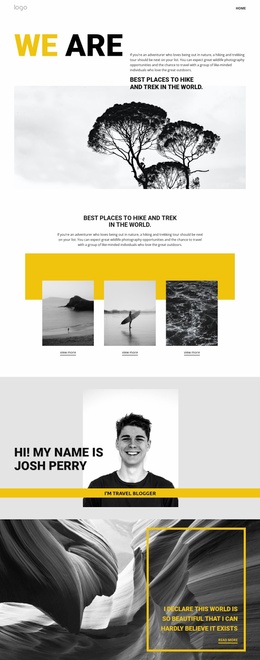
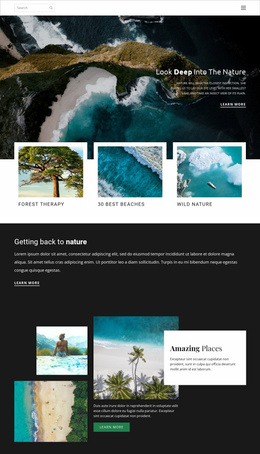
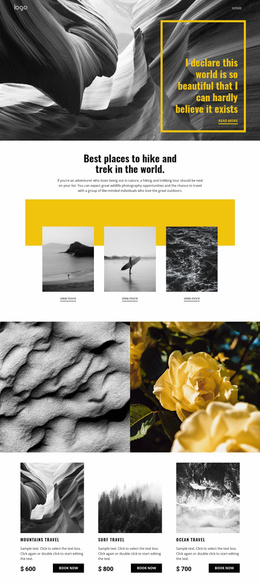
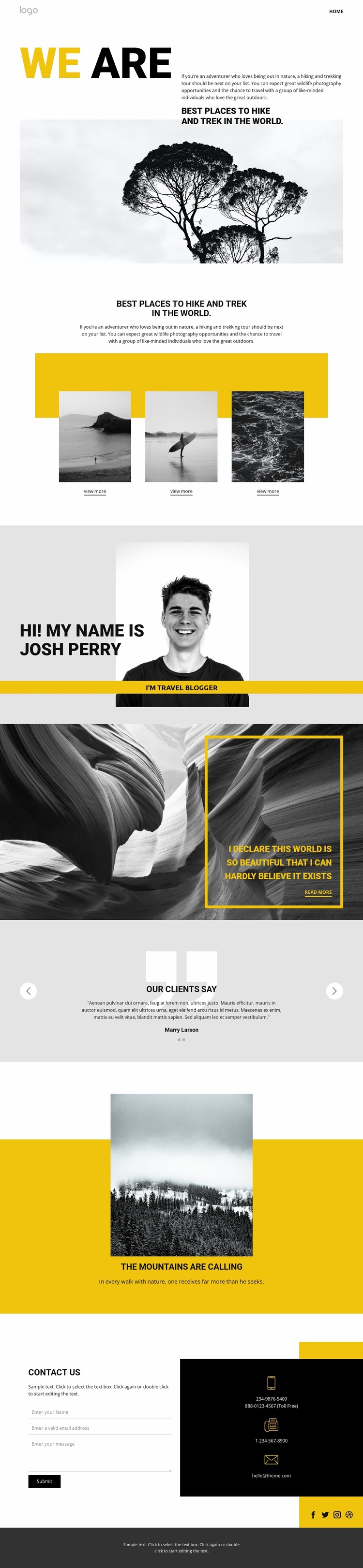
The page already establishes several major content areas that an outdoor travel website can build around. The opening nature image and introductory text define the hiking and trekking subject, while the three destination cards provide a repeatable pattern for presenting featured places. That combination creates an initial information structure rather than only a decorative hero: visitors receive a theme, then a visible set of destinations to explore.
The travel blogger profile adds a personal editorial layer that could anchor author-led stories, route notes, or destination commentary as the project develops. It is followed by a dramatic quote-style image section, a two-slide testimonial carousel, and a yellow mountain feature. These parts do not duplicate the destination cards; they supply personality, visitor response, and a concentrated promotional emphasis. Their different roles make the design suitable as a starting point for related travel content while preserving a consistent visual direction.
The closing contact section completes the foundation with social links, a form, and direct contact channels. It gives the broader project a practical communication area that can remain associated with the outdoor theme as more content is added. Bold sans-serif typography, strong yellow and dark contrast, grayscale details, large nature photography, and asymmetrical overlays form a recognizable visual system. Additional website pages could therefore extend the same travel character without relying on unrelated layouts or losing the original destination-focused emphasis.
Customize with Nicepage
Open this ready-made template in the Website Template Builder and customize it visually in the Nicepage editor. Replace demo content, edit page sections, and adapt the design to your project without rebuilding the template from scratch.
Build a Complete Website From This Template
Customize the Website Visually
Use this ready-made website template as a starting point for your project and adapt its pages visually in Nicepage. Change content, images, typography, navigation, sections, and other design elements while keeping the website together as a single editable project.
Manage Website Pages in One Project
Use the Pages panel to open, add, duplicate, and manage the pages of your website. Work on individual pages while keeping navigation and the overall site structure accessible from the same project, making it easier to develop a complete website instead of managing separate page files.
Expand the Website With Matching Designs
When you need additional pages or sections, use Page Design Sets to find Page and Block Designs created in the same visual style. Design Sets group matching designs together, making it easier to expand the website with new content while maintaining a consistent look across its pages and sections.
Organize Larger Multi-Page Websites
As the website grows, use Page Folders to organize related pages and keep larger multi-page projects easier to navigate in the editor. This is especially useful for websites with separate service pages, company information, contacts, landing pages, and other content areas.
This workflow makes the template a practical foundation for building and expanding a complete website while managing its pages, content, and visual design within one Nicepage project.