Wellness starts here One Page Template



Edit Template Offline
2. Create new page and search for id 6560228
Edit Template Online
Create Awesome Websites


Free Nicepage Builder
Keywords
A Continuous Route Through Programs, Treatments, and Workshops
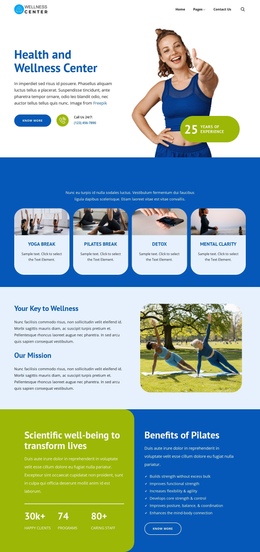
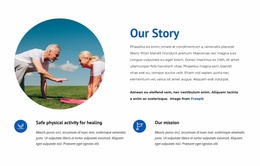
The page’s section order creates several meaningful stops within one document. The hero introduces the Health and Wellness Center, then the four-card Well Being Programs section gives visitors an early destination for Yoga Break, Pilates Break, Detox, and Mental Clarity. The following mission and Pilates sections deepen the subject without changing pages, allowing a visitor to move from general orientation into the center’s explanation and activity benefits.
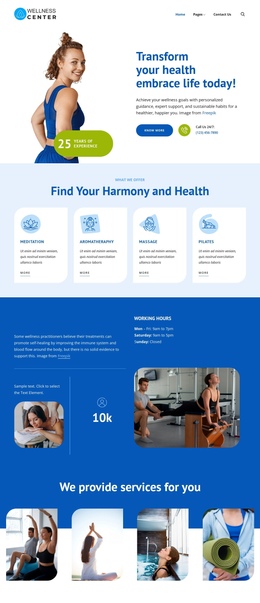
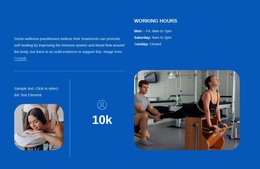
Further down, the service cards and recommended starting points create different navigation purposes. Meditation, Aromatherapy, Massage, and Pilates form one compact service destination, while the starting-points list and working hours provide practical orientation. The six treatment tiles then operate as a broader integrative treatment destination, covering Acupuncture, Moxibustion, Acupressure, Massage, Herbal Medicine, and Reflexology. These groups are distinct enough to support clear labels in a one-page menu without turning every repeated item into a separate destination.
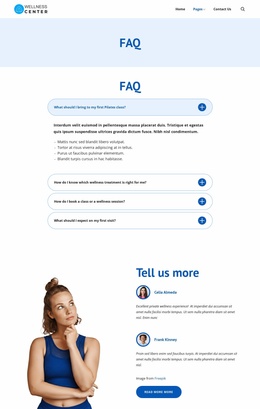
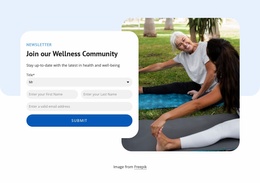
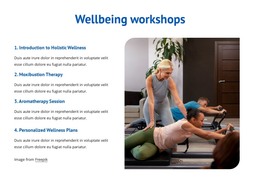
The FAQ, testimonials, capabilities, and workshops continue the content sequence toward participation. Four FAQ rows answer common visit and treatment questions, testimonials add a personal section, and the workshops explain educational offerings. The newsletter form becomes the final active content destination before the footer. Because the major topics remain available in one ordered document, the design works as a one-page structure centered on navigation across multiple information zones rather than only on one conversion action.
Customize with Nicepage
Open this ready-made template in the One Page Template Builder and customize it visually in the Nicepage editor. Replace demo content, edit page sections, and adapt the design to your project without rebuilding the template from scratch.
Build a Navigable One-Page Website
Connect the Menu to Page Sections
Organize the website as a sequence of sections on a single page and use the Menu For One-Page Site to connect menu items with individual page Blocks. Visitors can jump directly to sections such as About, Services, Testimonials, or Contact without opening separate pages.
Keep the Website on One URL
A one-page template can combine several parts of a small website within one continuous page. Arrange the Header, introduction, services, portfolio, company information, reviews, contact details, and other relevant sections in the order that fits the project while keeping them accessible through the same page navigation.
Make Long Pages Easier to Navigate
For longer one-page websites, keep navigation labels short and connected to meaningful sections so visitors can move through the page without relying only on scrolling. You can also use the Back To Top element to provide a quick way back to the beginning after longer sections.
This workflow makes the template suitable for compact websites that need several distinct content sections while keeping the complete visitor experience on one URL.