Running and sports One Page Template


Edit Template Offline
2. Create new page and search for id 20587
Edit Template Online
Create Awesome Websites


Free Nicepage Builder
Keywords
Programs, Activities, and Advice Create Distinct One-Page Destinations
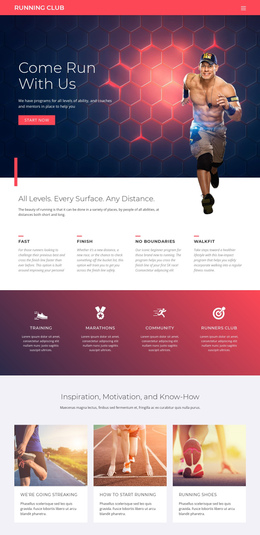
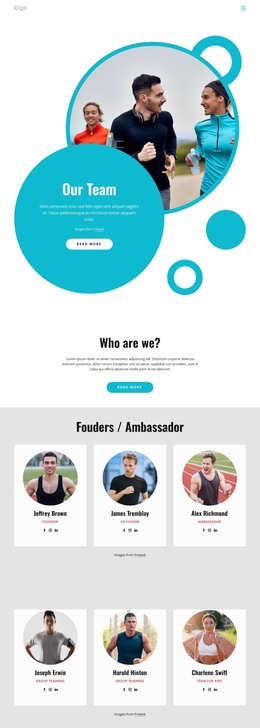
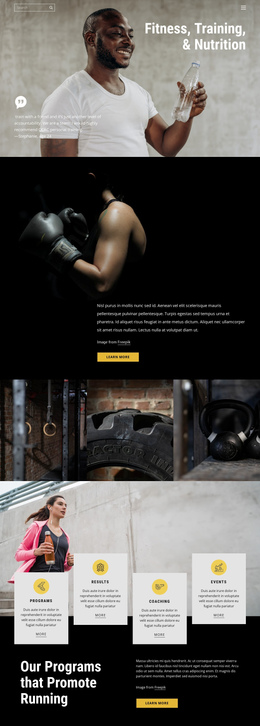
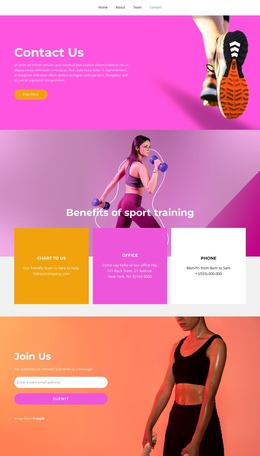
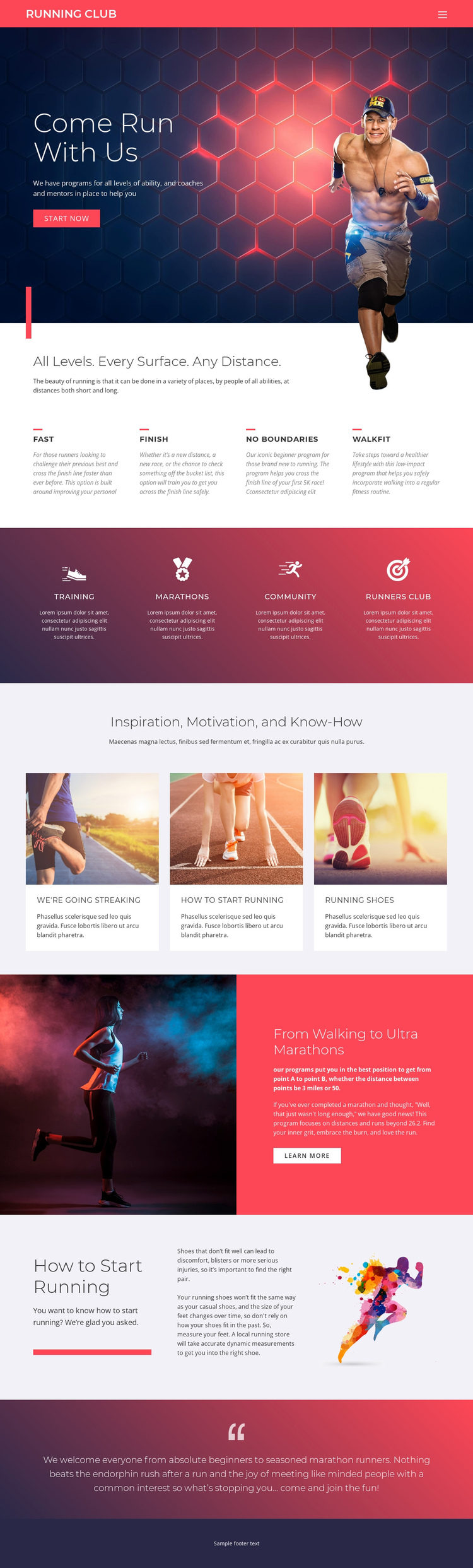
The long page contains several meaningful information zones that can be explored in sequence without separating the running club into unrelated pages. The opening hero establishes the invitation, while the next section gives the program range its own destination through FAST, FINISH, NO BOUNDARIES, and WALKFIT. Visitors can then move to the activity strip, where Training, MARATHONS, Community, and Runners Club explain what participation includes beyond a single running plan.
The three image-led cards create another natural stopping point under “Inspiration, Motivation, and Know-How.” Their repeated format changes the pace from program explanation to educational content. After that, the “From Walking to Ultra Marathons” split section extends the distance story, and “How to Start Running” provides a practical beginner-oriented destination with shoe-fitting advice. The final gradient message returns to the social invitation before the footer closes the continuous document.
This arrangement supports one-page navigation because the sections have distinct roles and recognizable headings, even though they belong to the same page. The visitor’s journey is therefore based on content sequence—invitation, program choice, club activities, learning, distance progression, and practical starting advice—rather than on a single conversion step. The page can remain a unified running club experience while giving each major topic enough separation to be found and revisited.
Customize with Nicepage
Open this ready-made template in the One Page Template Builder and customize it visually in the Nicepage editor. Replace demo content, edit page sections, and adapt the design to your project without rebuilding the template from scratch.
Build a Navigable One-Page Website
Connect the Menu to Page Sections
Organize the website as a sequence of sections on a single page and use the Menu For One-Page Site to connect menu items with individual page Blocks. Visitors can jump directly to sections such as About, Services, Testimonials, or Contact without opening separate pages.
Keep the Website on One URL
A one-page template can combine several parts of a small website within one continuous page. Arrange the Header, introduction, services, portfolio, company information, reviews, contact details, and other relevant sections in the order that fits the project while keeping them accessible through the same page navigation.
Make Long Pages Easier to Navigate
For longer one-page websites, keep navigation labels short and connected to meaningful sections so visitors can move through the page without relying only on scrolling. You can also use the Back To Top element to provide a quick way back to the beginning after longer sections.
This workflow makes the template suitable for compact websites that need several distinct content sections while keeping the complete visitor experience on one URL.