Crossfit training community One Page Template



Edit Template Offline
2. Create new page and search for id 4154503
Edit Template Online
Create Awesome Websites


Free Nicepage Builder
Keywords
Eleven sections create a continuous route from training choice to contact
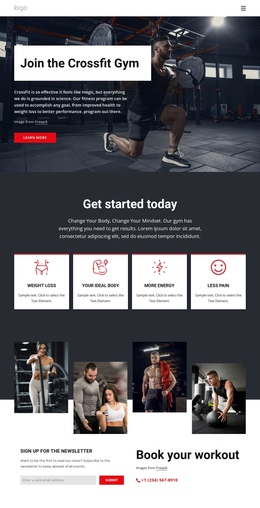
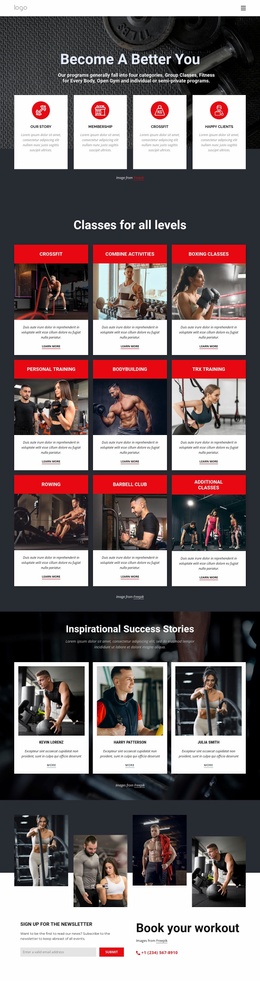
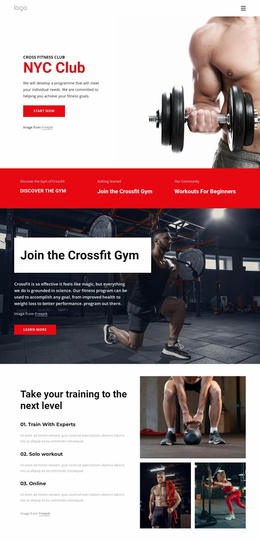
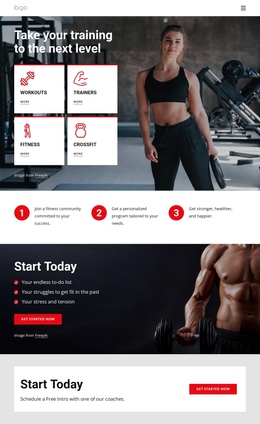
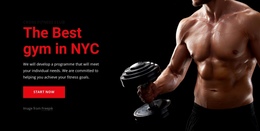
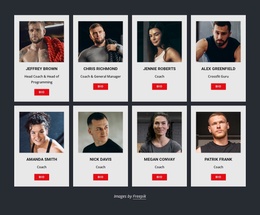
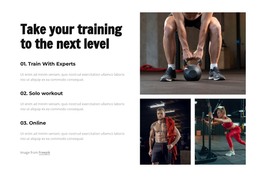
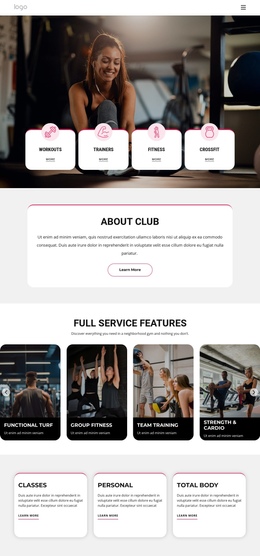
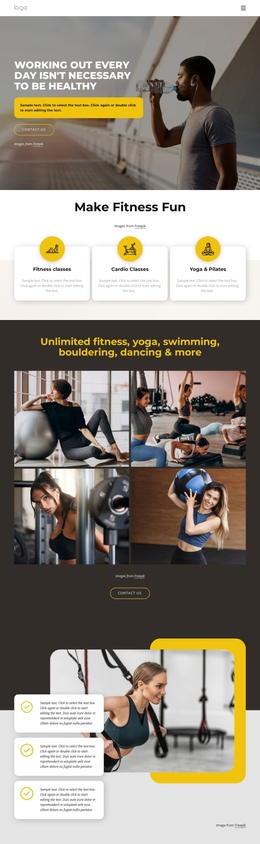
The page has enough distinct information zones to support a navigable one-page experience rather than forcing every message into a single opening panel. The hero introduces the training categories, followed by three numbered steps that explain how the community, personalized program, and desired results relate to one another. Later sections can function as separate destinations for motivation, member feedback, training programs, fitness outcomes, coaching, and contact.
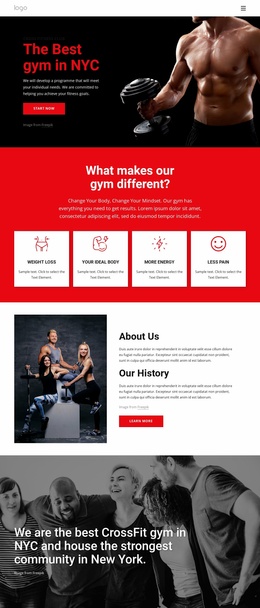
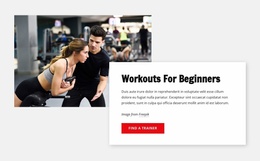
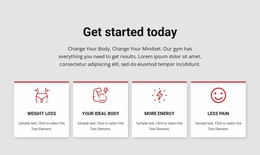
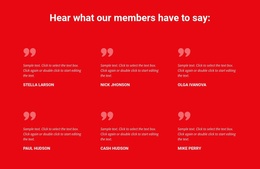
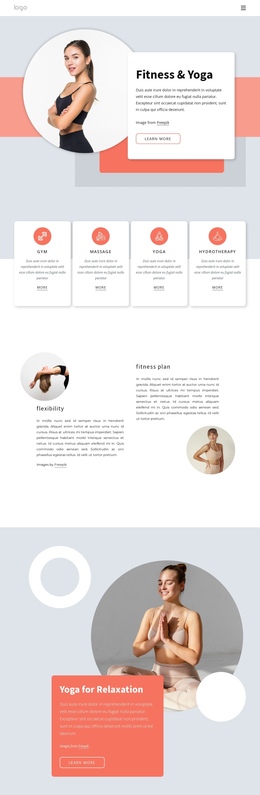
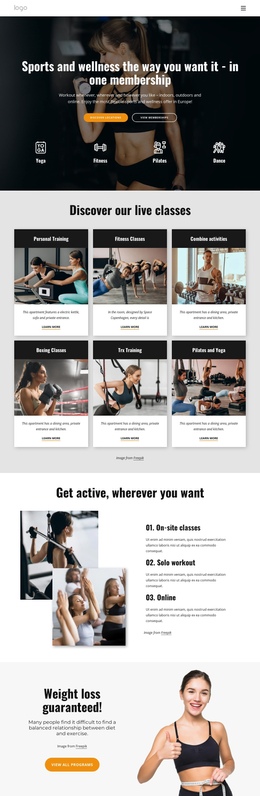
The six testimonial entries create a dedicated proof destination, while the program showcase separates CrossFit, Personalized Training, and Foundations into a clear content group. The four outcome cards then shift the focus from available services to the results visitors may be seeking, including Weight Loss, Your Ideal Body, More Energy, and Less Pain. This sequence supports exploration because each block answers a different question instead of repeating the opening message.
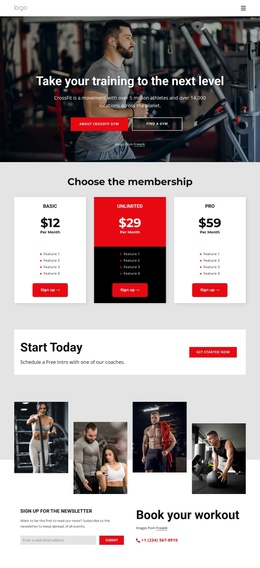
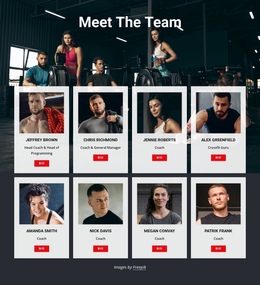
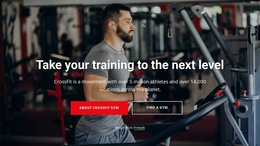
Near the end, the CrossFit information section offers “About Crossfit Gym” and “Find a Gym” actions before the contact area presents newsletter signup and workout-booking information. The phone channel gives the final section a practical role, while the dark footer closes the document without introducing a new content destination. A one-page menu could therefore point visitors to meaningful sections such as programs, testimonials, outcomes, coaching, and contact, while the design itself preserves the complete journey on one URL.
Customize with Nicepage
Open this ready-made template in the One Page Template Builder and customize it visually in the Nicepage editor. Replace demo content, edit page sections, and adapt the design to your project without rebuilding the template from scratch.
Build a Navigable One-Page Website
Connect the Menu to Page Sections
Organize the website as a sequence of sections on a single page and use the Menu For One-Page Site to connect menu items with individual page Blocks. Visitors can jump directly to sections such as About, Services, Testimonials, or Contact without opening separate pages.
Keep the Website on One URL
A one-page template can combine several parts of a small website within one continuous page. Arrange the Header, introduction, services, portfolio, company information, reviews, contact details, and other relevant sections in the order that fits the project while keeping them accessible through the same page navigation.
Make Long Pages Easier to Navigate
For longer one-page websites, keep navigation labels short and connected to meaningful sections so visitors can move through the page without relying only on scrolling. You can also use the Back To Top element to provide a quick way back to the beginning after longer sections.
This workflow makes the template suitable for compact websites that need several distinct content sections while keeping the complete visitor experience on one URL.